NOVA chat User’s Guide Page 136
Taking Pictures
From the home screen or Apps folder, tap the Camera shortcut .
Using the display as a viewfinder, compose your photo by aiming the
lens at the subject.
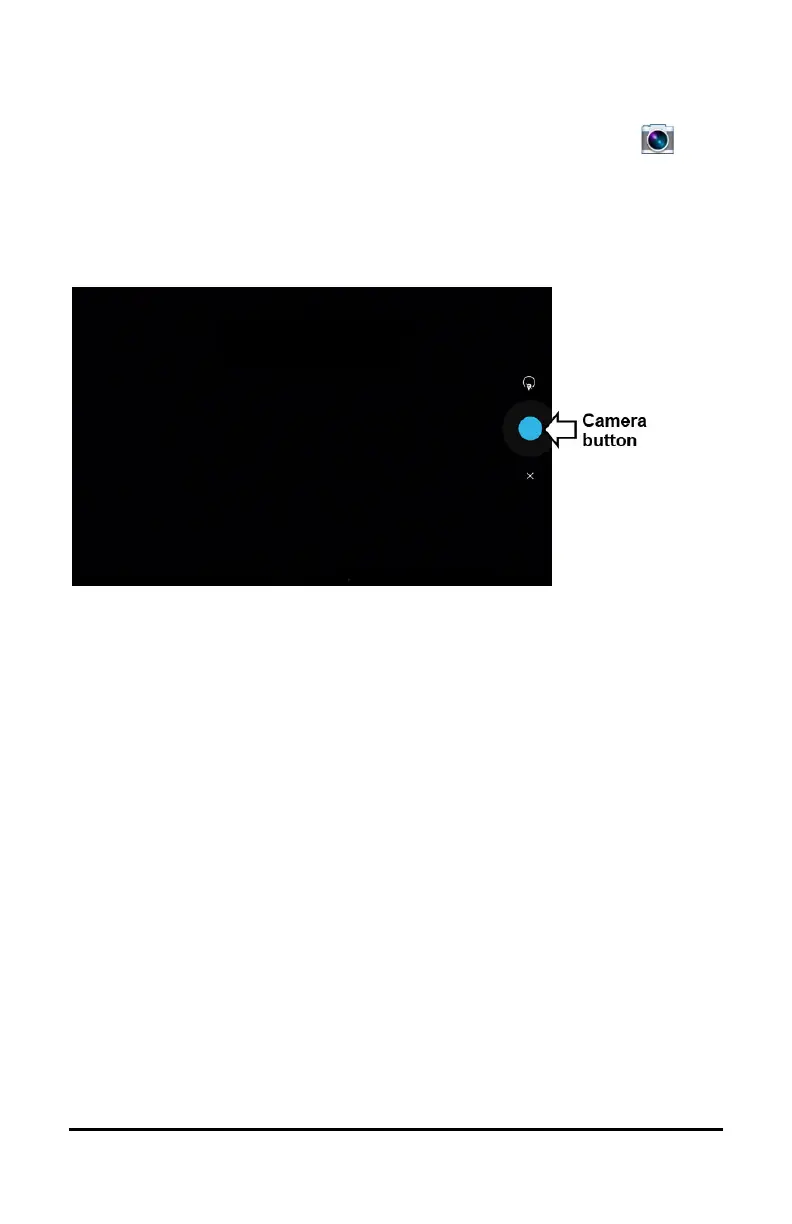
To take the photo, tap the Camera button.
Note: The Camera button may look different on your device.



 To Next Page