NOVA chat User’s Guide Page 134
Clearing Usage Data
To clear usage data for a person:
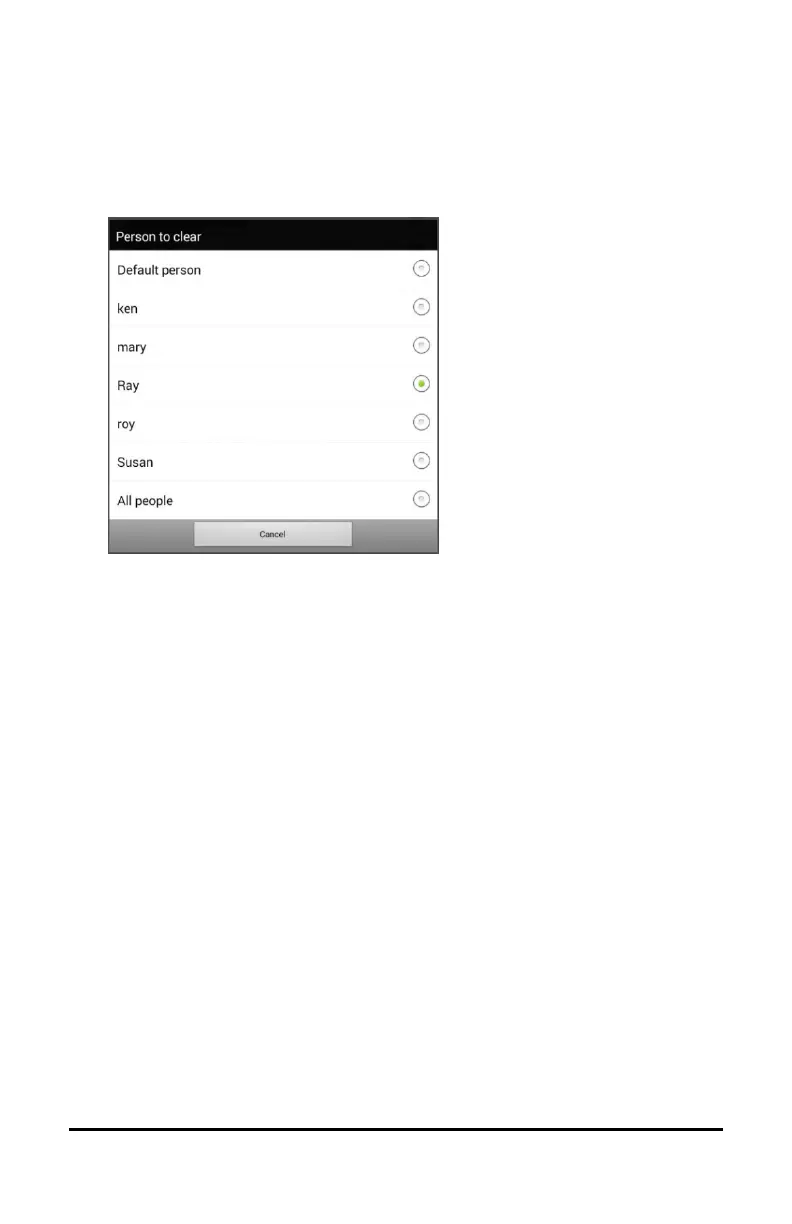
1. Choose Clear Log from the Data Logging menu. The Person to Clear
window will be displayed.
2. Choose the person whose usage data you want to clear.
Note: A green dot will appear to the right of the person who is
selected currently. You can choose that person, a different person,
or All People.
3. When you select a person, the following confirmation prompt will
appear: “Clear log for [person]?”
4. Choose Yes.



 To Next Page