NOVA chat User’s Guide Page 64
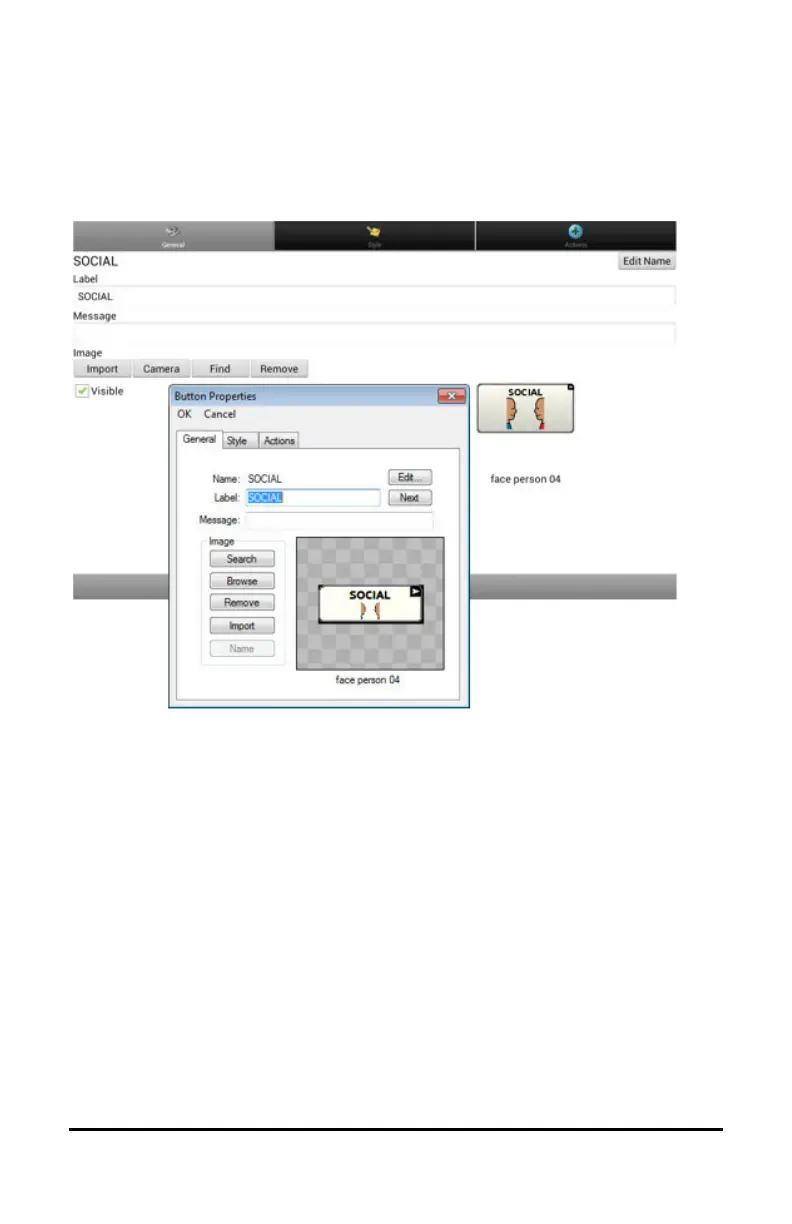
Adding or Modifying a Button Image
Choose Menu > Edit Mode. Then press and hold on the button. (Right-
click if you are using the Editor.) A menu will open. Choose Edit Button
to display the Button Properties.
Choose the image you want to use. To locate the image, you can choose
Find, Browse, Search, or Import. You can also use the Camera function
to create your own image.



 To Next Page