NOVA chat User’s Guide Page 110
Delete Subgroups
Delete all the subgroups for the selected group.
1. Tap the group you want to delete.
2. Select Delete Subgroups.
3. All subgroups for the group will be deleted.
Delete Group and Subgroups
Delete the selected group and all its subgroups or delete the selected
subgroup and all its subgroups.
1. Tap the group you want to delete.
2. Select Delete Group and Subgroups.
3. The group and its subgroups or the subgroup and its subgroups will
be deleted.
Creating a Custom Scan Pattern
1. Go to a vocabulary page.
2. Choose Menu > Edit Mode > Pages.
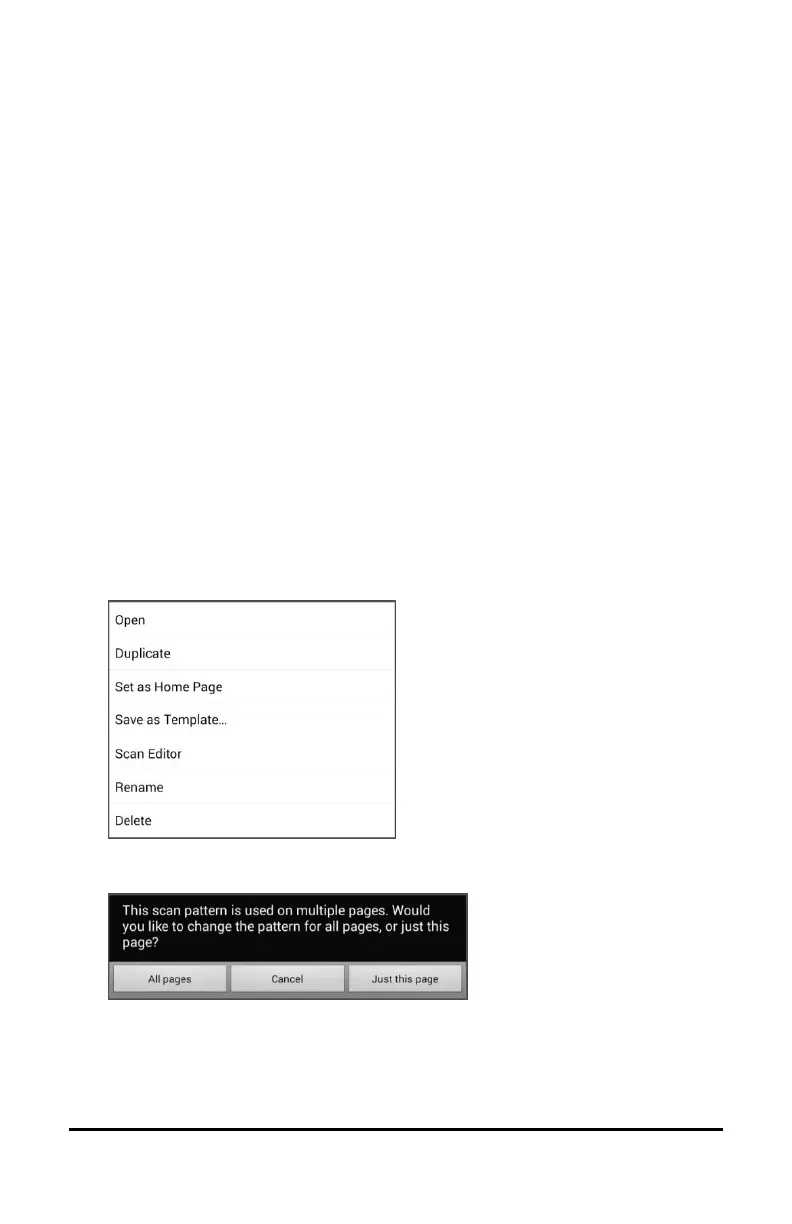
3. Choose a page. The following menu will open:
4. Choose Scan Editor. The following prompt will be displayed:
5. Select either All pages or Just this page. The Scan Editor will open at
the default top level.
6. Top Level (Default) is selected and the Scan Editor menu options
appear in the lower left corner.



 To Next Page