NOVA chat User’s Guide Page 95
Selecting the Scan Pattern
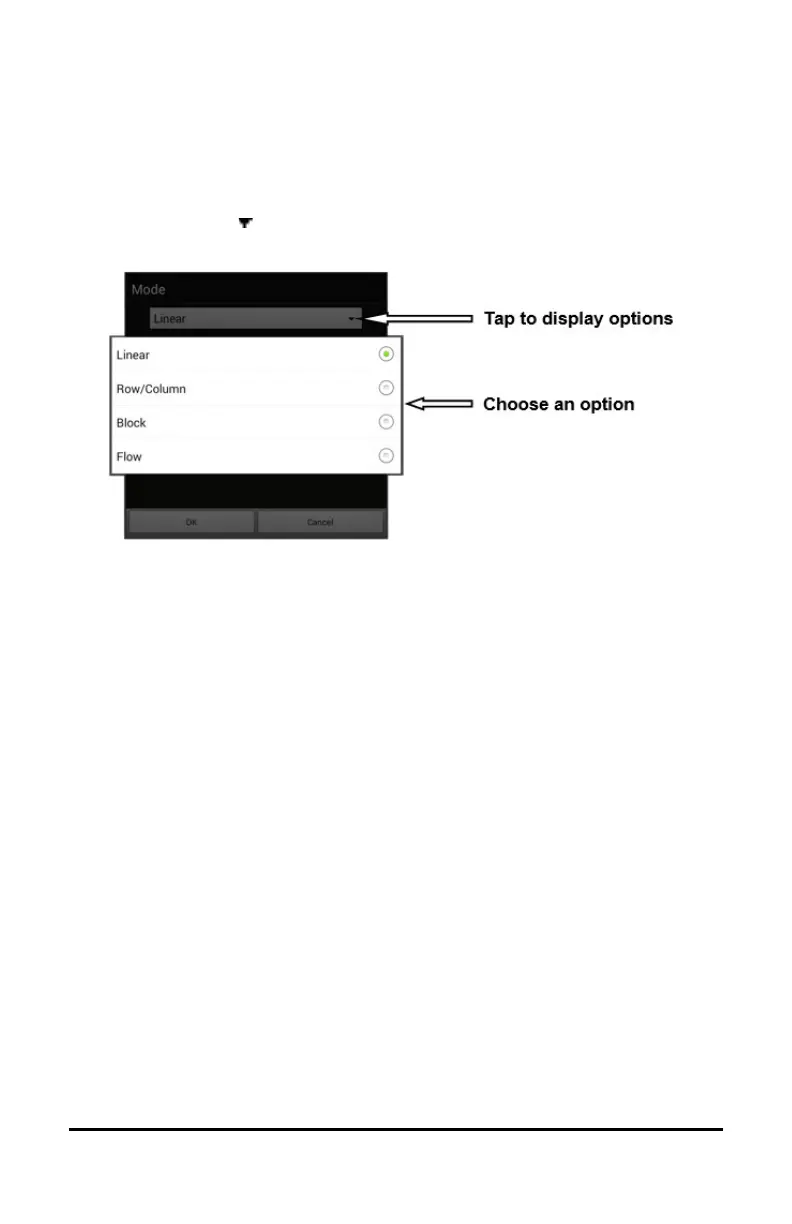
To select the scan mode:
1. Choose Menu > Settings > Input > Scanning > Patterns > Mode. The
Mode window will be displayed.
2. Tap the arrow to the right of the currently selected mode. A menu
of mode options will be displayed.
3. Choose Linear, Row/Column, Block, or Flow.
4. If you select Block or Flow, see “Using Block Scan Mode” on page 98
or “Using Flow Scan Mode” on page 99 for details.
5. Choose OK.



 To Next Page