NOVA chat User’s Guide Page 22
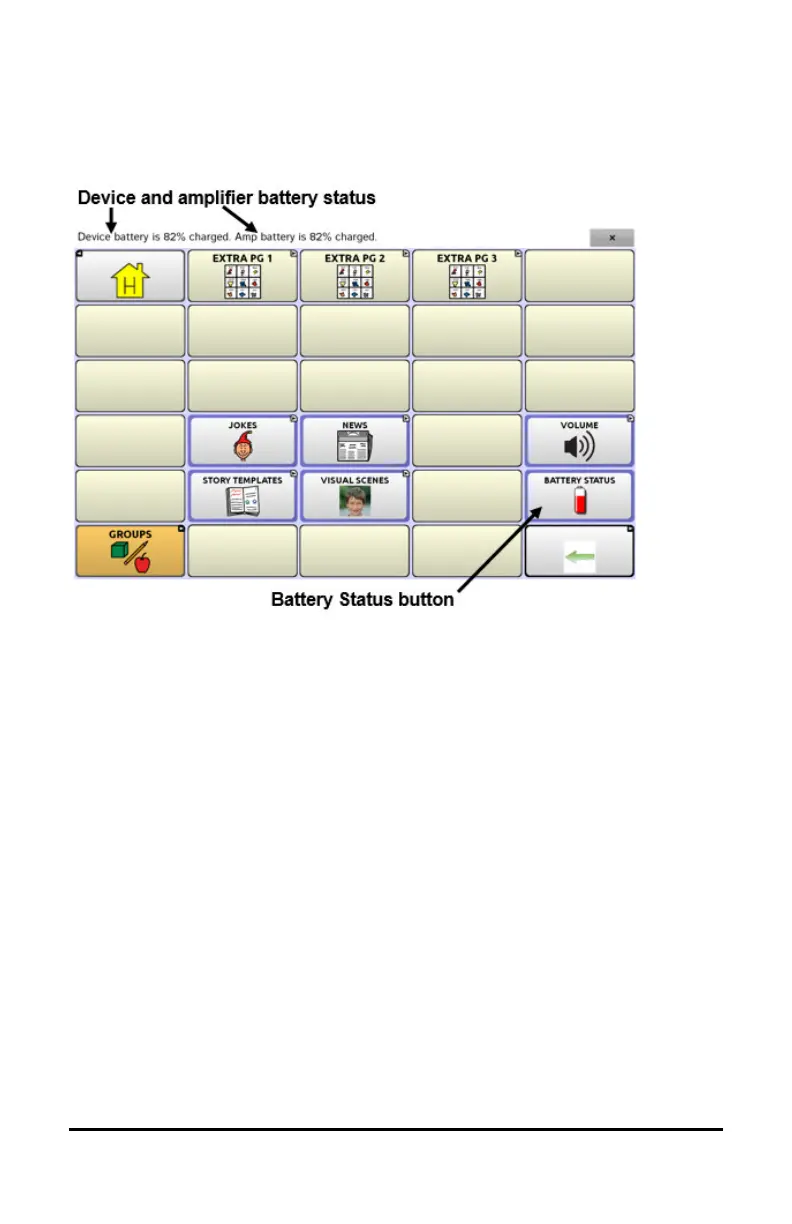
Any time you choose this button, the application will speak the battery
status of the device and the amplifier and display the information in the
Speech Display Bar (SDB).
For additional information on creating a button action, see “Adding or
Modifying a Button Action” on page 74.



 To Next Page