119
7
Camera
In More Tools
Icon Description
To adjust Brightness level.
To adjust Contrast level.
To adjust the image sharpness.
To adjust the blur level.
To flip or mirror the image.
To adjust the image scale.
Rotate the image.
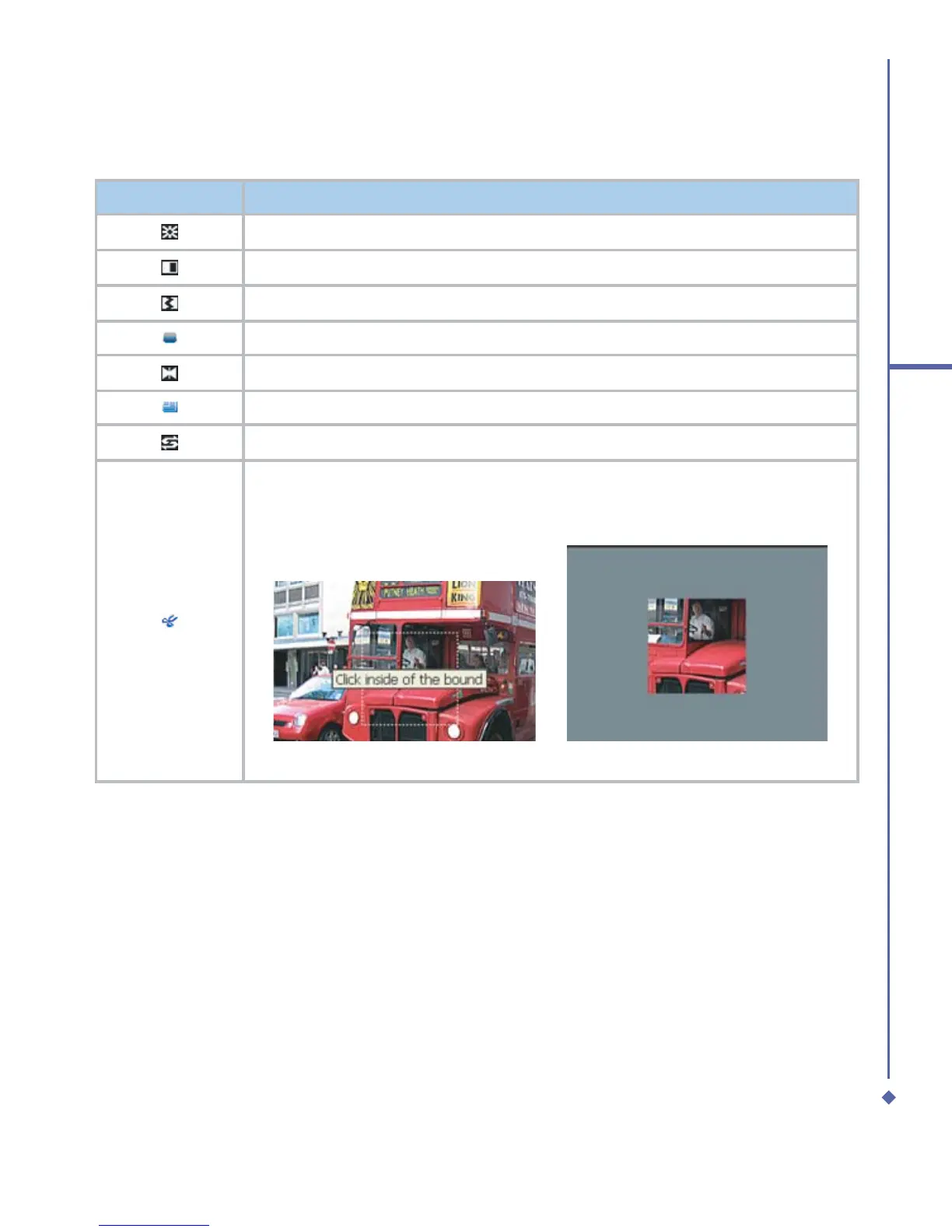
Crop the image. First, select a rectangle on the needed area and then click on
this area. When Crop function is selected, other icons will be dimmed till the
action is completed or aborted.
Before crop
After crop


 To Next Page
 Loading...






