24
• A (hold) - to scroll upward through Minute Set Points at a
rate of 8 per second from :00 to :59 in increments of :01
(min).
• A (< 2 sec) - to step upward through Set Points one at a
time.
• M (< 2 sec) - to step back through Set Points one at a time.
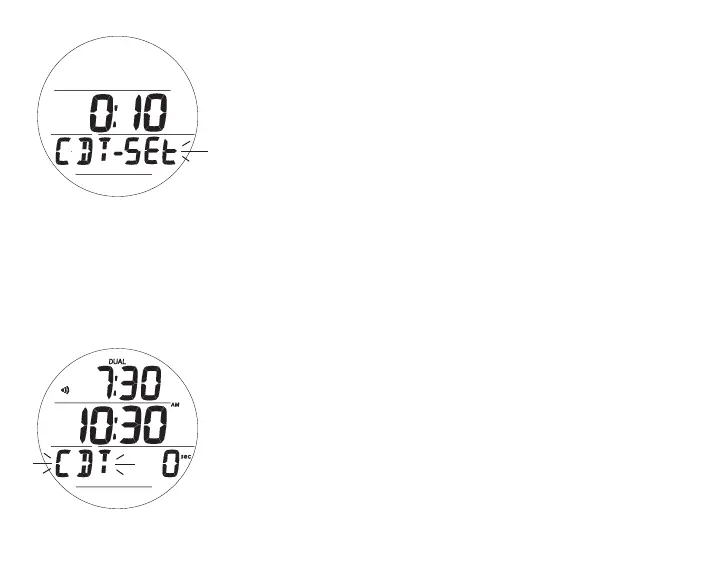
• S (< 2 sec) - to save the CDT Set Point and revert to the
CDT Status screen with the graphic SEt flashing (Fig. 11).
> Selecting ON will then start the countdown and revert to the Lead-in
screen.
> Selecting OFF will save the setting and revert to the Lead-in screen.
The CDT will run in the background, while in Watch mode, until
it counts down to 0:00, or it is set OFF, or DC Mode is accessed
or a Dive is started in which case the countdown will terminate
and revert to OFF.
When a set Countdown Time reaches 0:00, the Audible Alarm
will sound during which time the graphic CDT will flash on the
Watch Main Time screen (Fig. 12).
Fig.11-CDTSTATUS
(afterbeingset)
Fig.12-WATCHMAIN
(duringCDTalarm)



 To Next Page