97
When a set Countdown Time reaches 0:00, the audible will
sound during which time the graphic CDT will be displayed
flashing on the Surface or Dive Main until the audible is silent.
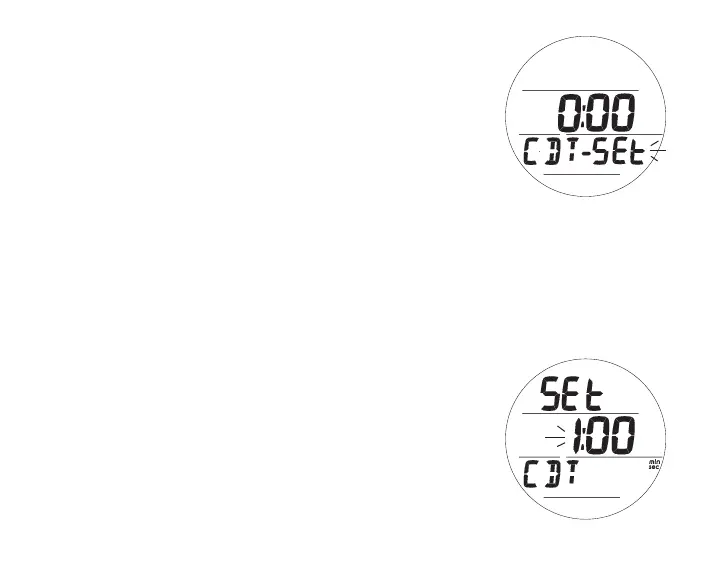
Set CDT, information includes (Fig. 113):
> Graphics SEt and CDT
> CDT (min:sec) with Minute digits flashing
> min and sec icons
• A (hold) - to scroll upward through Minute Set Points at a
rate of 8 per second from 0: to 59: in increments of 1:
(min).
• A (< 2 sec) - to step upward through Set Points one at a
time.
• M (< 2 sec) - to step back through Set Points one at a time.
• S (< 2 sec) - to save the Minute Set Point and flash the
Seconds digits.
• A (hold) - to scroll upward through Seconds Set Points at a
rate of 8 per second from :00 to :59 in increments of :01
(sec).
• A (< 2 sec) - to step upward through Set Points one at a
time.
• M (< 2 sec) - to step back through Set Points one at a time.
• S (< 2 sec) - to save the CDT Set Point and revert to the CDT
Status screen with OFF flashing.
Fig.114-SETCDT
Fig.113-CDTSTATUS
(toaccessSet)



 To Next Page