10 Conducting the Examination with a Computer/Laptop
28 / 86 Instruction Manual Mesotest II (G/62800/0715/en)
10 Conducting the Examination with a Computer/Laptop
Here, you will find information about:
How to use the examination menu, sec. 10.1, page 28
How to change settings, if necessary, sec. 10.2, page 31
How to conduct an examination, sec. 10.3, page 36
10.1 Using the Examination Menu
The general use of the examination menu is explained in this chapter.
Start the Patient Data Management, sec. 10.3.1, page 37.
If necessary, press the [Mesotest II] button to start the Mesotest II
programme.
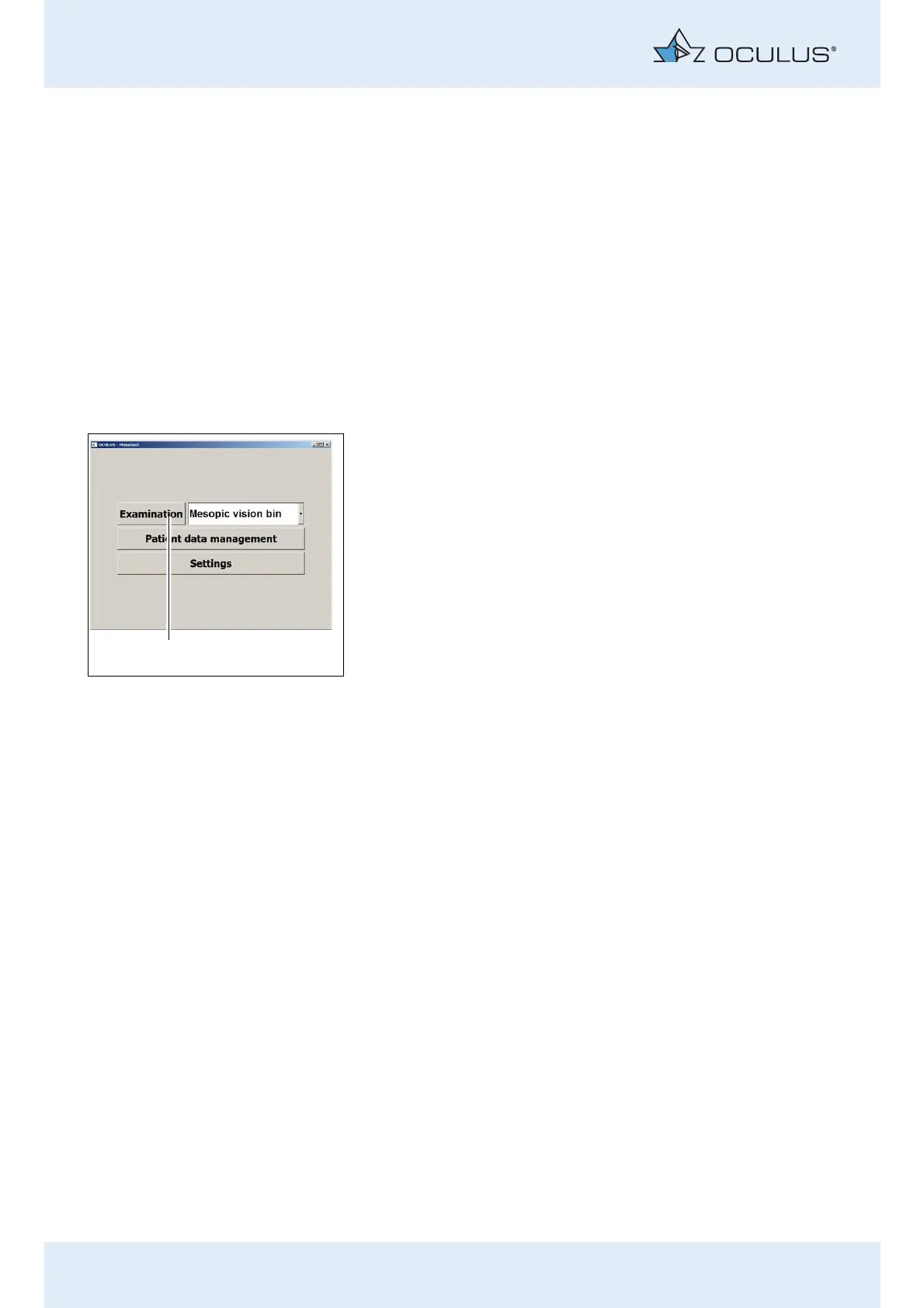
Press the button [Examination] (1) to start an examination.
Fig. 10-1: Menu “Mesotest II“



 To Next Page