13 Cleaning, Disinfection and Maintenance
Instruction Manual Mesotest II (G/62800/0715/en) 71 / 86
13.4.1 Exchange Viewer Enclosure
If the viewer enclosure (1) is worn or is very dirty, you can exchange it.
Required Materials
Soft cloth as underlay
New viewer enclosure (Order number 016280001003)
Proceed as follows:
Turn the Mesotest II off, sec. 7.5, page 19.
Unplug the power cord.
Lay the Mesotest II on its back.
Note:
Risk of damaging the viewer glass if the unit is put down incorrectly
Lay the Mesotest II on its back only. Use the soft cloth as an
underlay.
Removal:
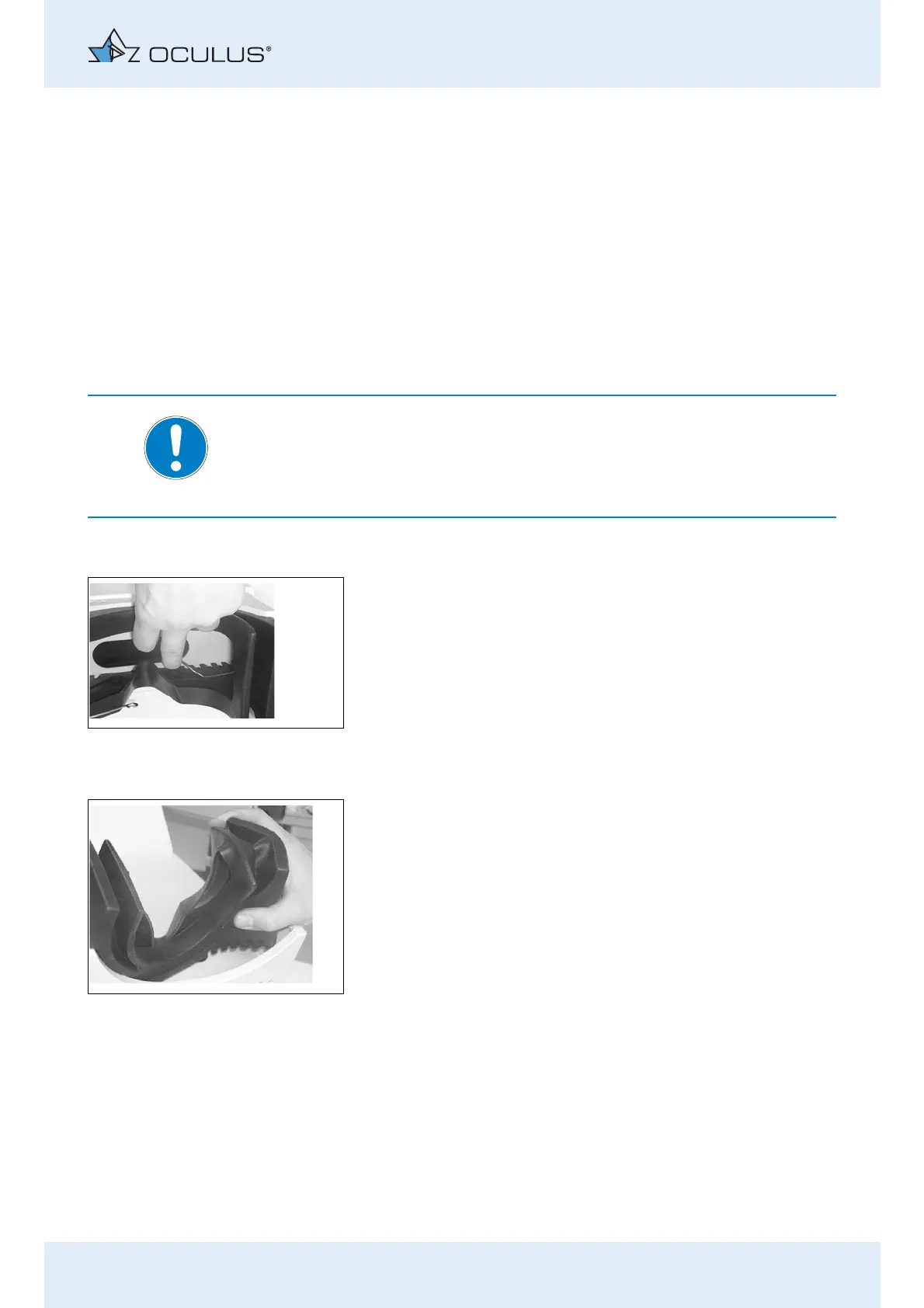
Remove the yoke springs:
To do this, take hold of the yoke springs one after the other at
the two round ends and unhook the spring ends from the rubber
part by pulling them outwards.
Then fully remove the yoke spring from the top guide groove.
Then press the viewer enclosure out of its guide groove.
Take hold of one side of the viewer enclosure and pull it out.
Insertion:
Compress the viewer enclosure vertically and insert it into the frame
of the housing halfshell.
Starting at one side, press the groove of the viewer enclosure into
the frame.
Fig. 13-2: Removing the yoke springs
Fig. 13-3: Removing the viewer enclosure



 To Next Page