11 Editing the Examination Programmes
Instruction Manual Mesotest II (G/62800/0715/en) 51 / 86
Add a test step
To add another test step to the examination programme:
Press the [Add] button.
You can now edit the added test step in the described manner.
Save examination programme
Enter a name for the created examination programme.
Press the button [Save] to save your examination programme.
The newly created examination programme is displayed in the list of
activated and deactivated examination programmes. It is auto-
matically set to active, sec. 11.1, page 47.
11.3 Edit Examination Programme
Mesotest II > Settings > Edit programmes
You can only edit or delete those examination programmes that were
created as user-defined ones.
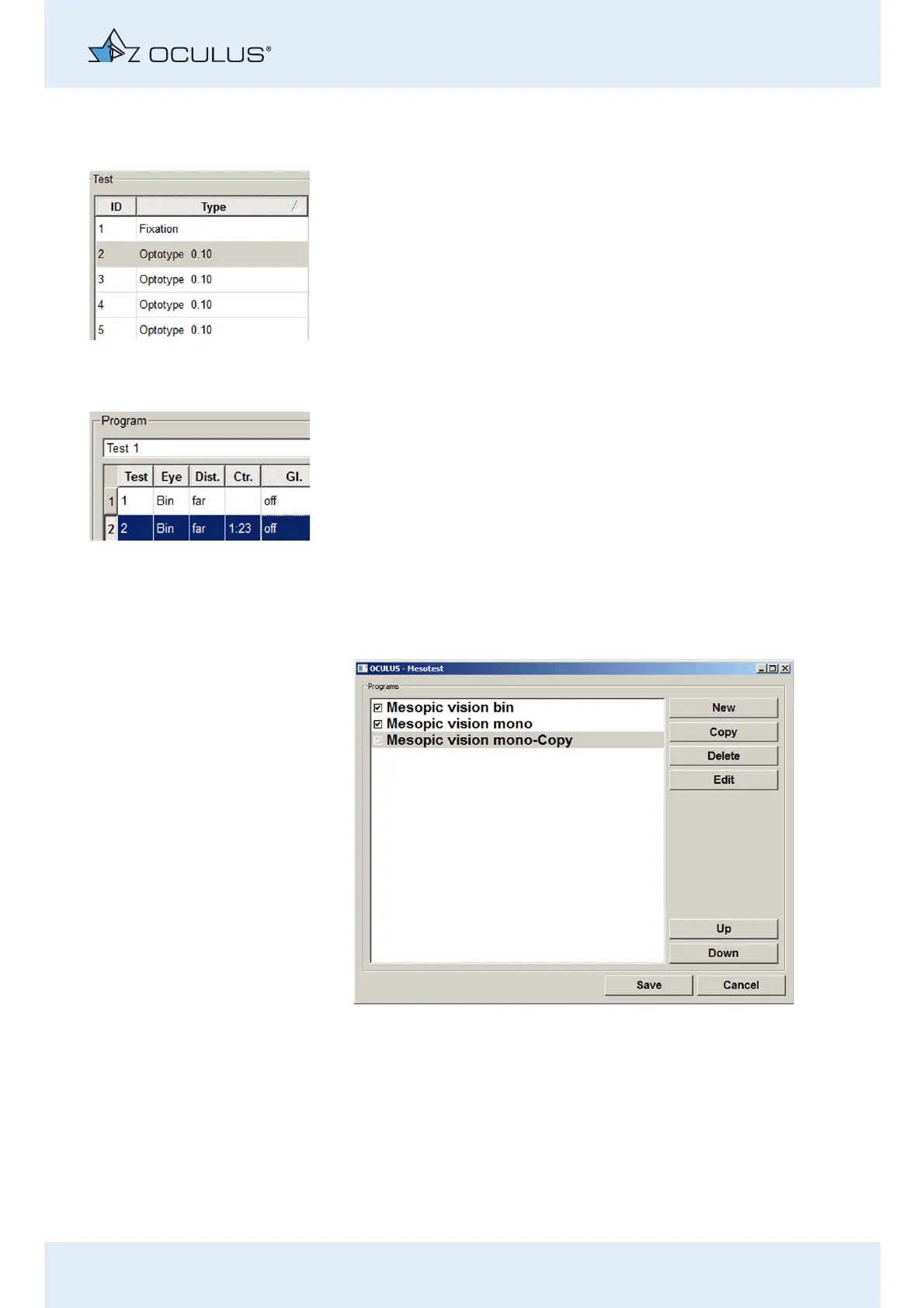
Select an examination programme.
When you select an examination programme that has already been edited
or a newly created programme, the buttons [Edit] and [Delete] are
displayed.
Fig. 11-4: List of activated/deactivated examination programmes.



 To Next Page