11 Editing the Examination Programmes
Instruction Manual Mesotest II (G/62800/0715/en) 47 / 86
11 Editing the Examination Programmes
With the Mesotest II, you can
Compile a custom selection list of examination programmes,
sec. 11.1, page 47
Create a new, custom examination programme, sec. 11.2, page 48
Edit an examination programme that you created, sec. 11.3, page 51
11.1 Compilation of a Custom Selection List of Examinations
Mesotest II > Settings > Edit programmes
This function acts on the display in the selection list for the examination
programmes.
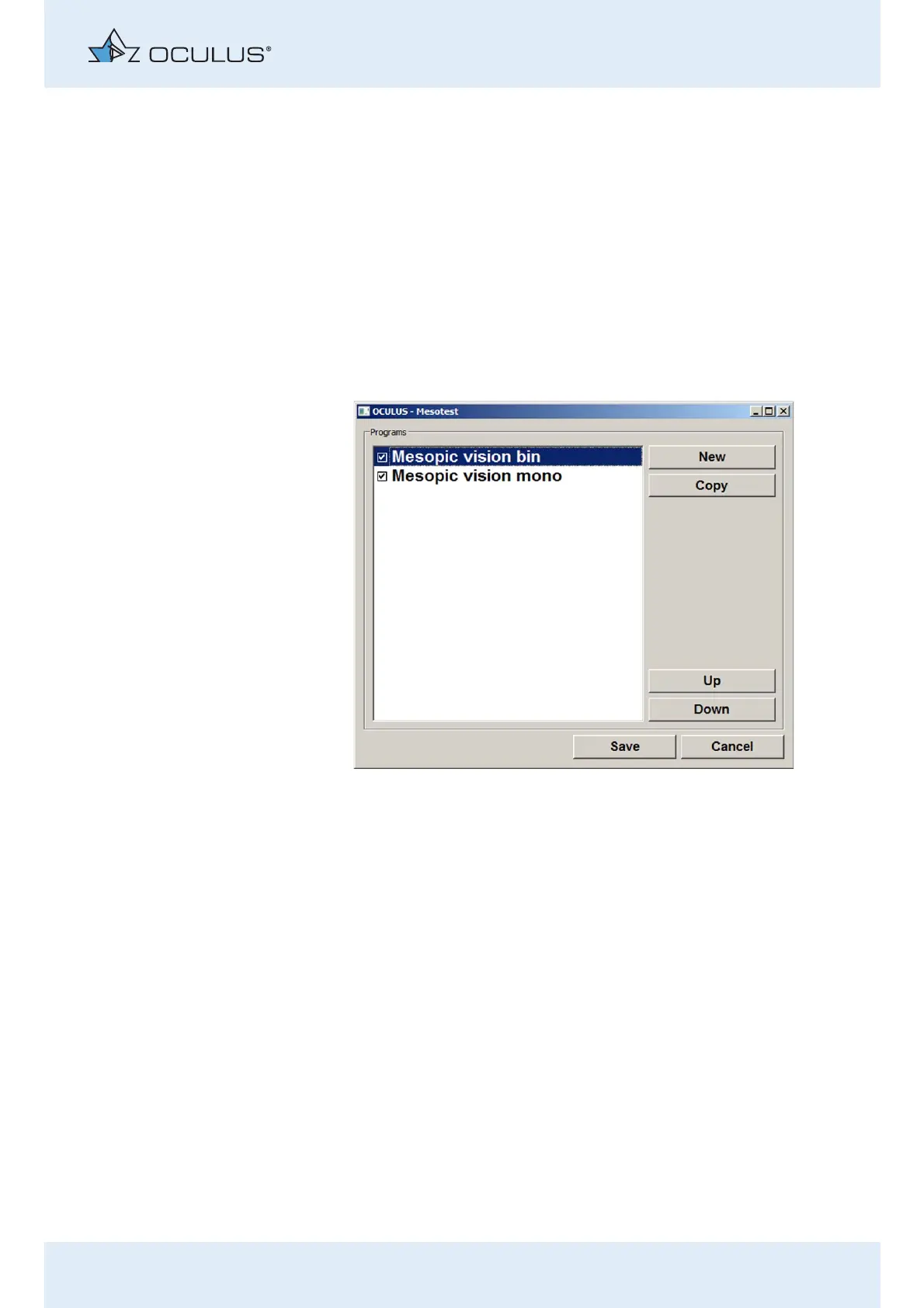
You can activate and deactivate the wanted examination programmes
and can change the order in which they are displayed here.
Activate/deactivate examination programme
Activate/deactivate the checkbox for the wanted examination
programme.
Press the [Save] button.
The selection list is adapted accordingly.
Fig. 11-1: Activation of an examination programme



 To Next Page