11 Editing the Examination Programmes
48 / 86 Instruction Manual Mesotest II (G/62800/0715/en)
Change order
Select an examination
Press the [Up] or [Down] button as many times as necessary until the
examination has moved to the wanted position.
Press the [Save] button.
The selection list is adapted accordingly.
11.2 Create A New Examination Programme
Mesotest II > Settings > Edit programmes
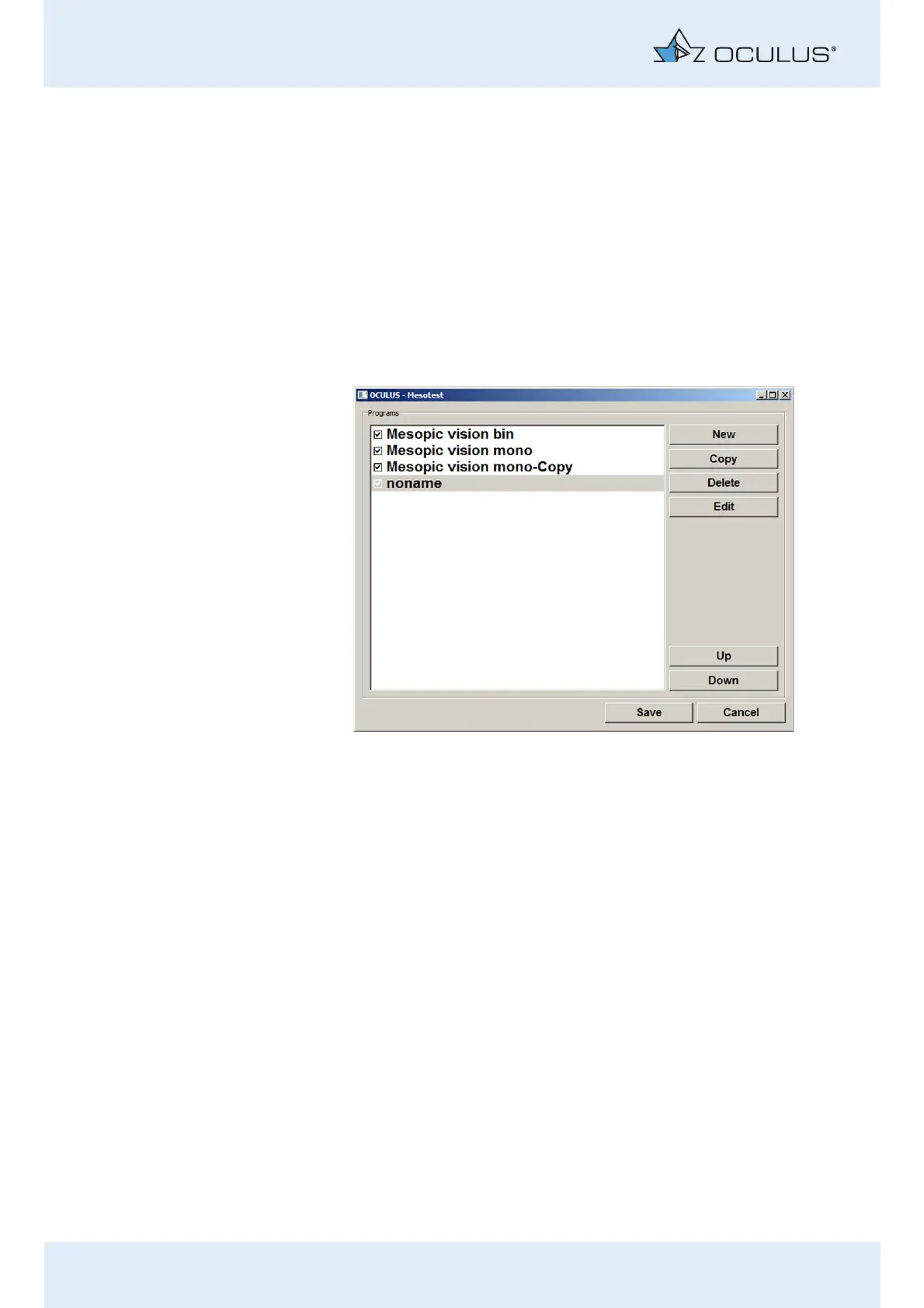
Press the [New] button.
A new programme appears at the end of the list under the name
„noname“. The [Delete] and [Edit] buttons appear.
Fig. 11-2: List of activated/deactivated examination programmes.



 To Next Page