12 Patient Data Management
66 / 86 Instruction Manual Mesotest II (G/62800/0715/en)
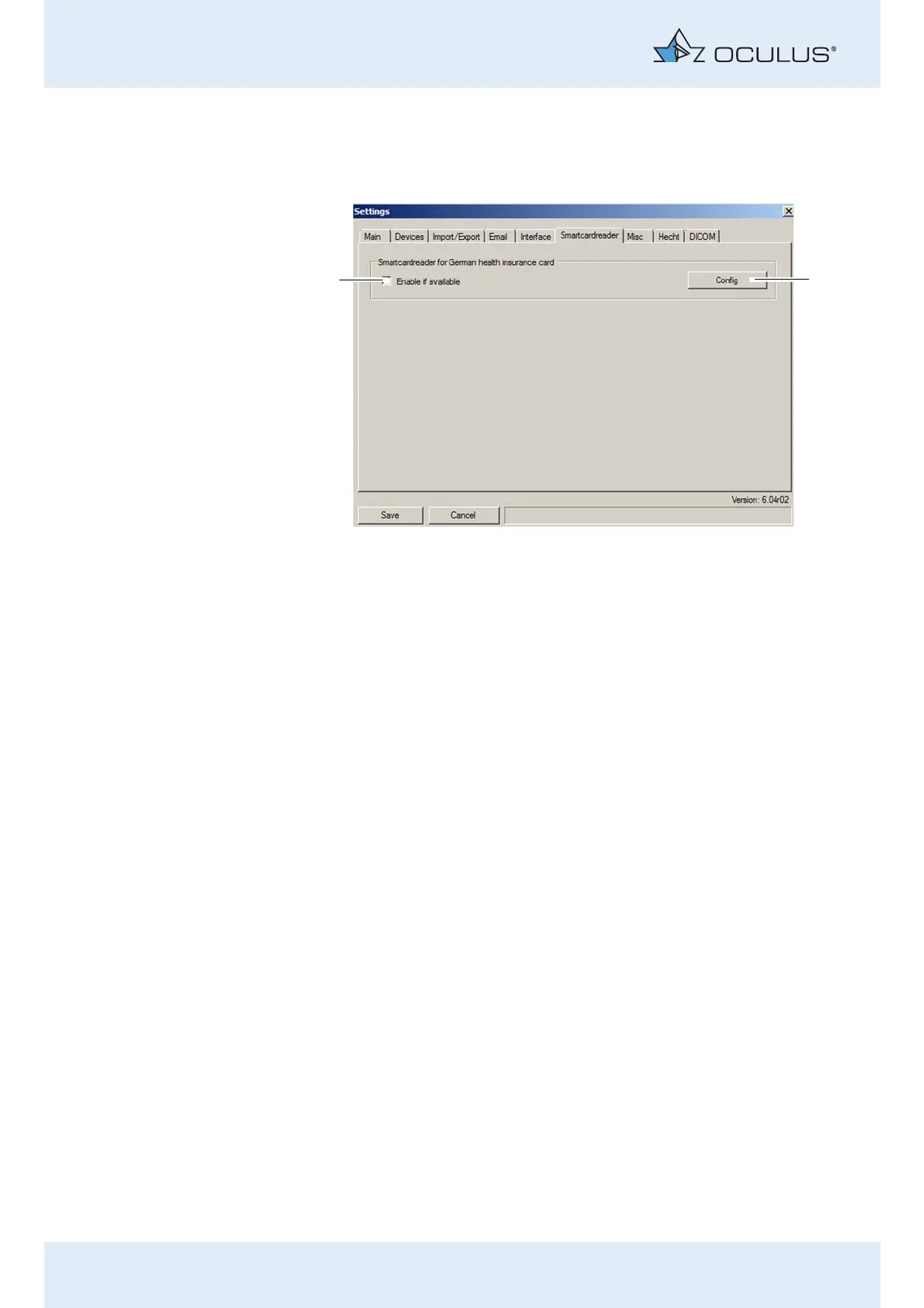
12.5.6 "Smartcardreader" tab
You can configure a smartcard reader on this tab to be able to directly
import patient data from the patient's insurance card into the Patient
Data Management user interface. First, you have to configure the
smartcard reader (usually only once).
Press the [Config] button (2). A page appears for you to select the
type of smartcard reader you are using.
Select the [Enable if available] checkbox (1) to enable the smartcard
reader.
1 [Config] button 2 [Active] checkbox
Fig. 12-12: "Smartcardreader" tab



 To Next Page