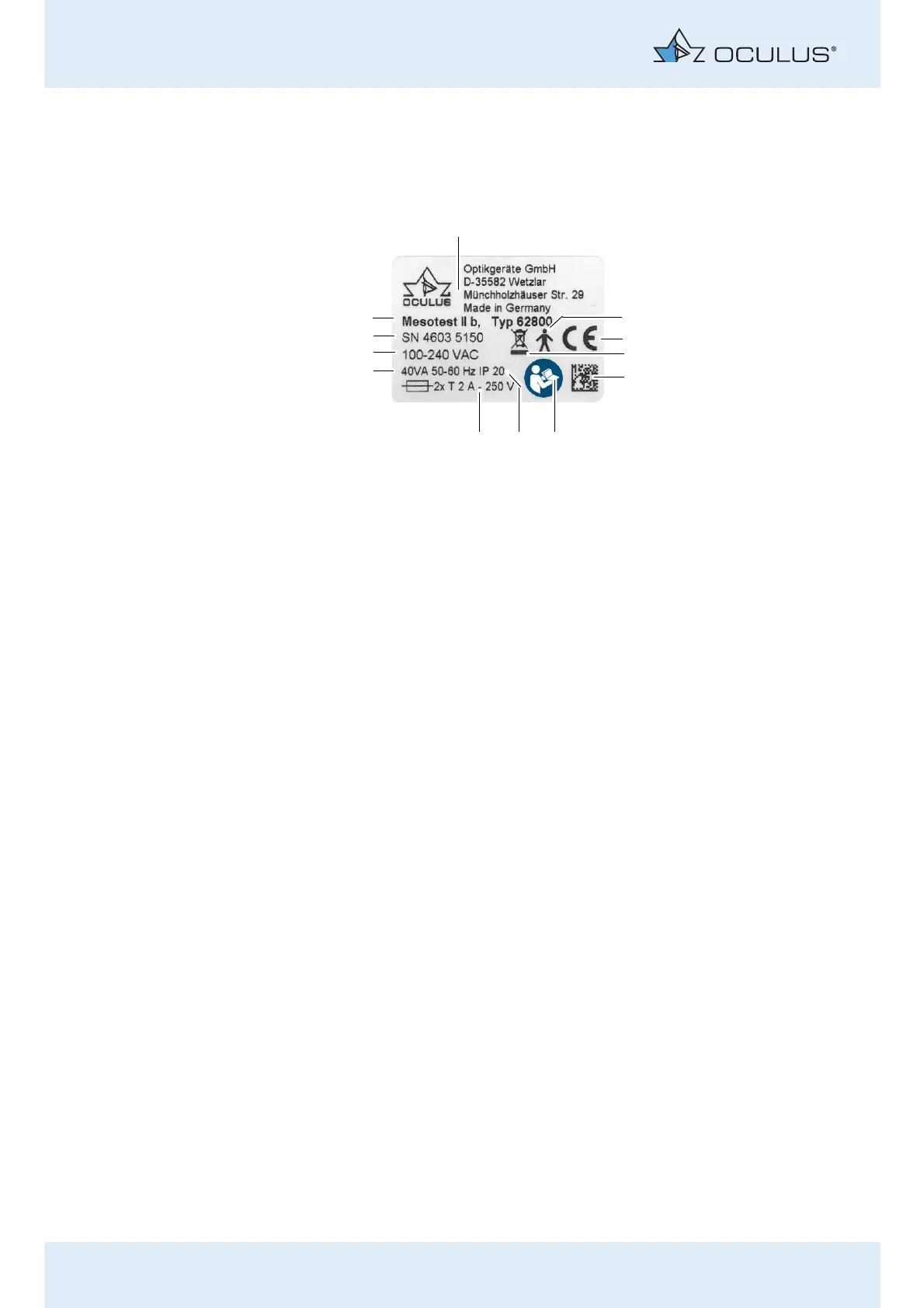
2 Graphic Symbols on the Equipment
2 / 86 Instruction Manual Mesotest II (G/62800/0715/en)
2 Graphic Symbols on the Equipment
3 Information about the Documentation
3.1 Structure of the Documentation
A folder containing a set of documentation is supplied with your Mesotest
II:
Instruction Manual: The design of the unit is described in detail in
this document. The instruction manual also gives you general infor-
mation about working with the Patient Data Management system
and all safety-related instructions for use of the Mesotest II.
Software Installation: The introduction to the Software Installation
describes how to install the Mesotest II software and the associated
drivers.
If you work with a floating license key, the respective instruction manual
explains how you can use the Mesotest II within a network.
1 Company logo + address 7 Protection class
2 Applied part, type B 8 Fuses
3 CE 9 Voltage, frequency
4 Disposal with household waste is
prohibited
10 Electric energy consumption
5 Matrix 11 Serial number of the device
6 Follow operating instructions 12 Device name, Article number
Fig. 2-1: Figure legend



 To Next Page