12 Patient Data Management
58 / 86 Instruction Manual Mesotest II (G/62800/0715/en)
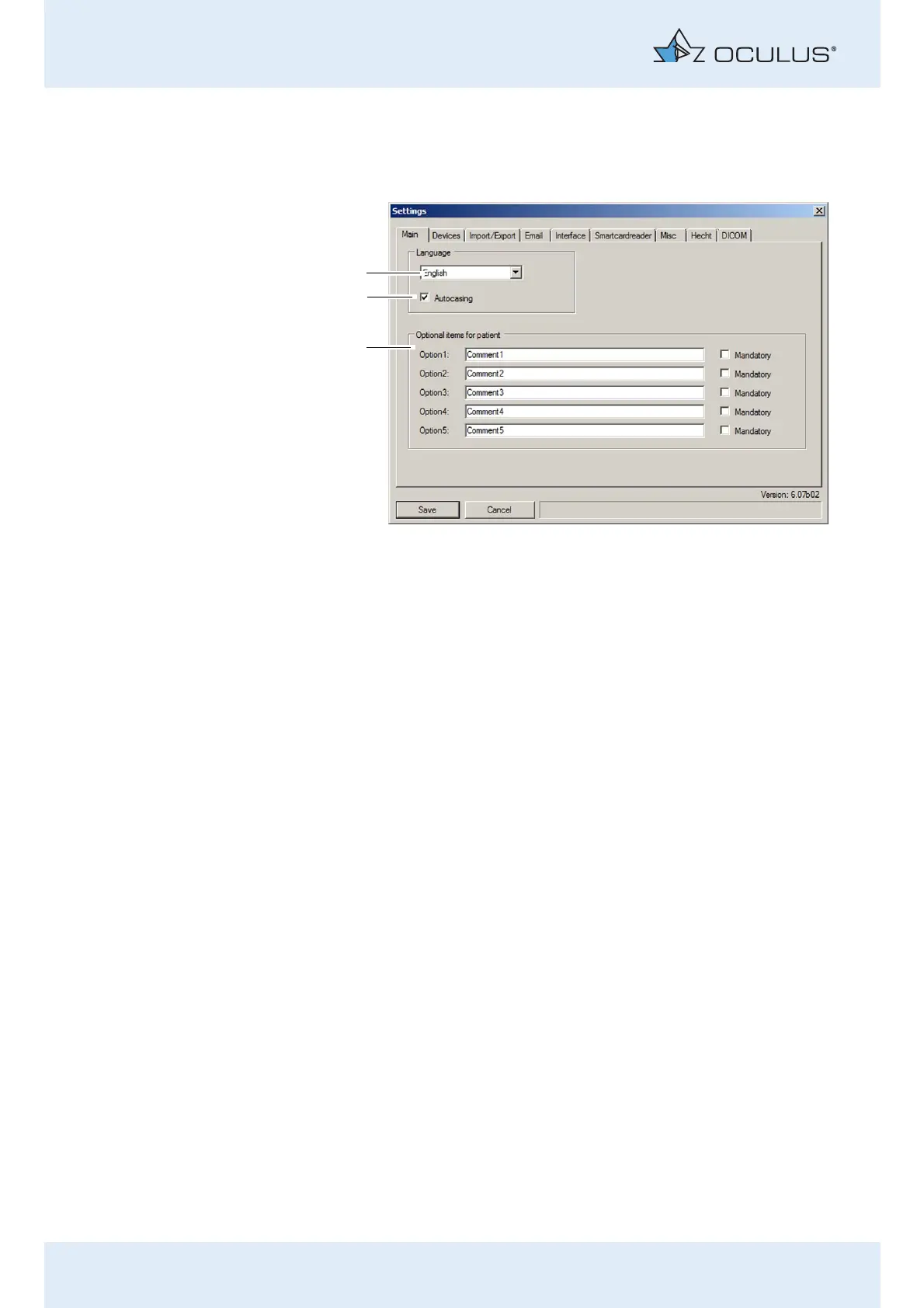
12.5.1 "Main" tab
"Language" box
Select the language to be used to display the Patient Data
Management user interface from the "Language" drop-down list (1).
Enable the [Autocasing] checkbox (2) as required. If the checkbox is
active, the first letter of a patient's first and last name are always
converted to capital letters.
"Optional items for patient" box
Besides the five standard attributes of first name, last name, date of birth,
gender, and ID, up to five additional attributes can be freely defined.
Enter the identifiers for the attributes in the fields Option 1 to 5, for
example, "Comments".
To be able to carry out entries for the newly defined attributes, proceed
as follows:
Click with the right mouse button on the patient list and open the
associated context menu.
1 "Language selection" drop-down list 3 Optional patient entries
2 Checkbox [automatic upper case
/lower case]
Fig. 12-5: "Settings" screen, "Main" tab



 To Next Page