7 Initial Operation
Instruction Manual Mesotest II (G/62800/0715/en) 17 / 86
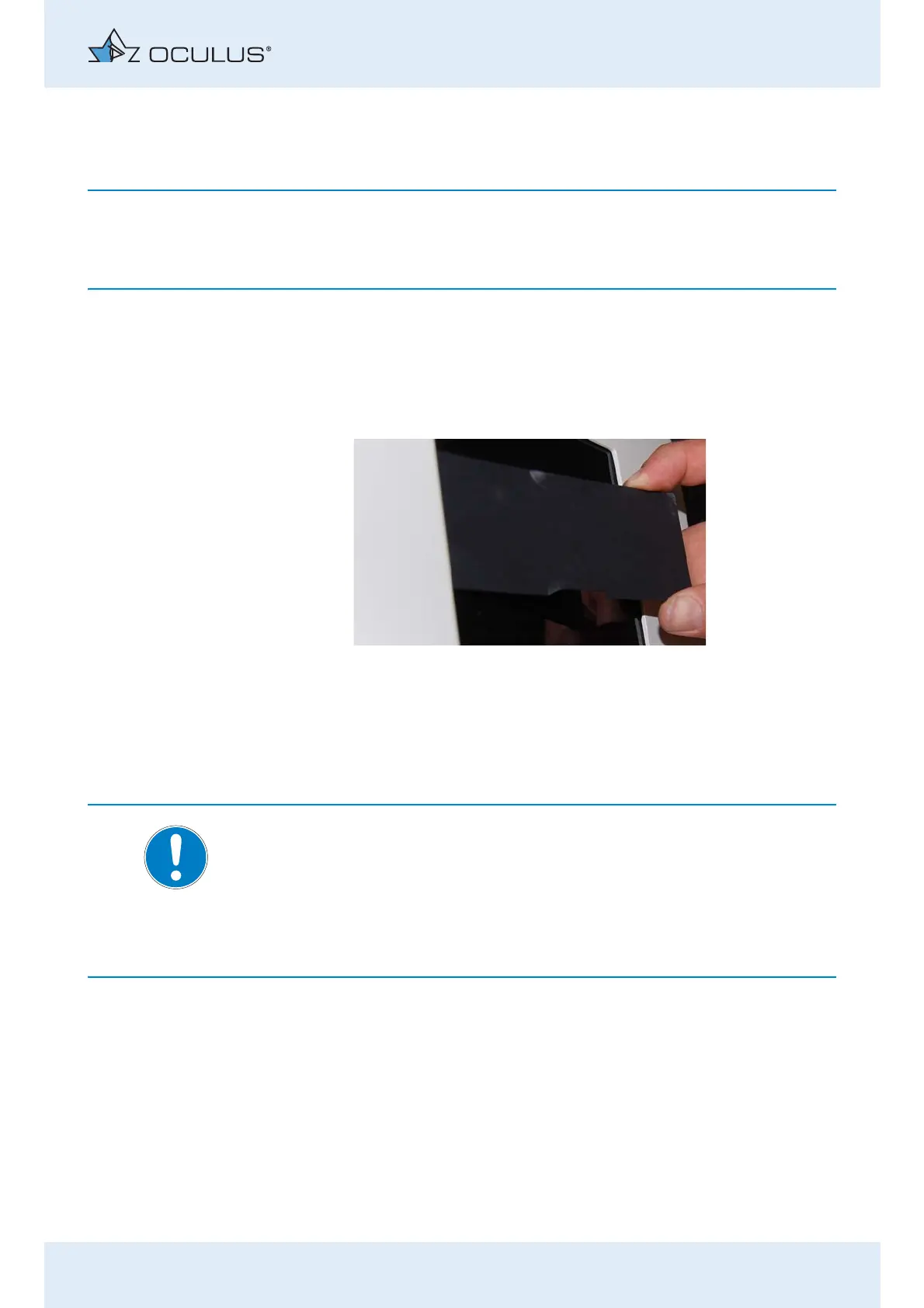
7.2.1 Insert Cover
Occlusion of the back pane of the viewer, however, increases the risk of
device myopia.
Take this into account in your examination results.
Insert the cover into the slot between the back pane and the housing
at one side.
Keep hold of the cover at the recessed grips with one hand.
With the other hand, bend the cover and let it snap into the opposite
slot.
Removing the cover :
Pull out the cover at the recessed grips.
7.3 Set up and Connection
Note:
Risk of damage to the device if not handled correctly
Do not expose the Mesotest II to any vibrations, shocks,
contaminants, moisture, or high temperatures.
Handle the optical device with care.
Use a power socket that has a flawless earth conductor connection.
The ambient conditions for operation are given in “Ambient conditions”
auf Seite 80.
Remove the Mesotest II from the packaging.
Place the Mesotest II on a level surface.
Set up the Mesotest II so that the power plug is easy to access. That
way, you can easily disconnect it from the power supply for any
repairs or maintenance work.
Plug the control pad into the jack (fig. 7-2, page 18, item 2).
Fig. 7-1: Insert cover



 To Next Page