11 Editing the Examination Programmes
50 / 86 Instruction Manual Mesotest II (G/62800/0715/en)
Change test step settings
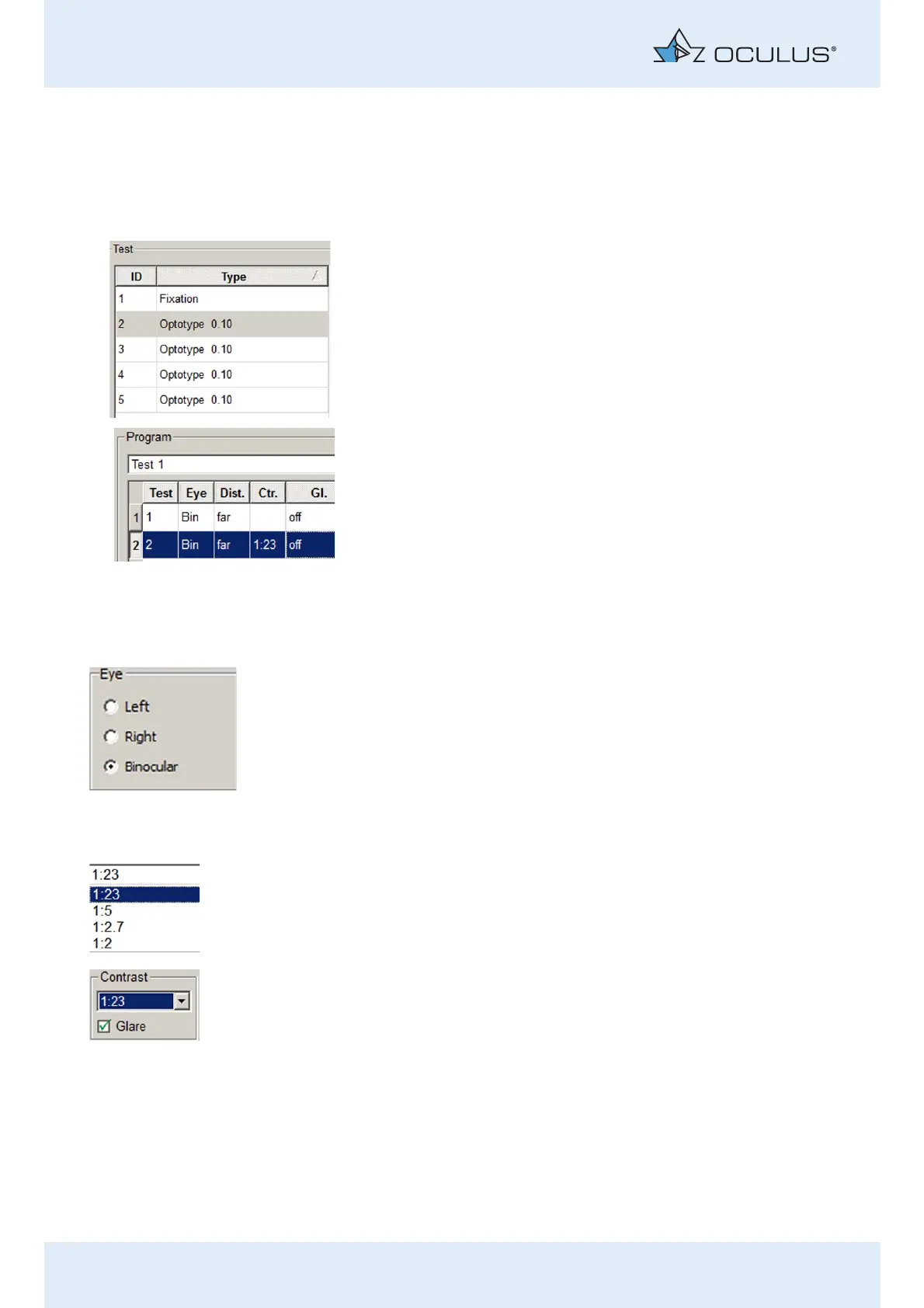
In the list of test steps (13), highlight the test step for which you
want to change the settings.
Select a test presentation variant from the list (1).
This is taken over into the table for the highlighted test step. The test
number is shown in the first column („Test“).
Select the eye to be examined (2)
Activate the checkbox for the eye that is to be examined (2).
All test steps can be conducted binocularly, or at option monocularly
(only possible with device type Mesotest II konkav).
The selection is displayed in the list of test steps for the examination
programme (13).
Select the contrast (3)
You can select any of the contrast levels shown here.
To test mesopic vision with glare:
Activate the checkbox [Glare].



 To Next Page