2021-03-23 / Rev. 10 VV016042 58
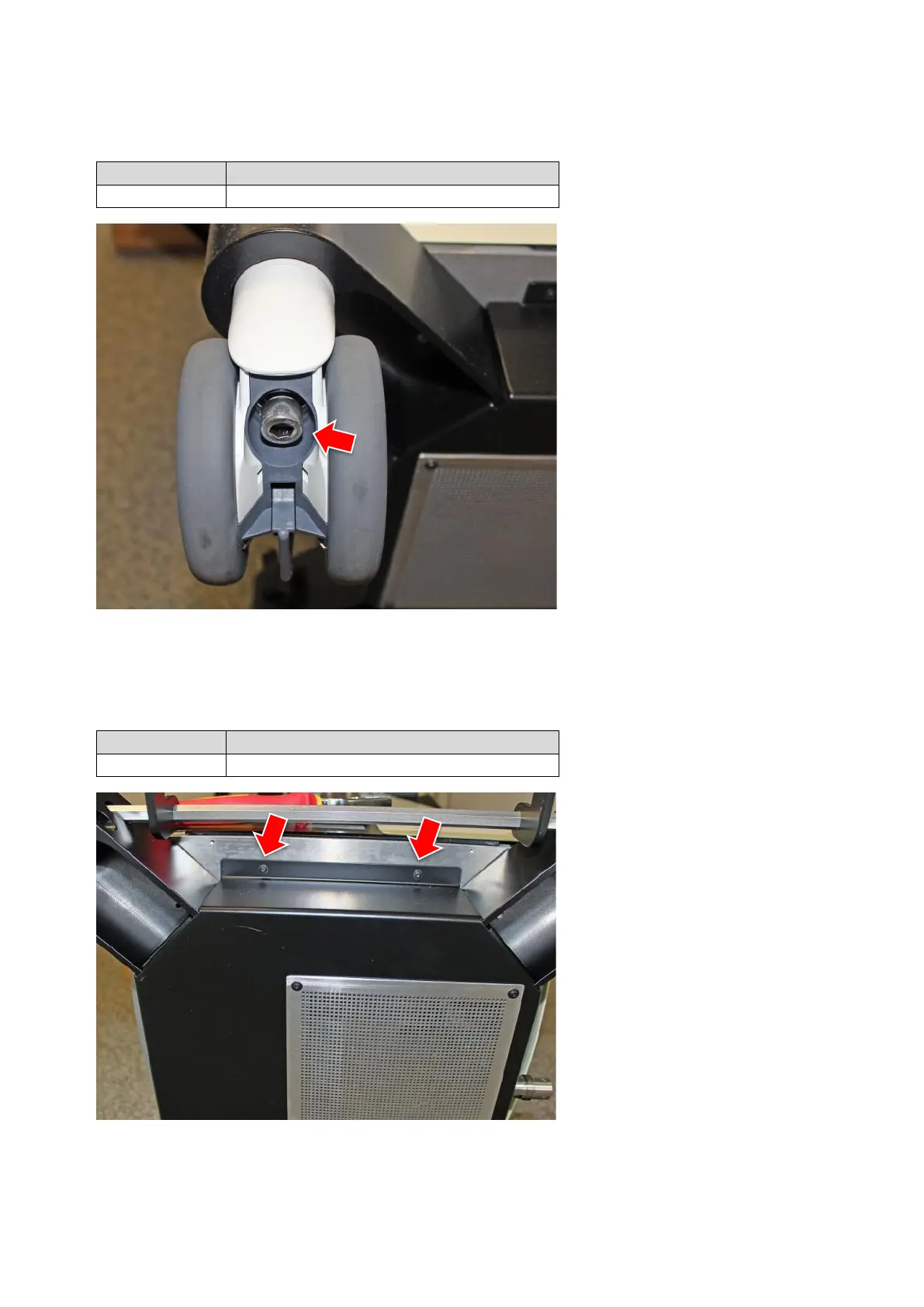
11.1.3 Front castor wheel
VX120179
Get access to the underside of the
unit by tipping it so that the castor
wheels come free.
A second person should be con-
sulted to do this.
Loosen screw at the underside of
the castor.
Pull castor out of carrier.
11.1.4 Back castor wheel
VX120178
Get access to the underside of the
unit by tipping it so that the castor
wheels come free.
A second person should be con-
sulted to do this.
Remove cover by releasing 8
screws. The part stays connected
with the unit by the cables.



 To Next Page