EasyManua.ls Logo

OERTLI OS 4 - Power LED Module

OERTLI OS 4
151 pages
Print Icon
To Next Page IconTo Next Page
To Previous Page IconTo Previous Page
Loading...
2021-03-23 / Rev. 10 VV016042 96
11.2.2 Power LED module
VX210149
Quantity
Description
1
Power LED module
STEP 1:
1.
2.
Remove the LEDplus light module
according to 11.2.1.
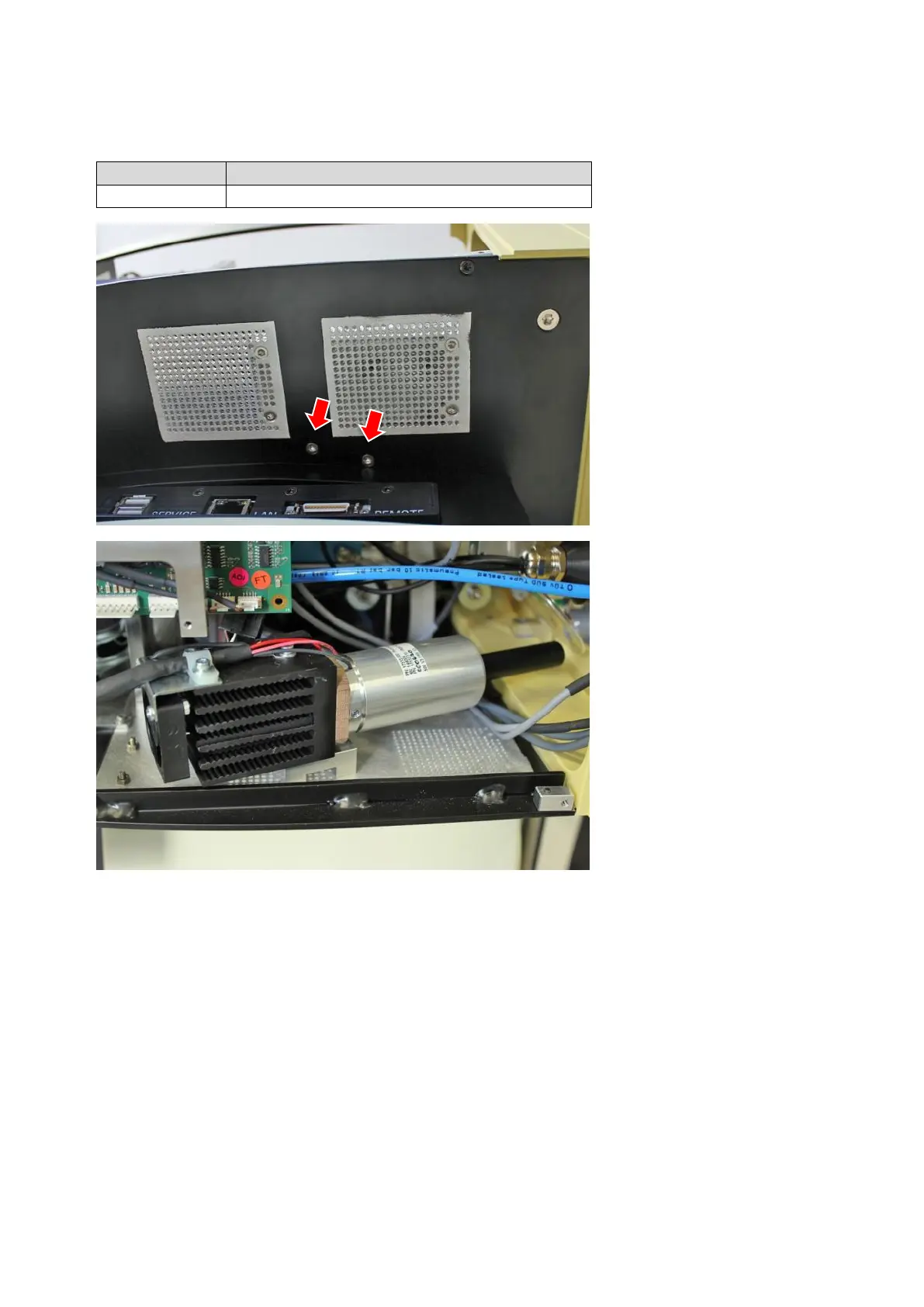
Remove 2 screws from the under-
side of the module.
STEP 2:
3.
4.
5.
Disconnect all cables from
core PCB.
Wires are tied together with wire ca-
ble ties remove them carefully.
Pull module out of the unit in a side-
ways direction.
Be careful not to damage any wires!
Remove holder from the light mod-
ule and use it for the replacement
part.


Table of Contents