2021-03-23 / Rev. 10 VV016042 94
11.1.24 Source pressure module
VX210152
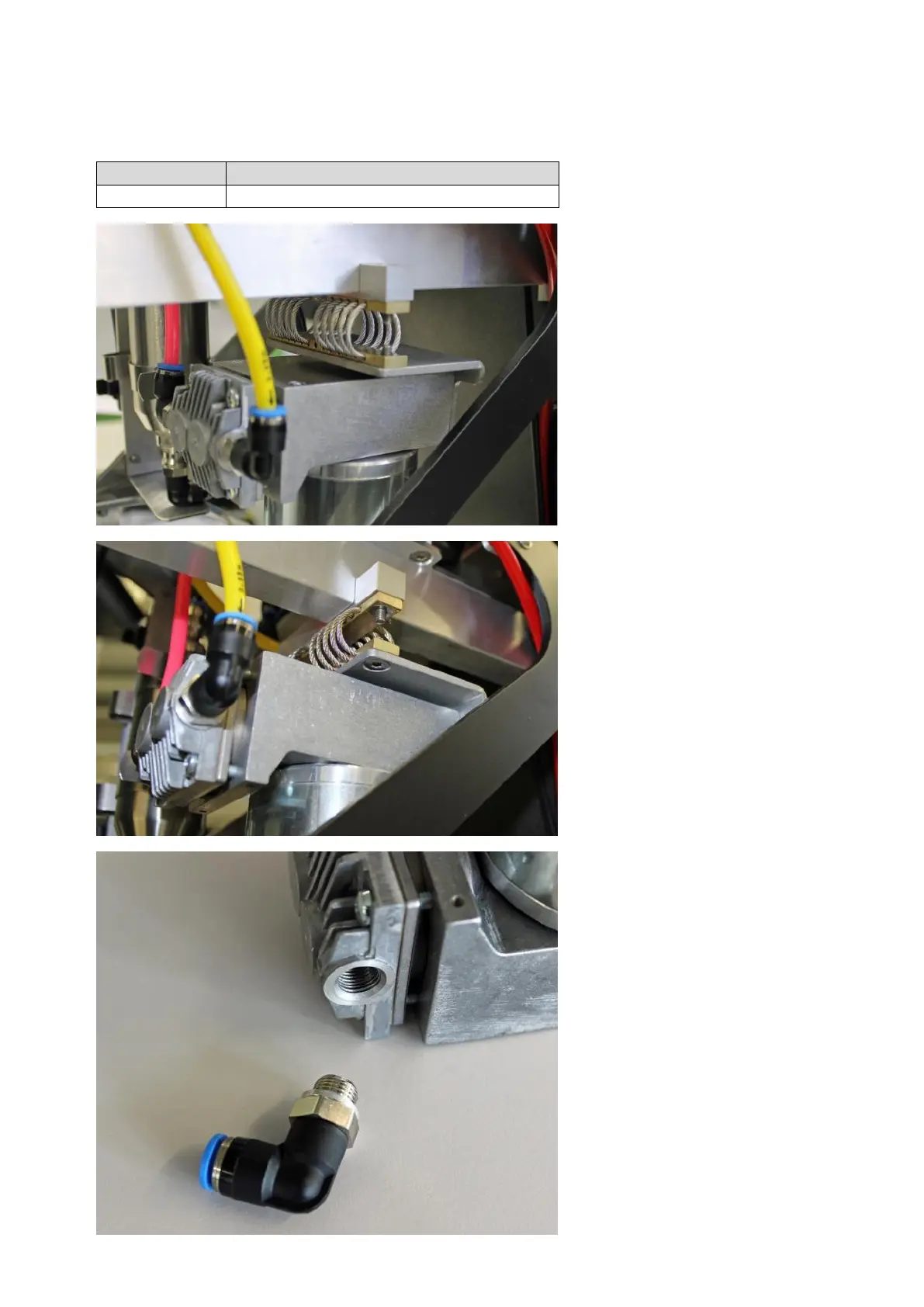
Remove the black ring that holds
the compressor in place. See step 2
of 11.1.7.
Disconnect 2 tubes from the com-
pressor.
Disconnect all cables between the
compressor and the supply PCB.
Remove the 2 screws that connect
the compressor with the spring sus-
pension.
Take the compressor unit out of the
unit in a sideways direction.
Remove the tube connectors from
the old compressor module and fix
them to the new module.



 To Next Page