2021-03-23 / Rev. 10 VV016042 101
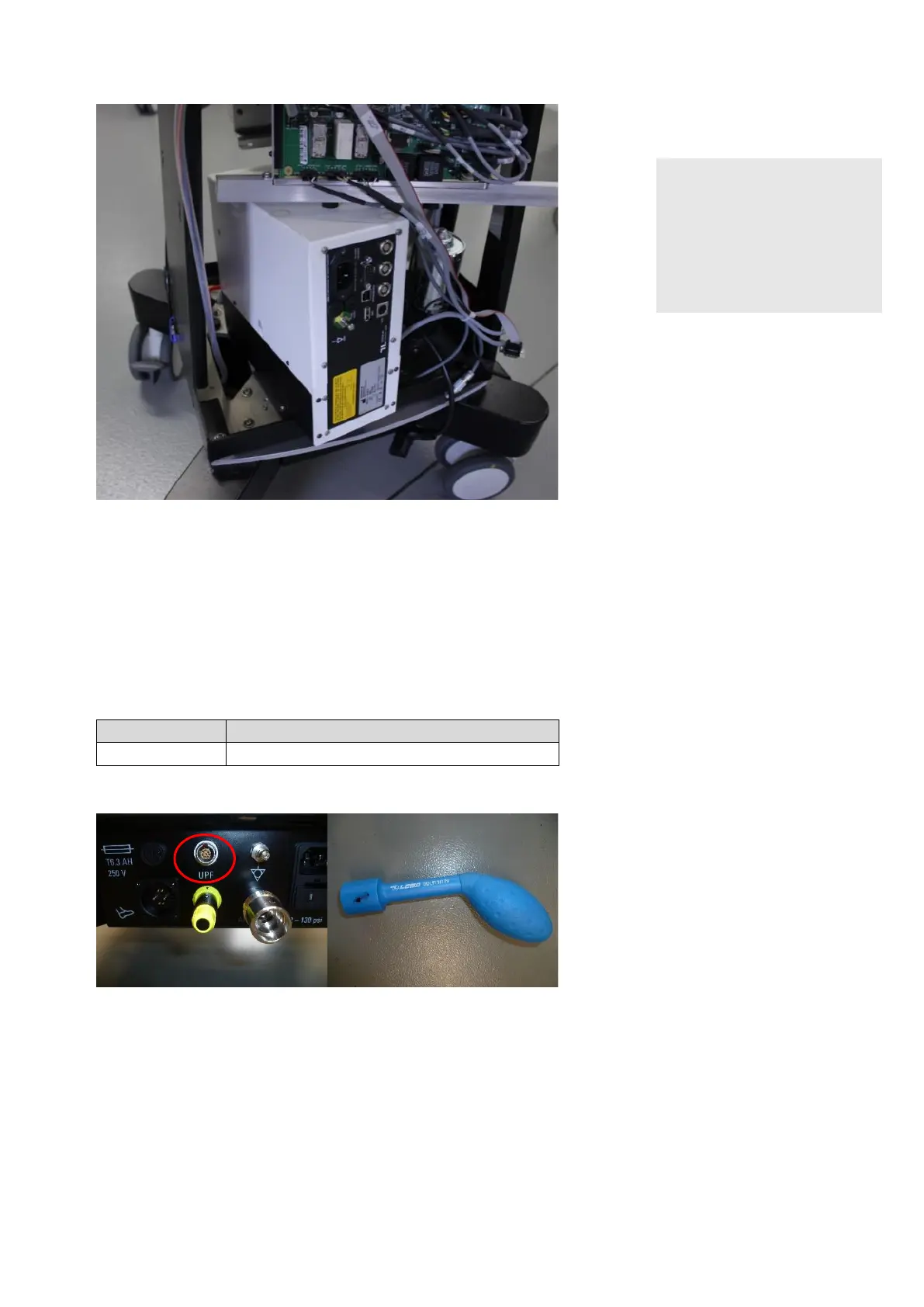
Lift module out of the unit.
NOTE!
Improper packaging used
Misalignment of optical com-
ponents
► Use proper packaging (e. g.
laser packaging from the
manufacturer) to dispatch
the laser module.
Execute the calibration of the target
and the power laser according to
chapters 9.7.3 and 9.7.4. This
will ensure the correct power output
of the lasers.
11.3.6 Exchange of Connecting cable laser to UPF connector
VX400300
Connecting cable laser to UPF connector
Open the UPF socket with a Lemo
key (DCH.91.161.PA), do not
loosen completely, otherwise the
toothed lock washer could be lost.
Remove isolation transformer as-
sembly to get access to the laser
module.



 To Next Page