2021-03-23 / Rev. 10 VV016042 37
9.7.2 Fibre check
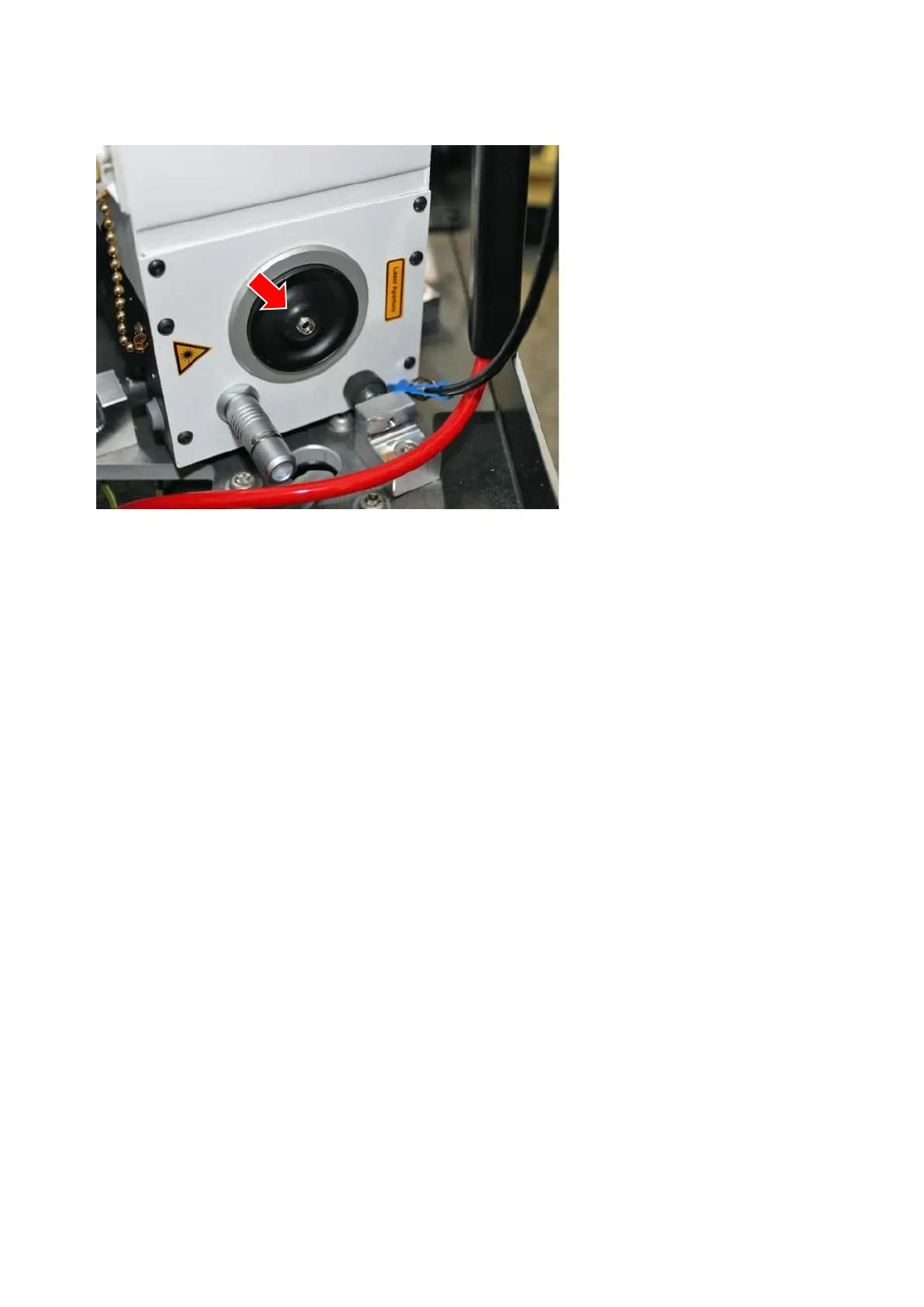
If the deviation is higher than expected, check power directly at the laser module:
Disconnect fibre cable from laser
module.
Protect end of fibre cable with the
cap attached to the fibre itself.
Connect test fibre of measuring sen-
sor head to laser module.
Set external fibre detection to “NO”
(see 9.7.1.2).
Measure power and compare it with
the intended value.
If the value is within the tolerance,
exchange the fibre (see 11.3.4).
Calibrate as described in 9.7.
If the power at the module itself matches the values submitted at the software, then the power loss is caused by the fibre
(narrow radii or kinked).



 To Next Page