© 2011 Omnicell, Inc. OmniRx Service Guide/67-2023 Rev F
Electronics Sled 1-19
PC Tray Upgrade
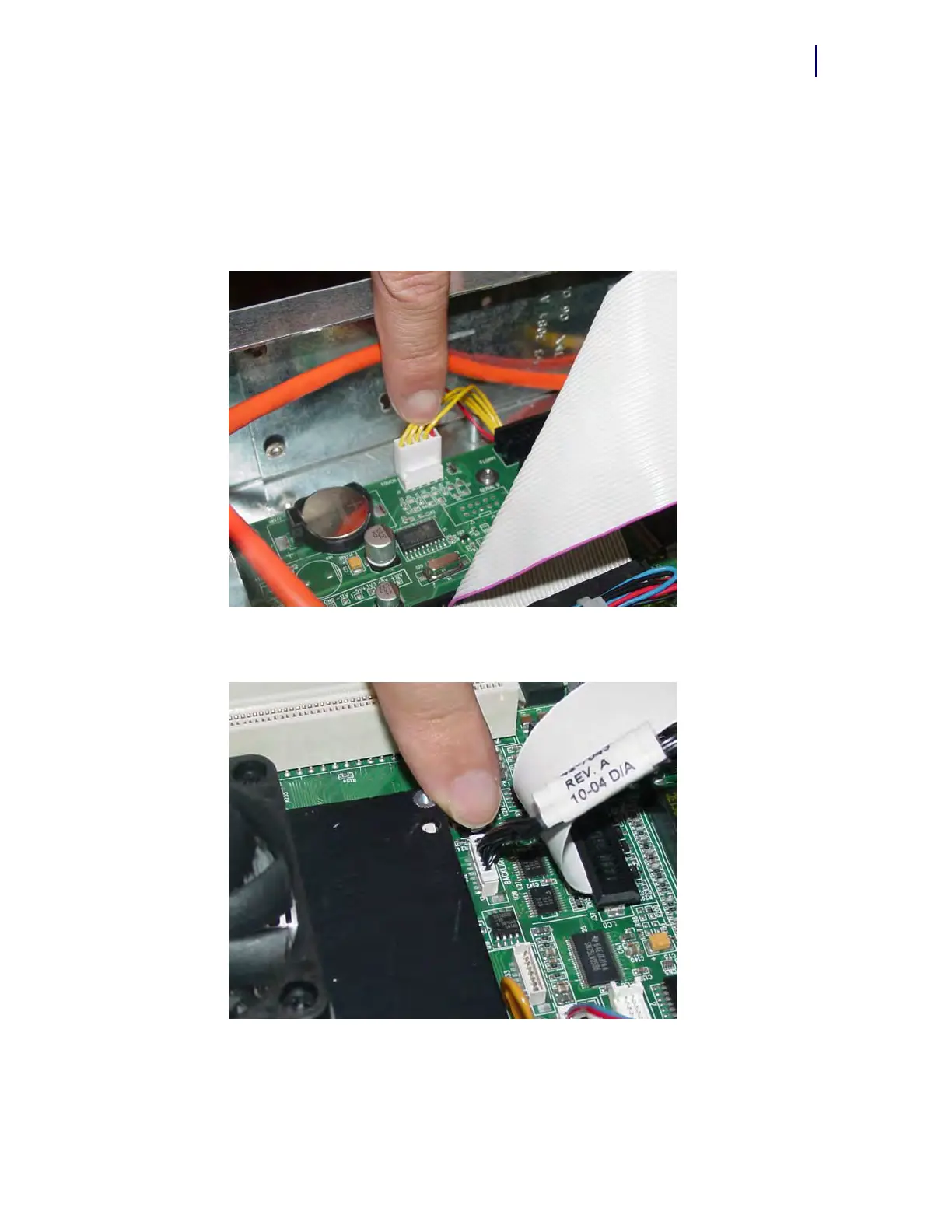
8. Connect the touch screen data cable to J2 on the motherboard:
a. Connect the extension cable provided in the kit to the touch screen data cable (red wire to
red wire).
b. Wrap the joined connectors with electrical tape to ensure that the cables do not become
disconnected.
c. Connect the touch screen data cable extension to J2 on the motherboard.
Figure 1-33. Connect the touch screen data cable to J2 of the motherboard
9. Connect the inverter cable (backlight) to J32 on the motherboard.
Figure 1-34. Connect the backlight cable to J32 of the motherboard



 To Next Page