1-18 Electronics Sled
PC Tray Upgrade
OmniRx Service Guide/67-2023 Rev F © 2011 Omnicell, Inc.
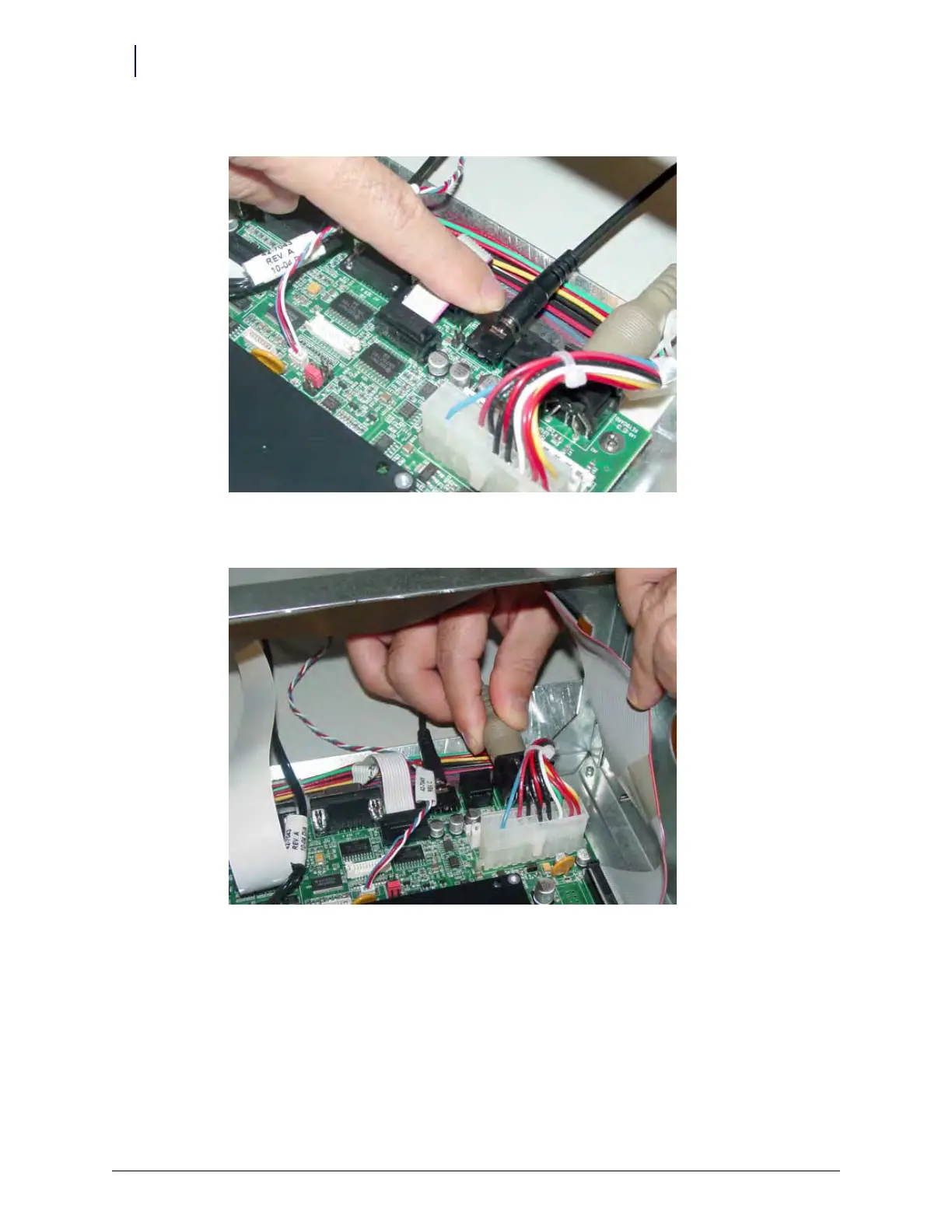
6. Connect the speaker cable to port J45 on the motherboard.
Figure 1-31. Connect the speaker cable to J45 of the motherboard
7. Connect the keyboard cable to port J42 on the motherboard.
Figure 1-32. Connect the keyboard cable to J42 of the motherboard



 To Next Page