851
Network Instructions Section 3-24
Automatic Allocation of
Communications Ports
The port number can be specified as “F” instead of from 0 to 7 to automati-
cally allocate the communications port, i.e., the next open communications
port is used automatically.
This saves the programmer from having to keep track of communications
ports while programming. Even when automatic allocation is used, only a
maximum of 8 ports can be used at the same time. Also, the communications
port numbers must be used to access the flags and responses for specific
communications ports by using A218 (Used Communications Port Number)
and A216 and A217 (Network Communications Completion Code Storage
Address).
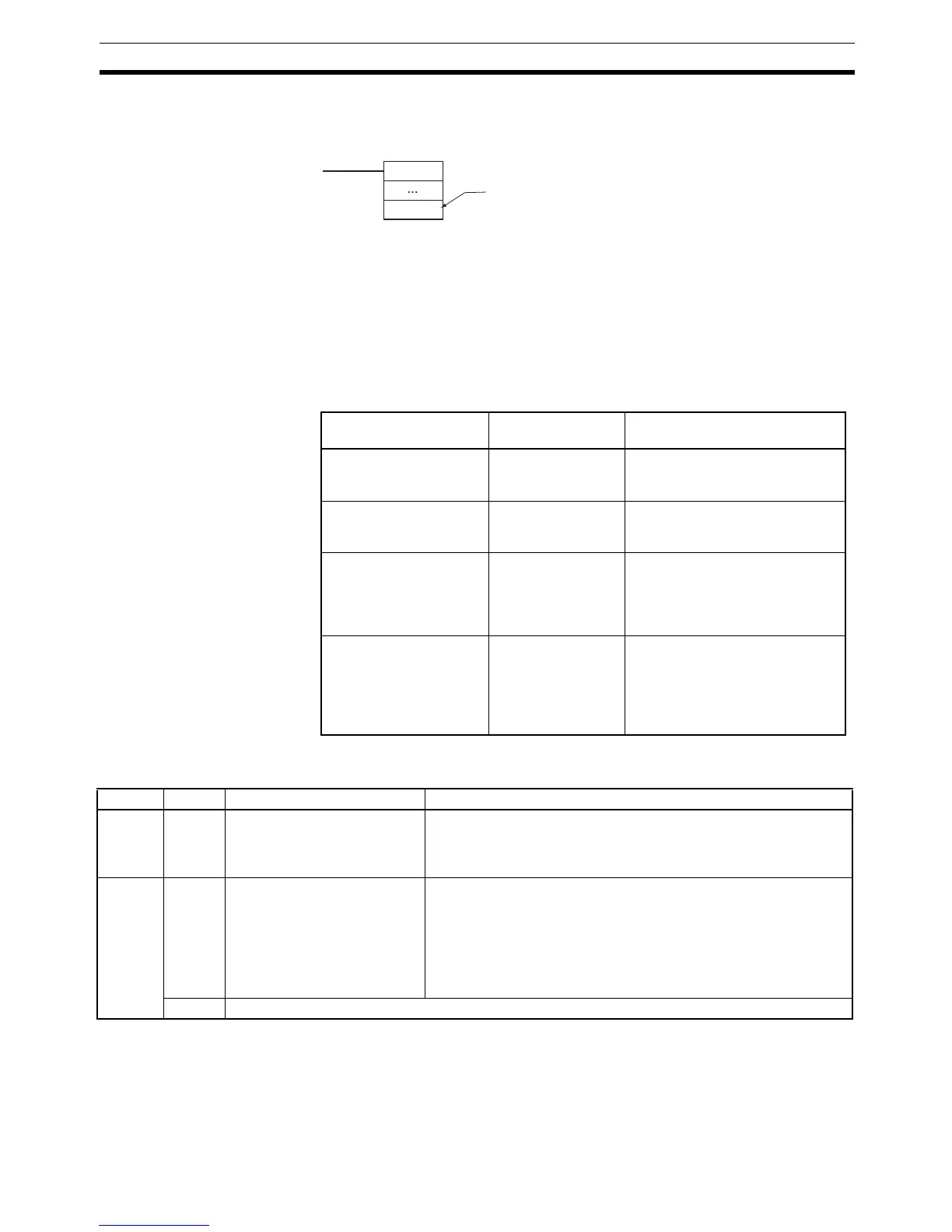
The differences between assigning specific port numbers and automatically
allocating port numbers are given in the following table.
■ Auxiliary Area Bits and Words Used when Automatically Allocating
Communications Ports
Item Specific number
assignments
Automatic allocation
Specification of the com-
munications port number
in the control data
0 to 7 F
Exclusive control Required. Not required unless more than 8
communications ports are
required at the same time.
Flag applications LD or LD NOT used
with flag corre-
sponding to the
specified communi-
cations port.
TST(350) or TSTN(351) used with
A218 (Used Communications Port
Number).
Network communica-
tions completion codes
Completion code for
communications
port specified by
user is accessed.
Completion codes are accessed
by using the I/O memory address
stored in A216 and A217 (Network
Communications Completion
Code Storage Address) and index
register indirect addressing.
Communica-
tions port: F
When “F” is specified, the next available
communications port is used automatically.
@Communica-
tions instruction
Address Bits Name Description
A202 15 Network Communications Port
Allocation Enabled Flag
ON when there is a communications port available for automatic
allocation. This flag can be used to confirm if all eight communica-
tions ports have already been allocated before executing communi-
cations instructions.
A214 00 to 07 First Cycle Flags after Network
Communications Finished
Each flag will turn ON for just one cycle after communications have
been completed. Bits 00 to 07 correspond to ports 0 to 7. Use the
Used Communications Port Number stored in A218 to determine
which flag to access.
Note These flags are not effective until the next cycle after the com-
munications instruction is executed. Delay accessing them for
at least one cycle.
08 to 15 Do not use.



 To Next Page