877
Network Instructions Section 3-24
(2) The number of bytes of response data in C+1 is 0000 to the maximum
data length in hexadecimal. For example, the number of bytes would be
0000 to 07C6 hex (0 to 1,990 bytes) for Controller Link systems. The
number of bytes for the local CPU Unit is 07C6 hex (1,990 bytes). The
number of bytes of response data depends on the network.
(3) Refer to the operation manual for the specific network for the maximum
data lengths for the command data and response data. For any FINS
command passing through multiple networks, the maximum data lengths
for the command data and response data are determined by the network
with the smallest maximum data lengths.
(4) Set the destination network address to 00 to transmit within the local net-
work. When two or more CPU Bus Units are mounted, the network ad-
dress will be the unit number of the Unit with the lowest unit number.
(5) The following two methods can be used to send a FINS command to a
host computer through a serial port with the host link host link while initi-
ating communications from the PLC, or the serial gateway function (con-
verted to CompoWay/F, Modbus-RTU, or Modbus-ASCII).
(a) Set the destination unit address (bits 00 to 07 of C+3) to the unit
address of the CP1H CPU Unit or CJ-series Serial Communica-
tions Unit and set the serial port number (bits 08 to 11 of C+2) to
1 for port 1 or 2 for port 2.
(b) Set the destination unit address directly into bits 00 to 07 of C+3.
In this case, set the serial port number in bits 08 to 11 of C+2 to
0 for direct specification.
CP1H or CP1L M (30 or 40 I/O points) CPU Unit Serial Commu-
nications Option Board Ports
CP1L L (14 or 20 I/O points) CPU Unit Serial Communications
Option Board Port
CJ-series Serial Communication Unit Ports
(6) When specifying the serial port without a routing table for the serial gate-
way function (conversion to host link FINS), set the serial port’s unit ad-
dress in the destination network address byte.
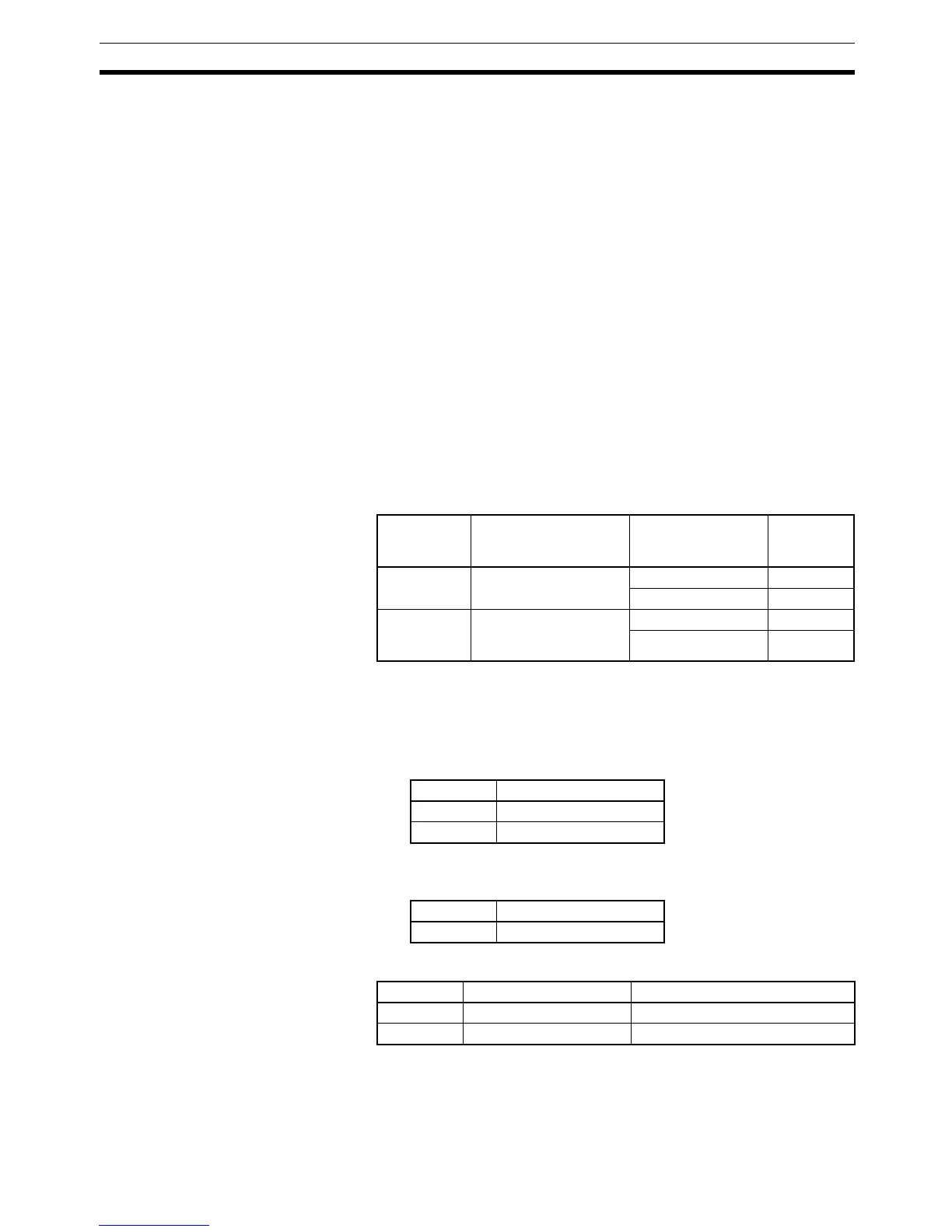
Unit address
(C+3, bits 00
to 07)
Unit Serial port number
(C+2, bits 08 to 11)
Serial port
00 hex CP1H CPU Unit 1 hex Port 1
2 hex Port 2
10 hex + unit
number
CJ-series Serial Com-
munications Unit (CPU
Bus Unit)
1 hex Port 1
2 hex Port 2
Port Port’s unit address
Port 1 FD hex (253 decimal)
Port 2 FC hex (252 decimal)
Port Port’s unit address
Port 1 FC hex (252 decimal)
Port Port’s unit address Example: Unit number = 1
Port 1 80 hex + 4 × unit number 80 + 4 × 1 = 84 hex (132 decimal)
Port 2 81 hex + 4 × unit number 81 + 4 × 1 = 85 hex (133 decimal)



 To Next Page