5 Installation and Wiring
5 - 24
NX-series Safety Control Unit User’s Manual (Z930)
Precautions for Correct Use
• OMRON uses the holes other than No. 1 to 6 in the above figure. If you insert a Coding Pin
into one of the holes used by OMRON on the terminal block side, it is impossible to mount
the terminal block on a Unit.
• Do not use Coding Pins that have been attached and then removed.
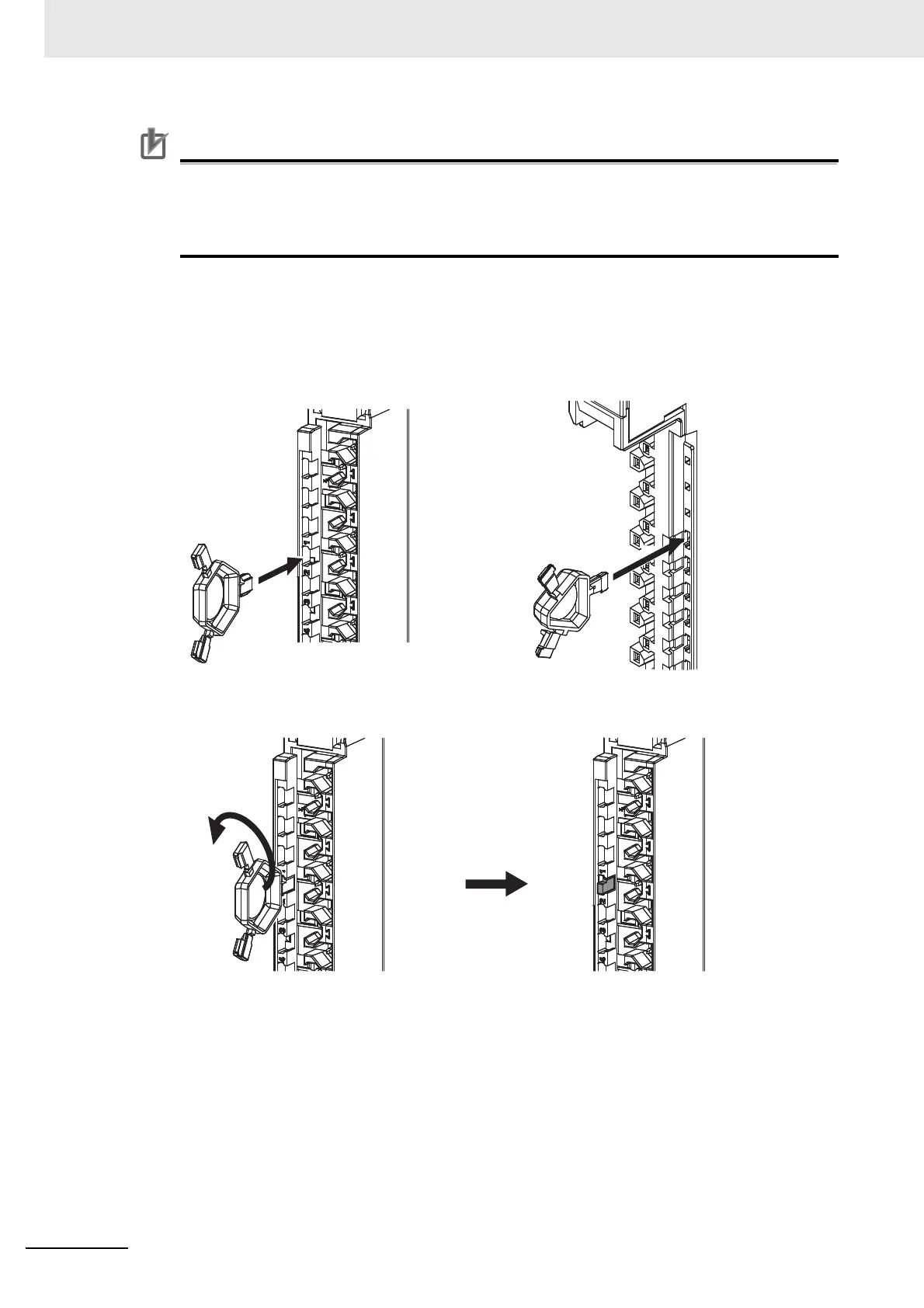
Inserting the Coding Pins
1 Hold the pins by the runner and insert a pin into one of the incorrect attachment prevention
holes on the terminal block or on the Unit.
2 Rotate the runner to break off the Coding Pin.
Terminal Block










 To Next Page