1 - 11
1 Overview
NX-series Safety Control Unit User’s Manual (Z930)
1-3 Support Software
1
1-3-3 Connection Method and Procedures for EtherNet/IP Coupler Units
Precautions for Correct Use
There are functional restrictions when you connect to the EtherCAT Coupler Unit via the USB
port in comparison with connecting to the NJ/NX-series CPU Unit. We therefore recommend
that you connect to the NJ/NX-series CPU Unit.
The functions that you can use on the Sysmac Studio depend on what the Sysmac Studio is connected
to. Refer to the NX-series EtherCAT Coupler Unit User’s Manual (Cat. No. W519) for details.
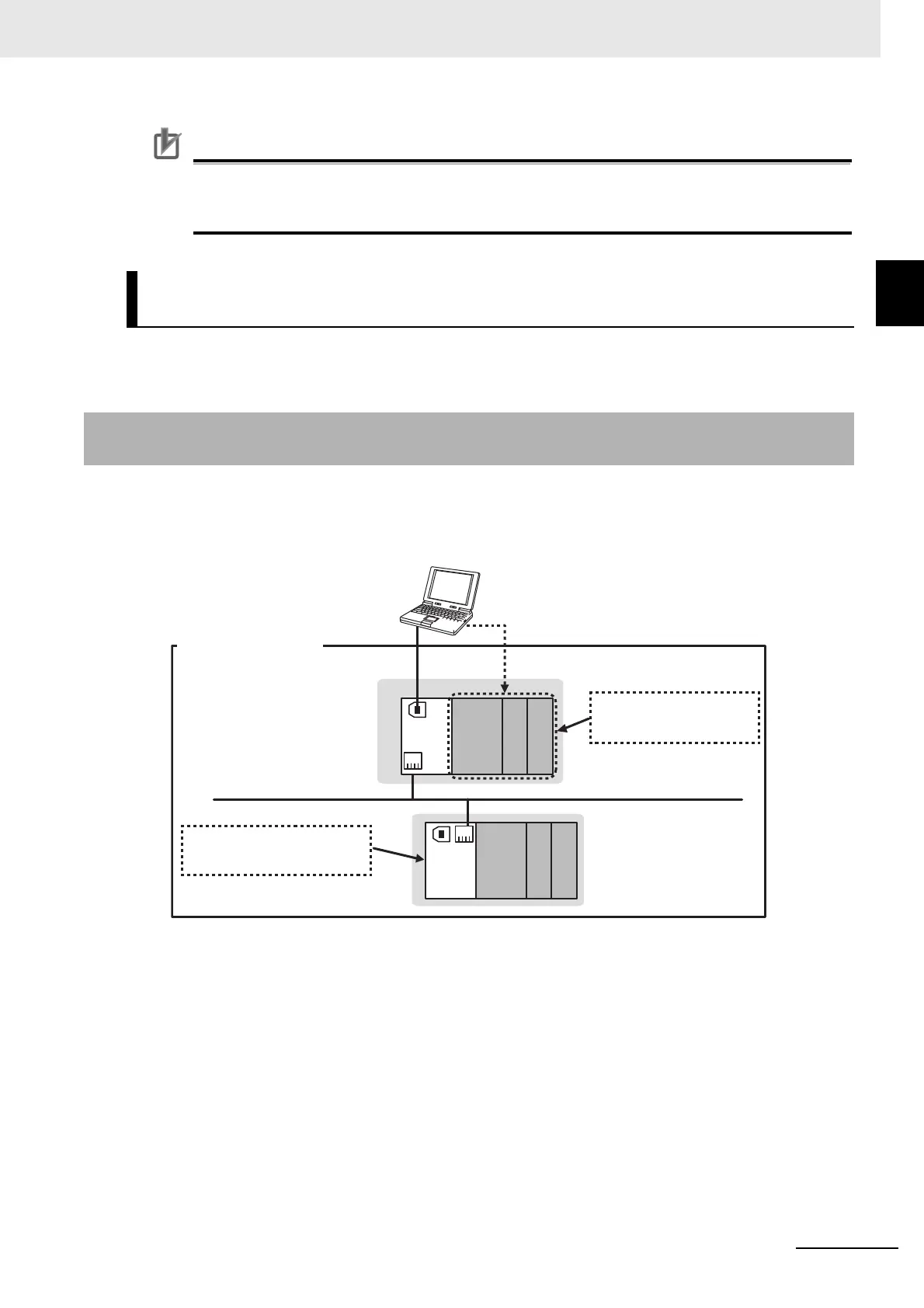
Connect the Sysmac Studio to the USB port on the EtherNet/IP Coupler Unit.
This connection allows you to download, upload, and monitor the safety programs for only the Safety
CPU Unit and Safety I/O Units that are under the EtherNet/IP Coupler Unit that the Sysmac Studio is
online with. The other devices cannot be accessed.
Functional Differences on the Sysmac Studio Based on the Connec-
tion Point
1-3-3 Connection Method and Procedures for EtherNet/IP Coupler
Units
Safety Control System
in EtherNet/IP Slave Terminals
USB
Coupler
Unit
Safety
CPU
Unit
Safety Control System
Sysmac Studio
Only the Safety I/O Units
mounted under the Safety CPU
Unit are accessible.
The Safety I/O Units mounted under
the other Communications Coupler
Unit cannot be accessed.
Safety Output
Safety Input
Coupler
Unit
Safety
CPU
Unit
Safety Output
Safety Input
EtherNet/IP










 To Next Page