Appendix
A - 76
NX-series Safety Control Unit User’s Manual (Z930)
A-8 Calculating I/O Sizes for Slave Termi-
nals
This section describes how to check the I/O sizes of Slave Terminals that have Safety Control Units.
The I/O size of a Safety CPU Unit is determined by the I/O communications with Safety I/O Units and
the variables in the safety programs.
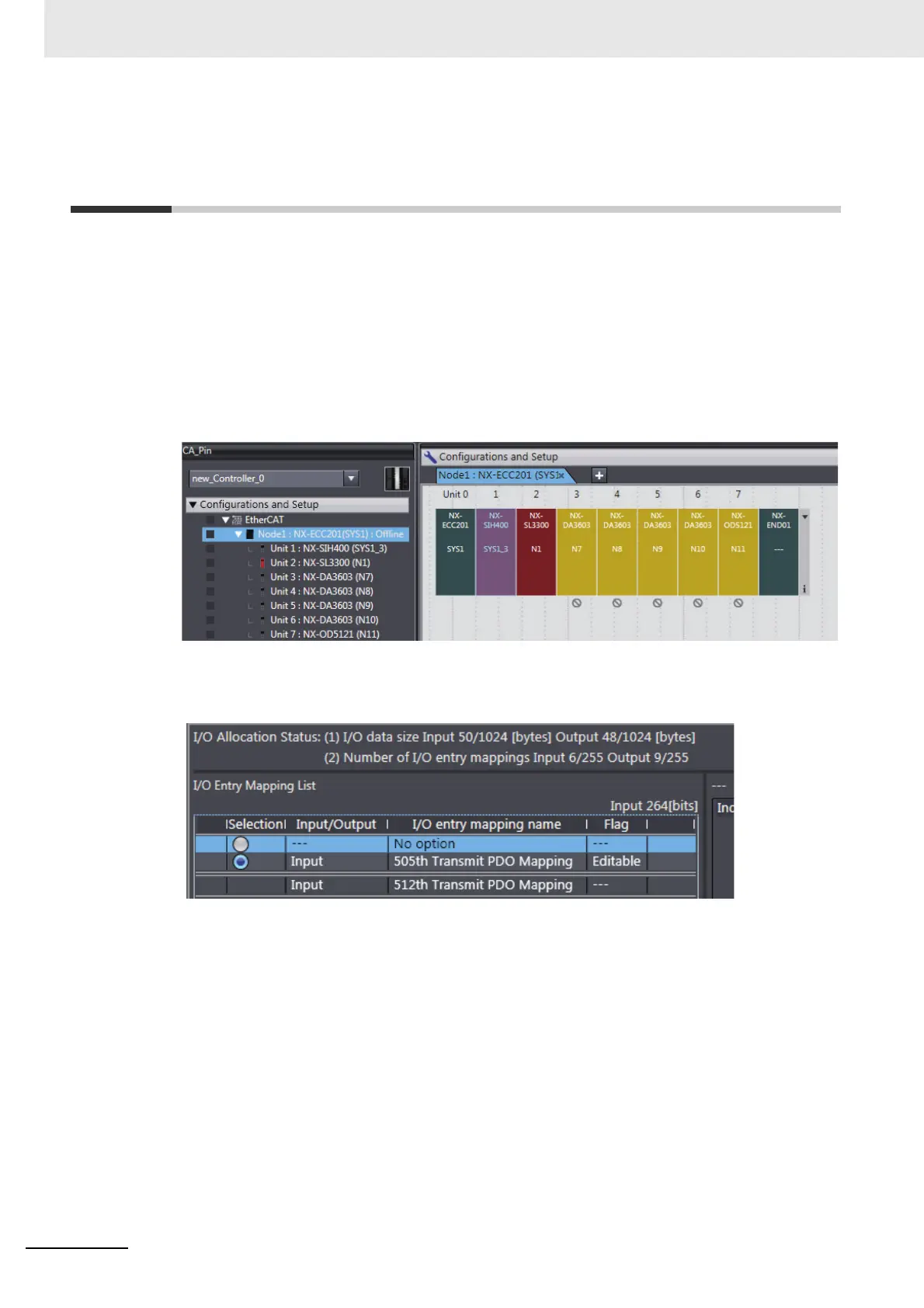
Use the following procedure to check the I/O sizes of Slave Terminals that have Safety Control Units.
1 Right-click the Slave Terminal under Configurations and Setup - EtherCAT in the Multiview
Explorer and select Edit from the menu.
The Slave Terminal Tab Page is displayed in the Edit Pane.
2 Select the EtherCAT Coupler Unit and then click the Edit I/O Allocation Settings Button in the
Parameter Settings Area on the right side of the tab page.
The Edit I/O Allocation Settings Pane is displayed.
The data sizes for inputs and outputs for the entire Slave Terminal are displayed in the I/O Allo-
cation Status Column.










 To Next Page