8 - 53
8 Checking Operation and Actual Operation
NX-series Safety Control Unit User’s Manual (Z930)
8-10 Uploading Configuration Information and Safety Application Data
8
8-10-2 Uploading Data for a Connection to an NJ/NX-series CPU Unit
When you use an EtherCAT Coupler Unit, you can connect the Sysmac Studio to a USB or Ethernet
port on the NJ/NX-series CPU Unit to upload the configuration information and safety application data.
Use the following procedure to upload the data.
1 Select the NJ/NX-series CPU Unit from the Controller Selection Box in the Multiview Explorer
on the Sysmac Studio to change to the NJ/NX-series CPU Unit Setup and Programming View.
2 Set the communications path to the NJ/NX-series CPU Unit.
3 Select Online from the Controller Menu. Or, click the Go Online Button ( ) in the toolbar.
4 Select Synchronization from the Controller Menu.
5 In the Synchronization Window, clear the selections of the following check boxes.
Do not transfer the following. (All items are not synchronized.)
• CJ-series Special Unit parameters and EtherCAT slave backup parameters
• Slave Terminal Unit operation settings and NX Unit application data
6 Click the Transfer from Controller Button.
An execution confirmation dialog box is displayed.
7 Click the Yes Button.
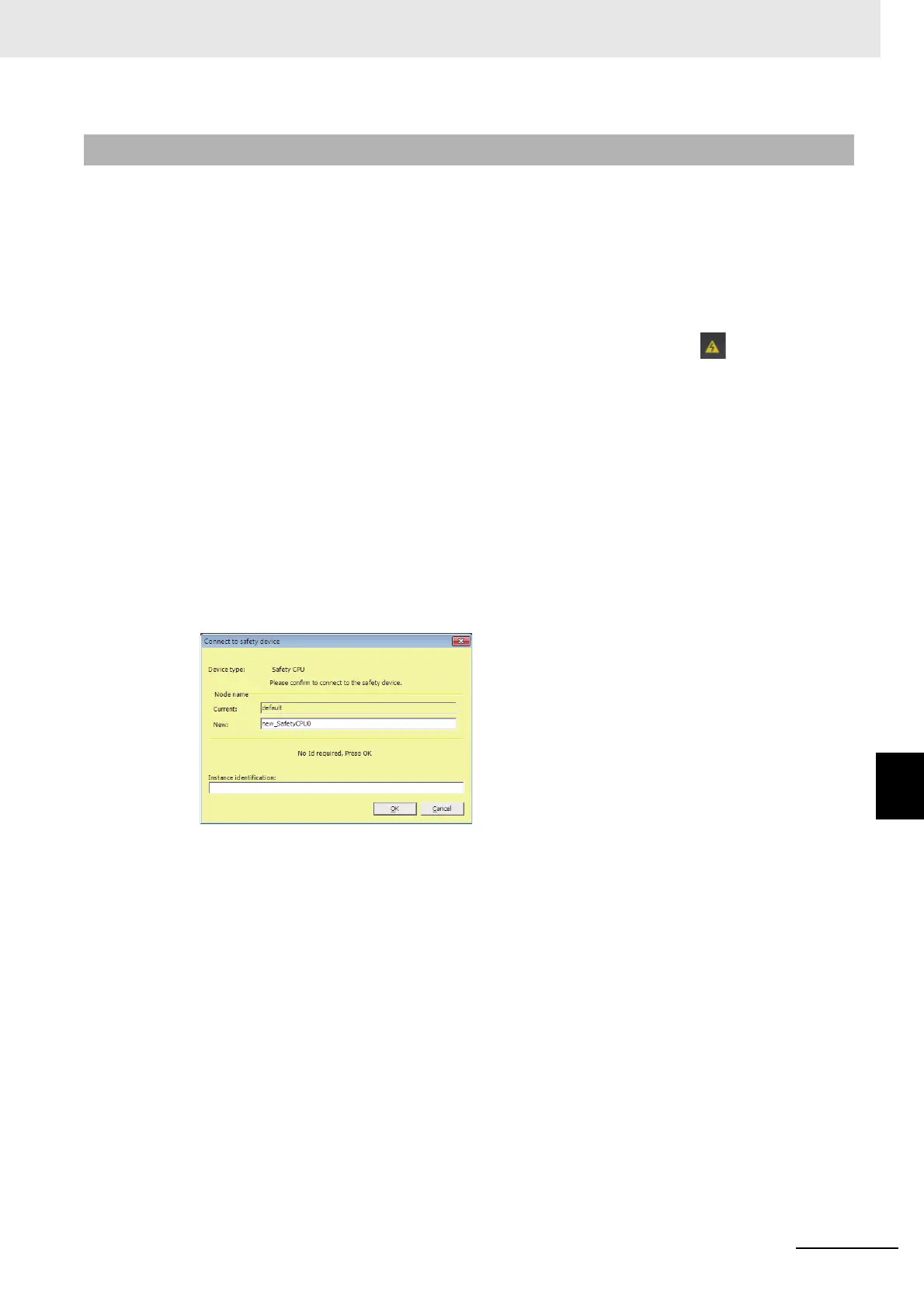
The following Connect to safety device Dialog Box is displayed.
Note You do not need to enter anything in the Instance identification Box.
8 Click the OK Button.
A password confirmation dialog box is displayed.
9 Enter the password, and click the OK Button.
The settings of all the Units that are connected to the EtherCAT Coupler Unit are transferred to
the Sysmac Studio.
8-10-2 Uploading Data for a Connection to an NJ/NX-series CPU Unit










 To Next Page