6 System Configuration and Setup
6 - 34
NX-series Safety Control Unit User’s Manual (Z930)
You can export and import the safety application data for only the Safety CPU Unit as a single file
(extension .nsf).
The exported Safety CPU Unit settings file can be imported to reuse the safety application data for a
Safety CPU Unit with the same settings. To do this, go into the Slave Terminal Tab Page in a different
project on the Sysmac Studio, or a project for which a Safety CPU Unit has not been registered.
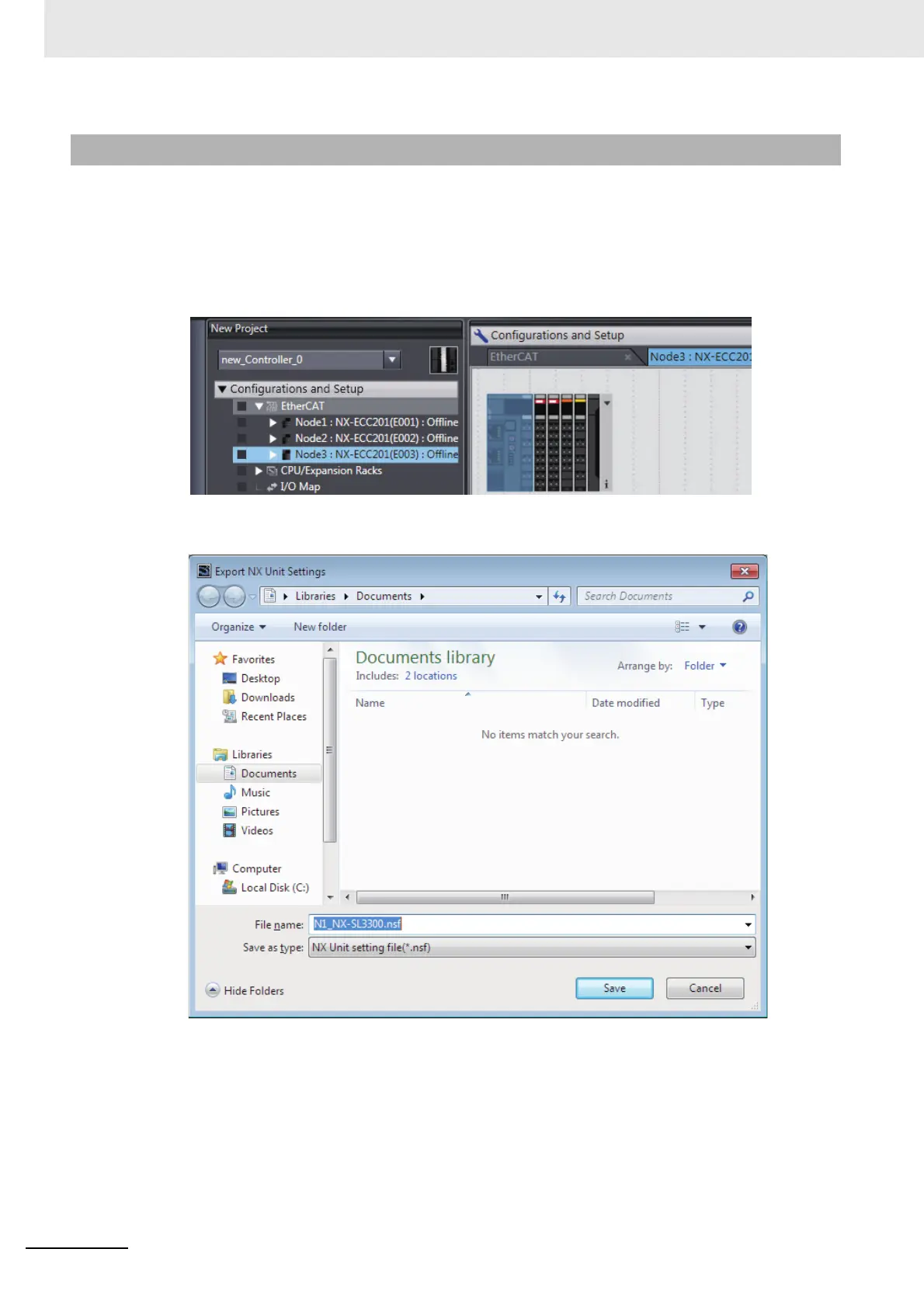
1 Display the Slave Terminal Tab Page where the Safety CPU Unit to export is configured.
2 Right-click the Safety CPU Unit to export and select Export NX Unit Settings from the menu.
The Export NX Unit Settings Dialog Box is displayed.
3 Enter a file name, and then click the Save Button.
An NX Unit configuration file with an .nsf extension is saved.
4 To import a file, select the Unit to the left of the point where you wish to add the slave on the
Slave Terminal Tab Page, and then right-click and select Import Slave Settings and Insert
New Slave from the menu.
The Safety CPU Unit to import is added to the Slave Terminal Tab Page.
6-9-3 Exporting/Importing Data for Individual Safety CPU Units










 To Next Page