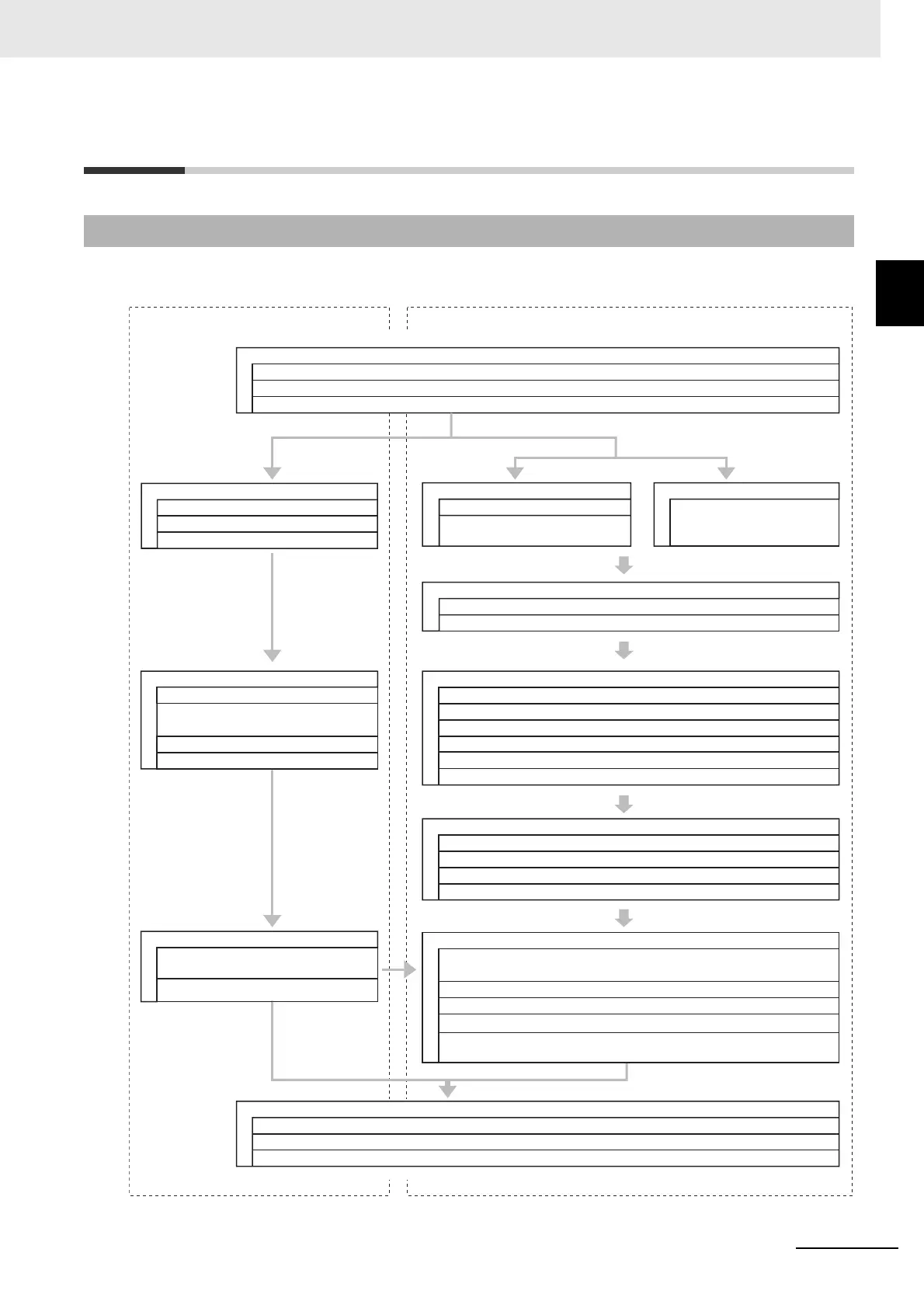
Standard Control
Safety Control
Step 1. System Design
Step 1-1 Determining Safety Measures by Performing Risk Assessment
Step 2. Software Design
Step 2. Hardware Design
Step 2-1 Designing I/O and Processing
Step 2-2 Designing Safety Programs
Step 3 Calculating and Verifying Safety Response Performance
Step 3-1 Calculating Safety Reaction Time and Safety Distance
Step 3-2 Verifying Fulfillment of Required Specifications
Step 4. Software Settings and Programming
Step 4-1 Creating the Safety Control System Configuration
Step 4-3 Assigning Safety I/O Terminals to the Connected Devices
Step 4-4 Assigning Device Variables to I/O Ports
Step 4-5 Programming
Step 5. Installation and Wiring
Step 6. Checking Operation
Step 6-1 Changing to DEBUG Mode After Transferring the Slave Terminal Configuration Information
Step 6-2 Checking Operation Using the Controller
Step 6-3 Performing Safety Validation Testing
Step 6-5 Validating Safety from the Sysmac Studio (Transferring the Program to the
Non-volatile Memory)
Step 7. Operation, Maintenance, and Inspection
Software Design
Designing I/O and Processing
Designing Tasks
Designing User Program
Software Settings and Programming
Slave and Unit Configurations
Controller Setup and Assignment of Device
Variables to I/O Ports
Programming
Offline Debugging
Transferring the Project
(Including Slave Terminal Configuration Information)
Online Debugging
Step 1-3 Designing the Interface between Standard Controls and Safety Controls
Step 1-2 Selecting Safety Devices
Checking Operation
Step 7-3 Inspection and Replacement
Step 7-1 Operation
Step 7-2 Troubleshooting Errors If They Occur
Step 2-1 Determining Wiring for
Communications, Power Supply,
and External I/O Devices
Step 4-2 Setting Up and Checking the Safety Process Data Communications
Step 4-6 Offline Debugging
Step 5-1 Installation
Step 5-3 Wiring the I/O
Step 5-4 Connecting the Computer That Runs the Sysmac Studio
Step 5-2 Connecting the Ethernet Cables
Step 6-4 Designing Device Security










 To Next Page