A - 77
Appendix
NX-series Safety Control Unit User’s Manual (Z930)
A-9 Printing
A
A-9-1 Selecting the Items to Print
A-9 Printing
This section describes how to print information related to Safety Control Units from the Sysmac Studio.
Refer to the Sysmac Studio Version 1 Operation Manual (Cat. No. W504) for basic printing procedures
for the Sysmac Studio.
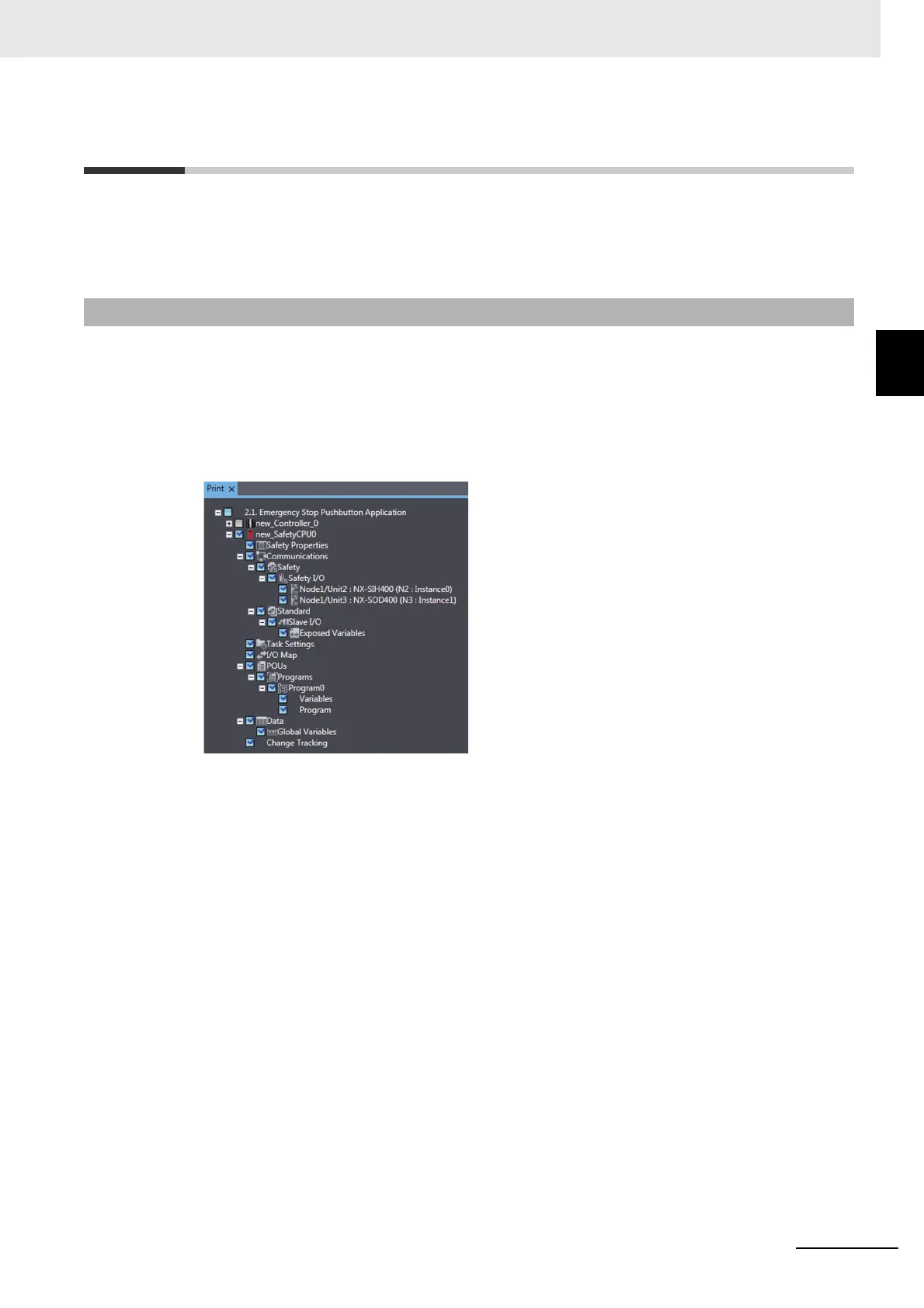
Use the following procedure to set up printing for a Safety Control Unit.
1 Select Print from the File Menu.
The items that you can print will be displayed.
2 Select the items for the Safety Control Unit.
The Safety Control Unit will be set up for printing.
A-9-1 Selecting the Items to Print










 To Next Page