A - 11
Appendix
NX-series Safety Control Unit User’s Manual (Z930)
A-2 NX Objects
A
A-2-4 NX-SIH400 Safety Input Unit
These objects accept I/O allocations.
You cannot access the objects with the Read NX Unit Object instruction or the Write NX Unit Object
instruction.
Refer to the NJ/NX-series Instructions Reference Manual (Cat. No. W502) for details on the Read NX
Unit Object instruction or the Write NX Unit Object instruction.
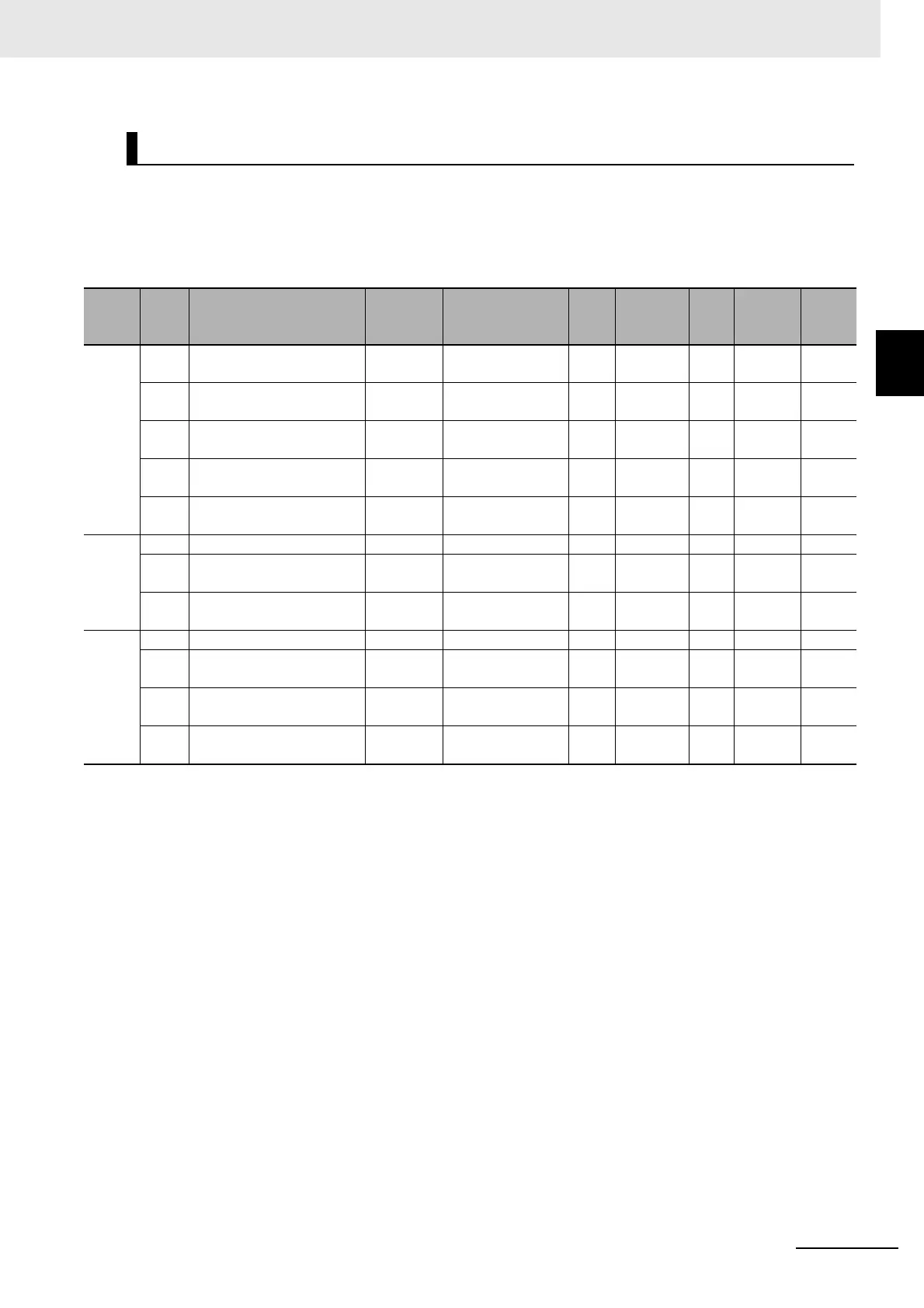
Objects That Accept I/O Allocations
Index
(hex)
Sub-
index
(hex)
Object name
Default
value
Data range Unit
Data
type
Acc
ess
I/O allo-
cation
Data
attri-
bute
6000 --- FSoE Slave Frame Ele-
ments
--- --- --- --- --- --- ---
00 Number of Entries 3 3 --- USINT RO Not pos-
sible.
---
01 FSoE Slave CMD 00 hex 00 to FF hex --- BYTE RO Possi-
ble.
---
02 FSoE Slave Conn_ID 0000 hex 0000 to FFFF hex --- WORD RO Possi-
ble.
---
03 FSoE Slave CRC_0 0000 hex 0000 to FFFF hex --- WORD RO Possi-
ble.
---
6001 --- Safety Input Data --- --- --- --- --- --- ---
00 Number of Entries 1 1 --- USINT RO Not pos-
sible.
---
01 Safety Input 1st Byte 00 hex 00 to FF hex --- BYTE RO Possi-
ble.
---
6002 --- Standard Input Data --- --- --- --- --- --- ---
00 Number of Entries 2 2 --- USINT RO Not pos-
sible.
---
01 Standard Input 1st Byte 00 hex
00 to FF hex
*1
*1. The details of the Standard Input 1st Byte are as follows:
Bit 0: Si00 Logical Value
Bit 1: Si01 Logical Value
Bit 2: Si02 Logical Value
Bit 3: Si03 Logical Value
Bit 4: Safety Connection Status
Bit 5: Safety Input Terminal Status
Bit 6: Unit Normal Status
Bit 7: IO Power Supply Error Flag
--- BYTE RO Possi-
ble.
---
02 Standard Input 2nd Byte 00 hex
00 to FF hex
*2
*2. The details of the Standard Input 2nd Byte are as follows:
Bit 0: Si00 Status
Bit 1: Si01 Status
Bit 2: Si02 Status
Bit 3: Si03 Status
Bits 4 to 7: Reserved
--- BYTE RO Possi-
ble.
---










 To Next Page