range Pi 用户手册 深圳市迅龙软件有限公司版权所有
www.orangepi.cn 99 www.xunlong.tv
If you want to switch back to HDMI display, please use the following command
root@orangepi:~# con2fbmap 1 0
7) Set the method to automatically load the fbtft_device module at system startup
a. Create a new /etc/modules-load.d/fbtft.con configuration file, the content of the
file is as follows
root@orangepi:~# cat /etc/modules-load.d/fbtft.conf
fbtft_device
b. Create a new /etc/modprobe.d/fbtft.conf configuration file, the content of the
file is as follows
root@orangepi:~# cat /etc/modprobe.d/fbtft.conf
options fbtft_device custom name=fb_ili9488 busnum=0 cs=0
gpios=reset:110,dc:68,led:71 rotate=270 speed=65000000 bgr=1 txbuflen=65536
c. Then restart the linux system and you can see that the kernel modules related to
fbtft_device have been automatically loaded
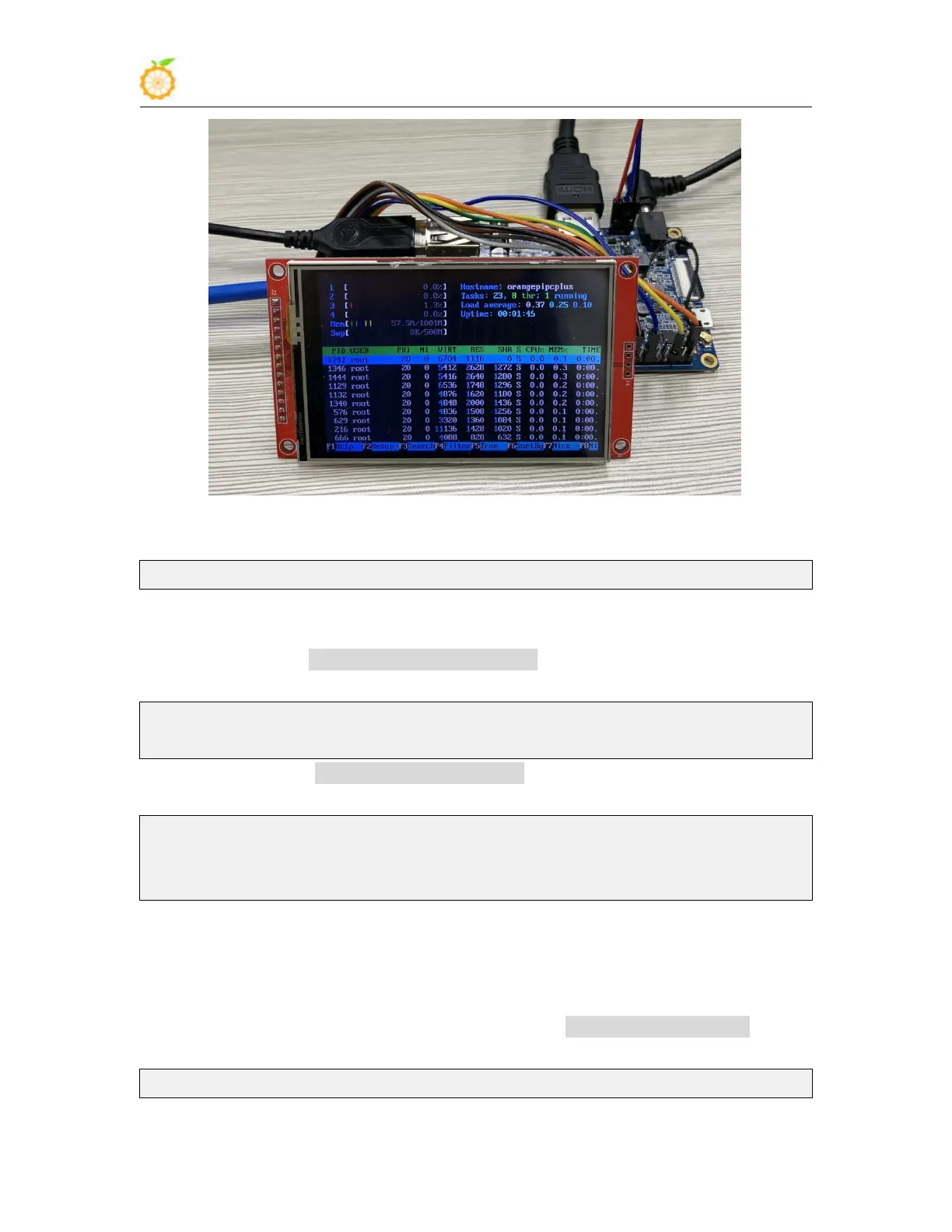
8) If you want the linux system to automatically map the console to the LCD display
after booting, please add the following configuration to /boot/orangepiEnv.txt, and then
restart the system to see the LCD display output
root@orangepi:~# cat /boot/orangepiEnv.txt | grep "fbcon"



 To Next Page