range Pi 用户手册 深圳市迅龙软件有限公司版权所有
www.orangepi.cn 104 www.xunlong.tv
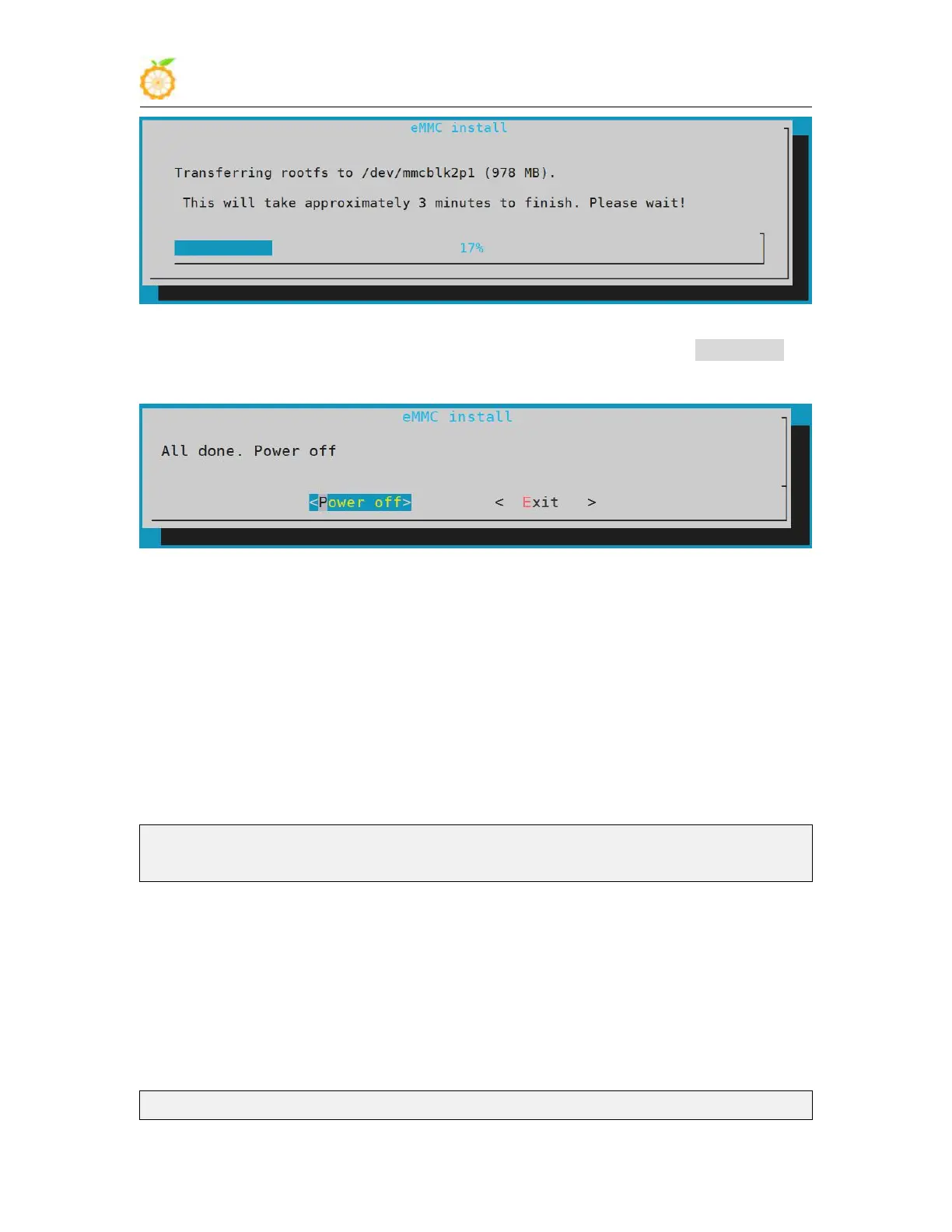
8) After burning, the following options will be prompted, you can select <Power off> to
shut down directly
9) Then pull out the TF card and power on again, the linux system in eMMC will be
started
3.29. View the chipid of the H3 chip
Note: This method is only suitable for linux3.4 system, linux5.4 system cannot read
1) The command to view the chipid of the h3 chip is as follows, the chipid of each chip
is different, so you can use chipid to distinguish multiple development boards
root@orangepi:~# cat /sys/class/sunxi_info/sys_info | grep "chipid"
sunxi_chipid : 541c035348a0471c0000115000000000
3.30. How to use linux3.4 system TV-OUT
Note: TV-OUT cannot be used in linux5.4 system, the following method is only
applicable to linux3.4 system
1) First set the scrpit.bin used by the linux kernel to orangepipcplus-tvout.bin
root@orangepi:~# rm /boot/script.bin



 To Next Page