range Pi 用户手册 深圳市迅龙软件有限公司版权所有
www.orangepi.cn 114 www.xunlong.tv
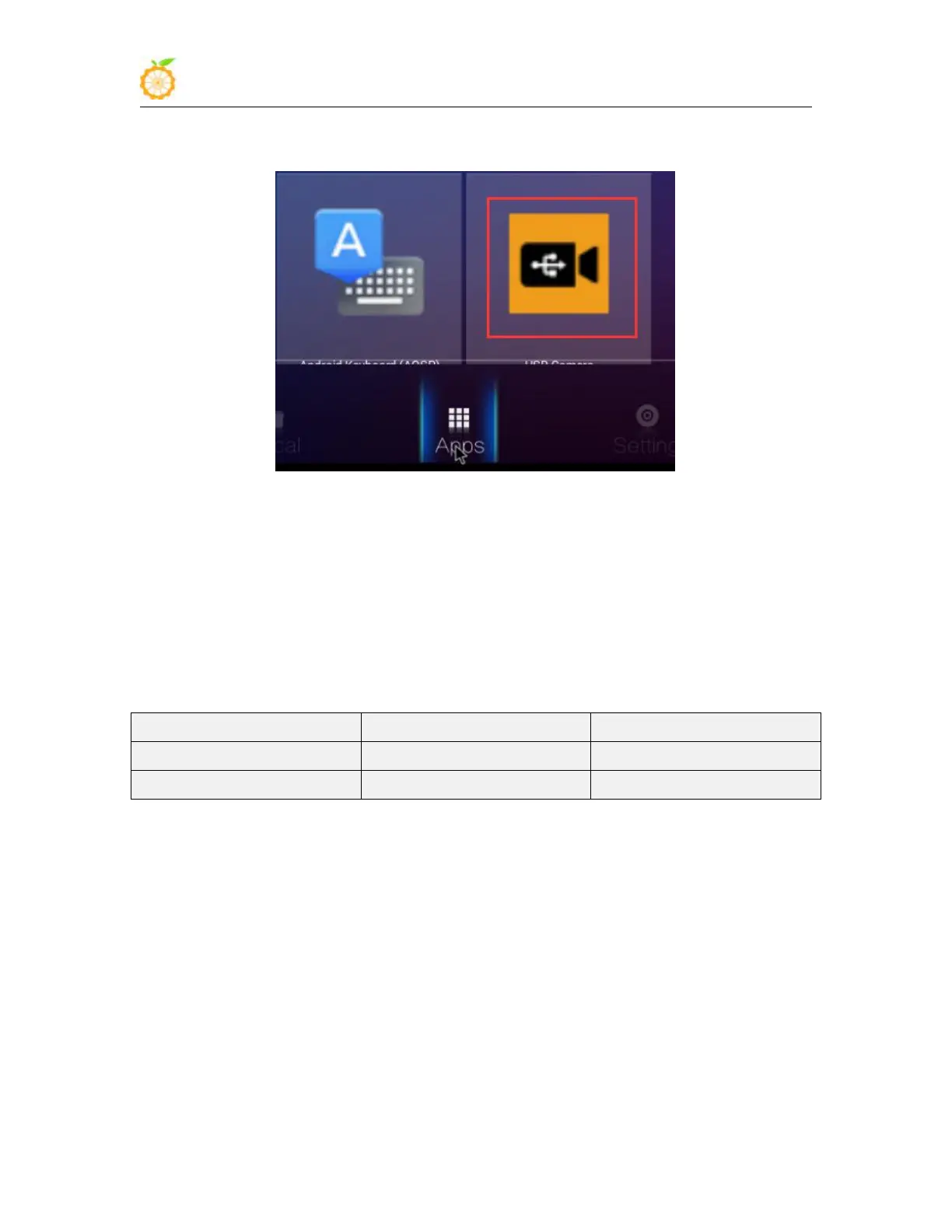
4) After installation, you can see the startup icon of the USB camera in all applications
5) Then open the USB camera APP and you can see the video output of the USB camera
4.7. How to use CSI camera
4.7.1. CSI camera interface specifications
1) The CSI interface of Orange Pi PC Plus supports two cameras, gc2035 and ov5640.
The support for cameras in different systems is explained as follows
2) The serial number of the CSI interface pins is shown in the figure below
a. The No. 1 pin of the CSI interface is connected to the No. 24 pin of the camera
adapter board
b. The 24th pin of the CSI interface is connected to the 1st pin of the camera
adapter board



 To Next Page