range Pi 用户手册 深圳市迅龙软件有限公司版权所有
www.orangepi.cn 45 www.xunlong.tv
^C
--- www.orangepi.org ping statistics ---
5 packets transmitted, 5 received, 0% packet loss, time 4005ms
rtt min/avg/max/mdev = 39.323/39.617/39.922/0.274 ms
3.11.
SSH remote login to the development board
Linux systems have SSH remote login enabled by default, and allow root users to log
in to the system. Before ssh login, you need to make sure that the Ethernet or wifi
network is connected, and then use the ifconfig command or check the router to obtain
the IP address of the development board
3.11.1.
SSH remote login development board under Ubuntu
1) First get the IP address of the development board
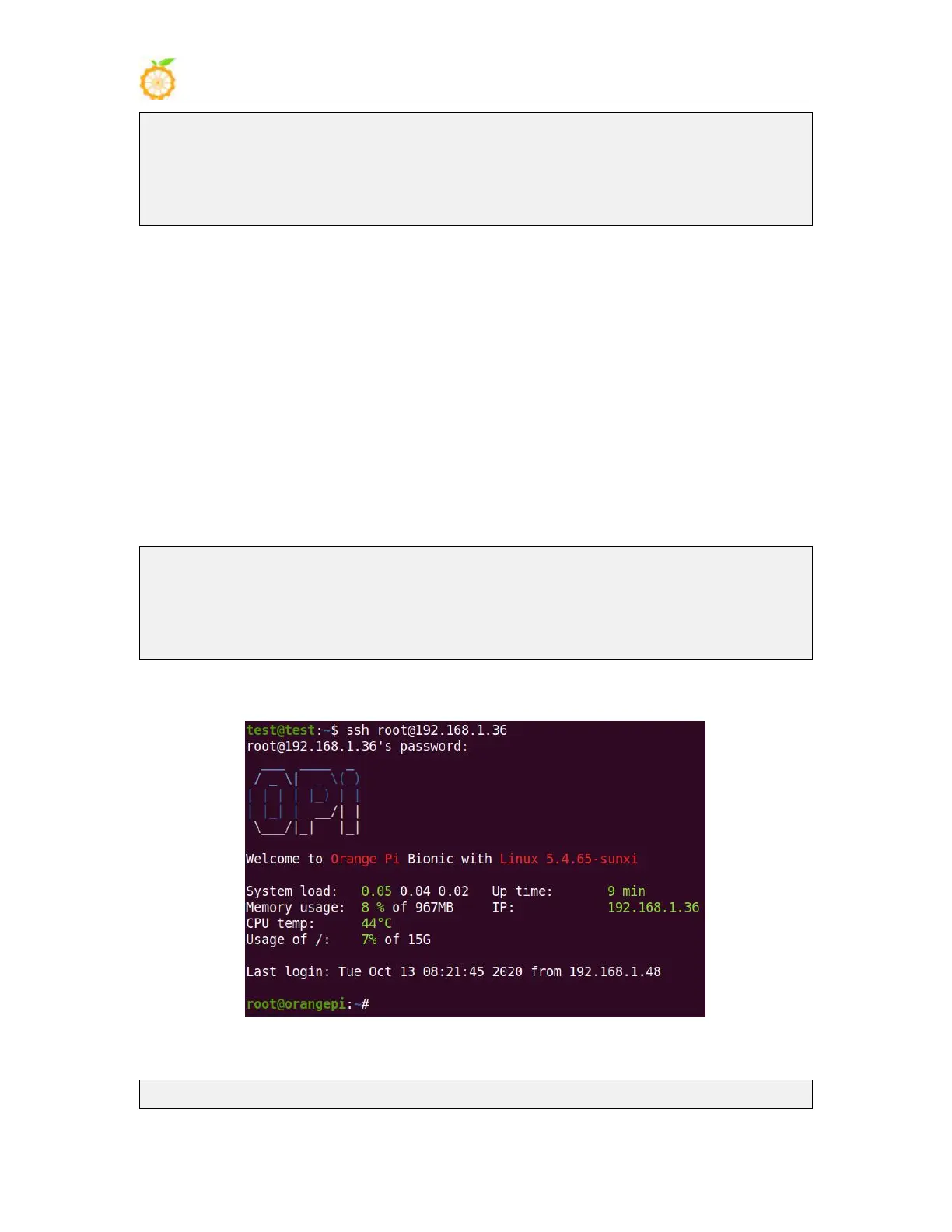
2) Then you can log in to the linux system remotely through the ssh command
test@test:~$ ssh root@192.168.1.36 // Need to be replaced with the IP address of
the development board
root@192.168.1.36's password: // Enter the password here, the default
password is orangepi
3) The display after successfully logging in to the system is as shown in the figure below
4) If the following error is prompted when ssh login
test@test:~$ ssh root@192.168.1.36



 To Next Page