range Pi 用户手册 深圳市迅龙软件有限公司版权所有
www.orangepi.cn 132 www.xunlong.tv
15) The method of installing the kernel header file into the linux system is as follows
a. Upload the deb package of the compiled linux header file to the linux system of
the development board
test@test:~/orangepi-build$ cd output/debs
test@test:~/orangepi-build/output/debs$ scp \
linux-headers-current-sunxi_2.1.0_armhf.deb root@192.168.1.207:/root
b. Then log in to the development board and install the deb package of the linux
header file just uploaded
root@orangepi:~# dpkg -i linux-headers-current-sunxi_2.1.0_armhf.deb
c. After installation, you can see the contents of the kernel header file just installed
in /usr/src
root@orangepi:~# ls /usr/src
linux-headers-current-sunxi
root@orangepi:~# ls /usr/src/linux-headers-current-sunxi
Documentation Module.symvers certs firmware init lib net security usr
Kconfig arch crypto fs ipc mm samples sound virt Makefile block
drivers include kernel modules scripts tools
5.4. Compile rootfs
1) Run the build.sh script, remember to add sudo permissions
test@test:~/orangepi-build$ sudo ./build.sh
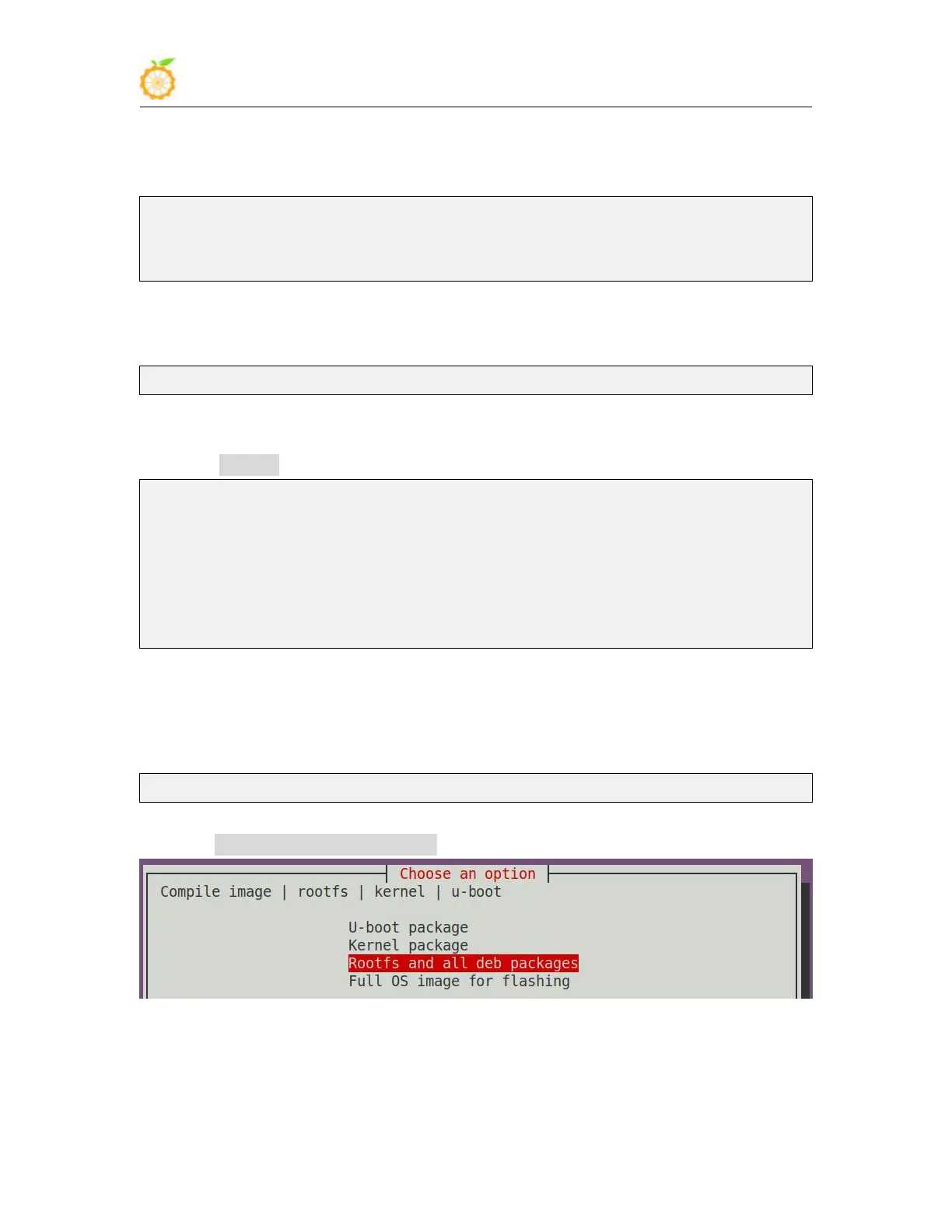
2) Select Rootfs and all deb packages, and then press Enter
3) Then select the model of the development board



 To Next Page