range Pi 用户手册 深圳市迅龙软件有限公司版权所有
www.orangepi.cn 102 www.xunlong.tv
3.28. How to burn linux image to eMMC
1) Burning the linux image to eMMC requires the help of a TF card. First, burn the linux
image to the TF card, and then start the development board to enter the linux system
2) Then run the nand-sata-install script
root@orangepi:~# nand-sata-install
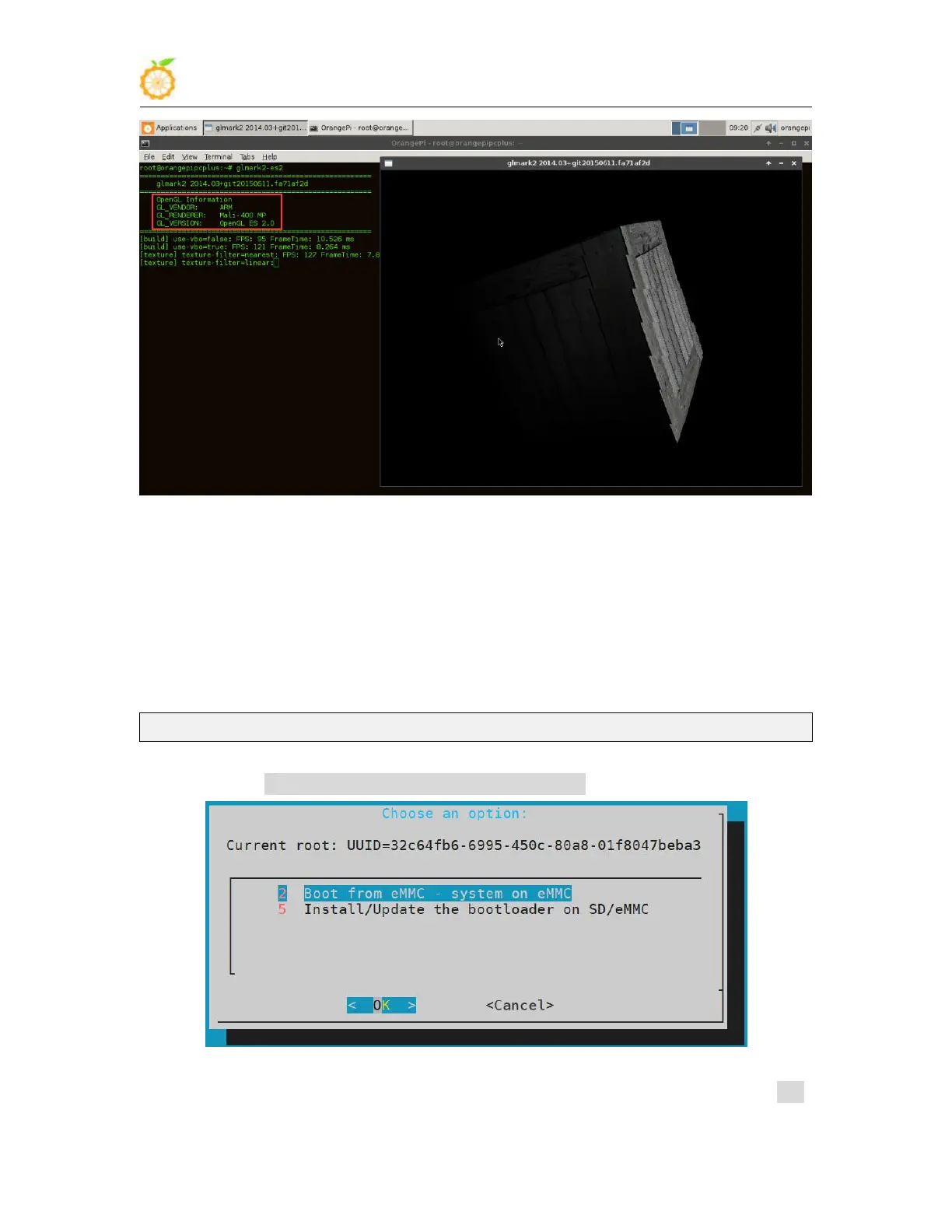
3) Then choose 2 Boot from eMMC - sysytem on eMMC
4) Then a warning will pop up, the script will erase all data on the eMMC, select <Yes>



 To Next Page