range Pi 用户手册 深圳市迅龙软件有限公司版权所有
www.orangepi.cn 37 www.xunlong.tv
root@orangepi:/sys/class/leds/red_led# echo none > trigger
3.6.
Description of automatic login for desktop version system
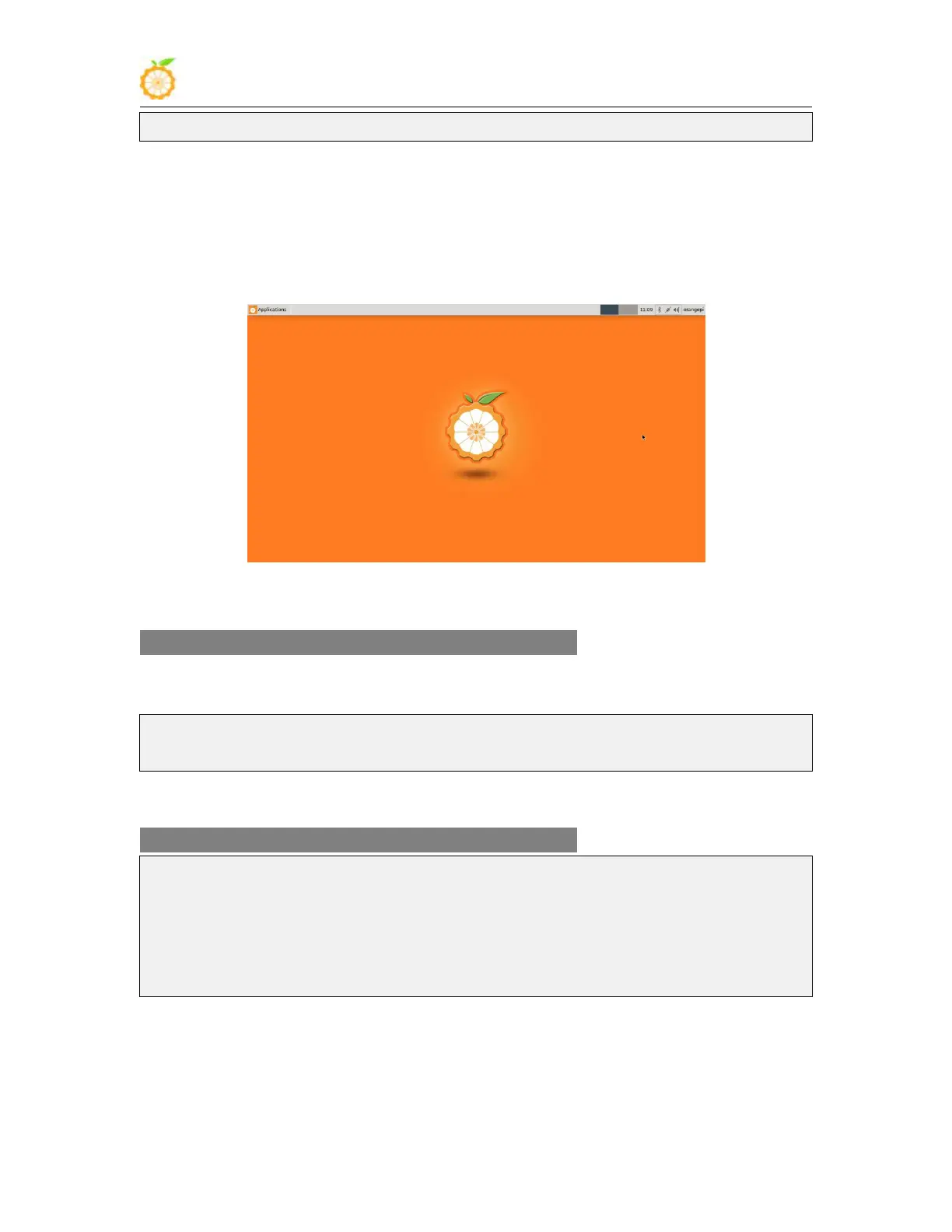
1) The linux5.4 desktop version system will automatically log in to the desktop after it is
started by default, without entering a password
2) Modify the configuration in
/etc/lightdm/lightdm.conf.d/22-orangepi-autologin.conf to prohibit the desktop version
system from automatically logging in to the desktop. The modification command is as
follows, or you can open the configuration file to modify it directly
root@orangepis:~# sed -i "s/autologin-user=orangepi/#autologin-user=orangepi/"
/etc/lightdm/lightdm.conf.d/22-orangepi-autologin.conf
3) After modification, the configuration of
/etc/lightdm/lightdm.conf.d/22-orangepi-autologin.conf is as follows
root@orangepis:~# cat /etc/lightdm/lightdm.conf.d/22-orangepi-autologin.conf
[Seat:*]
#autologin-user=orangepi
autologin-user-timeout=0
user-session=xfce
4) Then restart the system and a login dialog box will appear, at this time you need to
enter a password to enter the system



 To Next Page