range Pi 用户手册 深圳市迅龙软件有限公司版权所有
www.orangepi.cn 53 www.xunlong.tv
RX errors 0 dropped 61 overruns 0 frame 0
TX packets 27 bytes 14783 (14.7 KB)
TX errors 0 dropped 0 overruns 0 carrier 0 collisions 0
10) Use the ping command to test the connectivity of the wifi network
root@orangepi:~# ping www.orangepi.org -I wlan0
PING www.orangepi.org (182.92.236.130) from 192.168.1.49 wlan0: 56(84) bytes of
data.
64 bytes from 182.92.236.130 (182.92.236.130): icmp_seq=1 ttl=52 time=43.5 ms
64 bytes from 182.92.236.130 (182.92.236.130): icmp_seq=2 ttl=52 time=41.3 ms
64 bytes from 182.92.236.130 (182.92.236.130): icmp_seq=3 ttl=52 time=44.9 ms
64 bytes from 182.92.236.130 (182.92.236.130): icmp_seq=4 ttl=52 time=45.6 ms
64 bytes from 182.92.236.130 (182.92.236.130): icmp_seq=5 ttl=52 time=48.8 ms
^C
--- www.orangepi.org ping statistics ---
5 packets transmitted, 5 received, 0% packet loss, time 4006ms
rtt min/avg/max/mdev = 41.321/44.864/48.834/2.484 ms
3.13.3. Test method of desktop version image
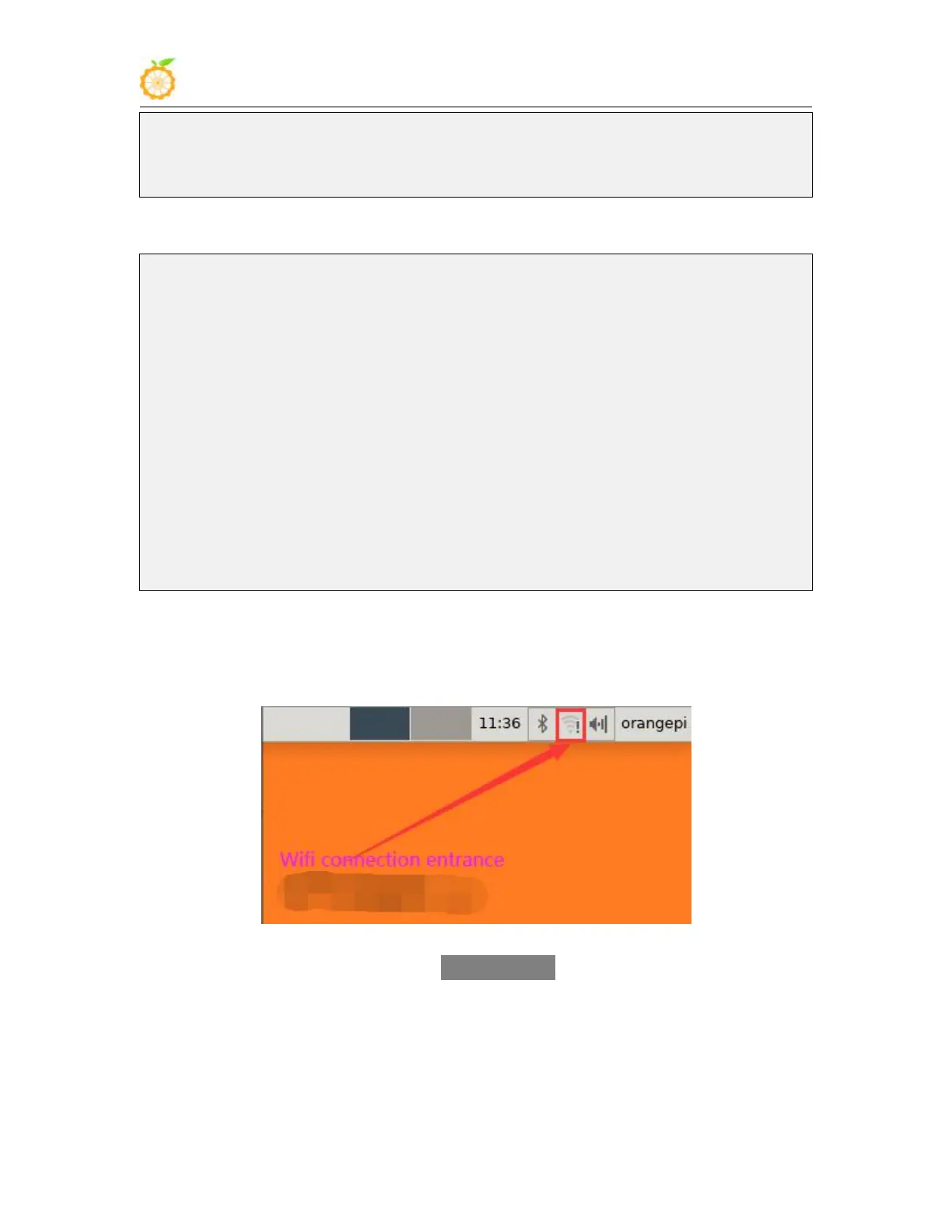
1) Click the network configuration icon in the upper right corner of the desktop (please
do not connect the network cable when testing WIFI)
2) In the pop-up drop-down box, click More networks to see all scanned WIFI hotspots,
and then select the WIFI hotspot you want to connect to



 To Next Page