range Pi 用户手册 深圳市迅龙软件有限公司版权所有
www.orangepi.cn 88 www.xunlong.tv
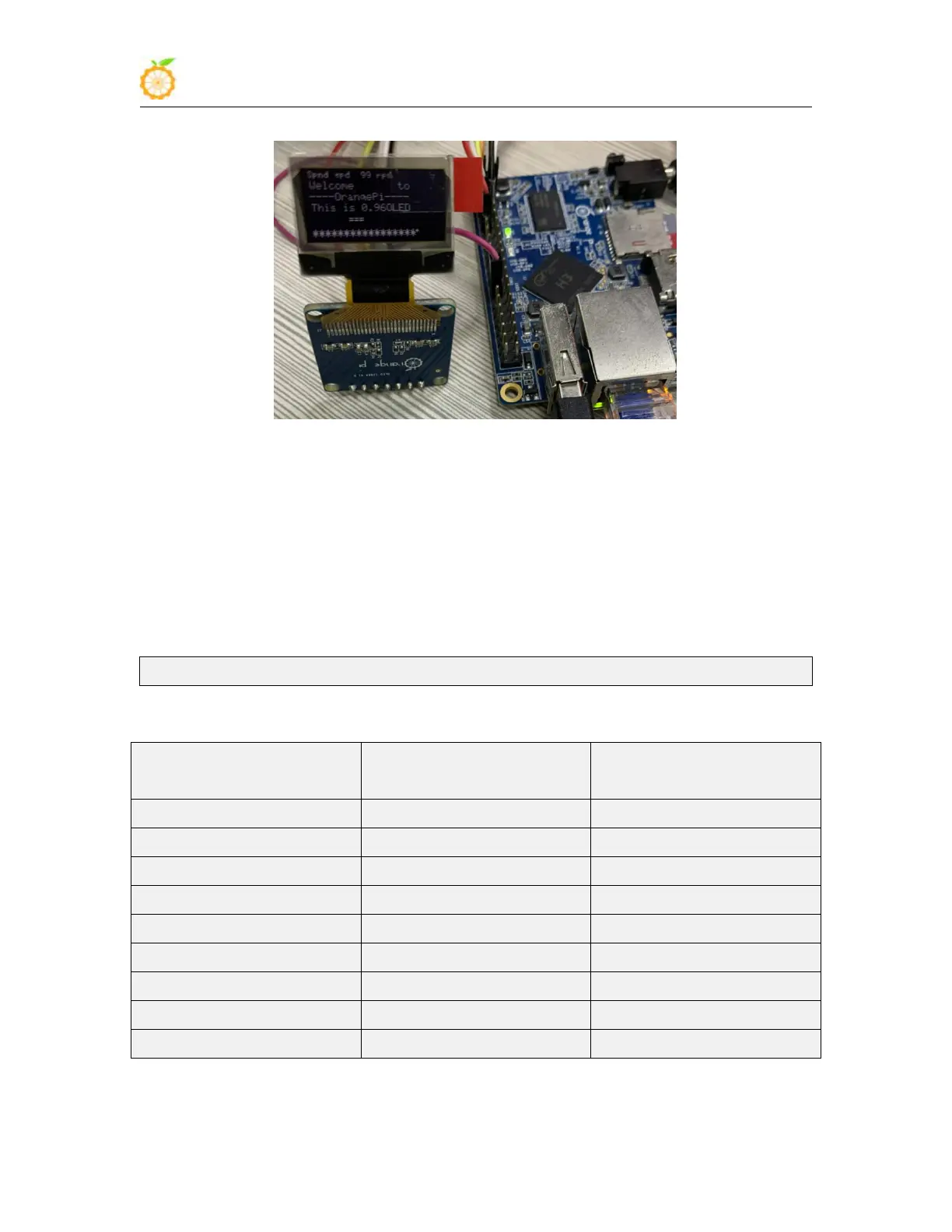
5) After running oled_demo, you can see the following output on the OLED screen
3.26. How to use SPI LCD display
Note: This method is only applicable to linux3.4 kernel systems, and linux5.4 kernel
systems cannot be used
3.26.1. 2.4 inch SPI LCD display
1) The link to the tested LCD display details page is as follows
http://www.lcdwiki.com/2.4inch_SPI_Module_ILI9341_SKU:MSP2402
2) The wiring method of the LCD display and the development board is as follows
The corresponding pins of
development board 40pin
3) After connecting the display to the development board, use the following command to



 To Next Page