range Pi 用户手册 深圳市迅龙软件有限公司版权所有
www.orangepi.cn 117 www.xunlong.tv
4.7.3.
How to use the ov5640 camera in Android4.4 system
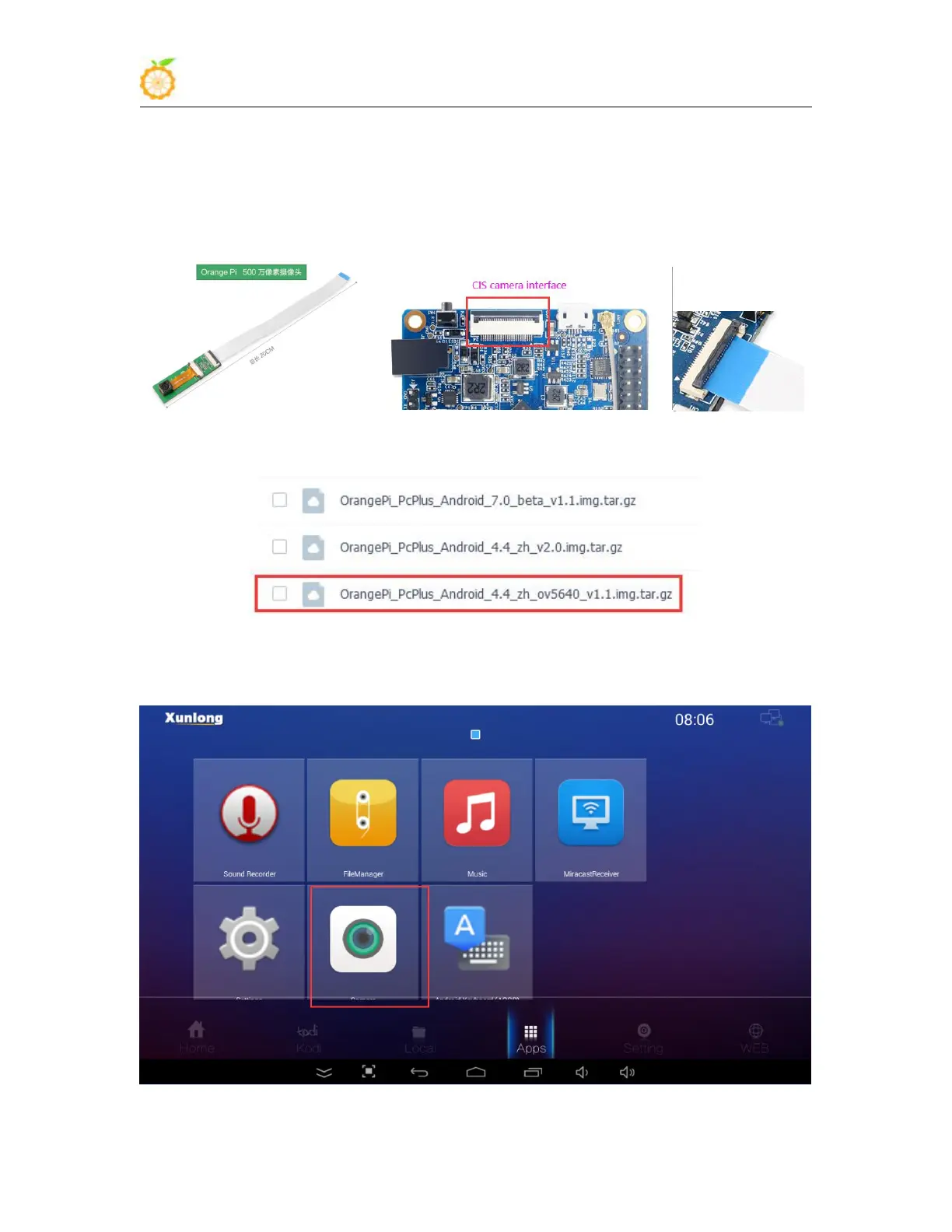
1) First connect the Ov5640 camera adapter board to the CIS camera interface of the
development board through a cable, and then start the Android system after connecting
the camera (don’t plug in the camera after powering on)
2) Android 4.4 system test ov5640 camera requires the following Android image
3) After the Android system is started, open the camera APP and you can see the output
of the ov5640 camera. The location of the camera APP is shown in the figure below



 To Next Page