range Pi 用户手册 深圳市迅龙软件有限公司版权所有
www.orangepi.cn 55 www.xunlong.tv
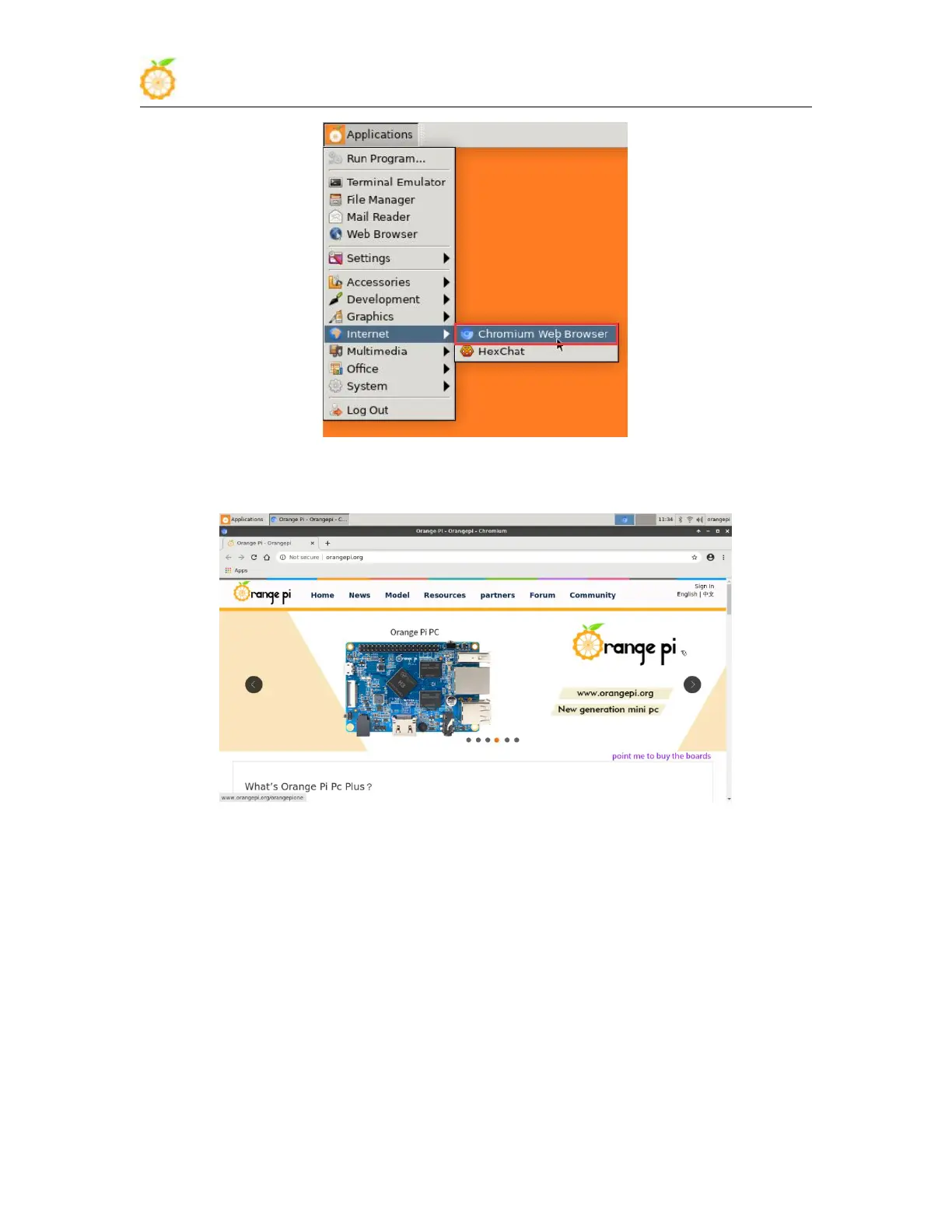
5) After opening the browser, if you can see the page of Orange Pi website, or you can
open other web pages, it means that the WIFI connection is normal
3.14. USB interface test
3.14.1. Connect mouse or keyboard test
1) Insert the keyboard of the USB interface into the USB interface of the Orange Pi
development board
2) Connect the Orange Pi development board to the HDMI display
3) If the mouse or keyboard can operate normally, the USB interface is used normally



 To Next Page