range Pi 用户手册 深圳市迅龙软件有限公司版权所有
www.orangepi.cn 50 www.xunlong.tv
64 bytes from 182.92.236.130 (182.92.236.130): icmp_seq=1 ttl=52 time=43.5 ms
64 bytes from 182.92.236.130 (182.92.236.130): icmp_seq=2 ttl=52 time=41.3 ms
64 bytes from 182.92.236.130 (182.92.236.130): icmp_seq=3 ttl=52 time=44.9 ms
64 bytes from 182.92.236.130 (182.92.236.130): icmp_seq=4 ttl=52 time=45.6 ms
64 bytes from 182.92.236.130 (182.92.236.130): icmp_seq=5 ttl=52 time=48.8 ms
^C
--- www.orangepi.org ping statistics ---
5 packets transmitted, 5 received, 0% packet loss, time 4006ms
rtt min/avg/max/mdev = 41.321/44.864/48.834/2.484 ms
3.13.2. The server version image is connected to WIFI graphically
1) Log in to the linux system first, there are three ways
a. If the development board is connected to the network cable, you can log in to the
Linux system remotely via SSH
b. If the debugging serial port is connected to the development board, you can use the
serial terminal to log in to the Linux system (for serial port software, please use
MobaXterm, and minicom cannot display the graphical interface)
c. If the development board is connected to the HDMI display, you can log in to the
Linux system through the HDMI display terminal
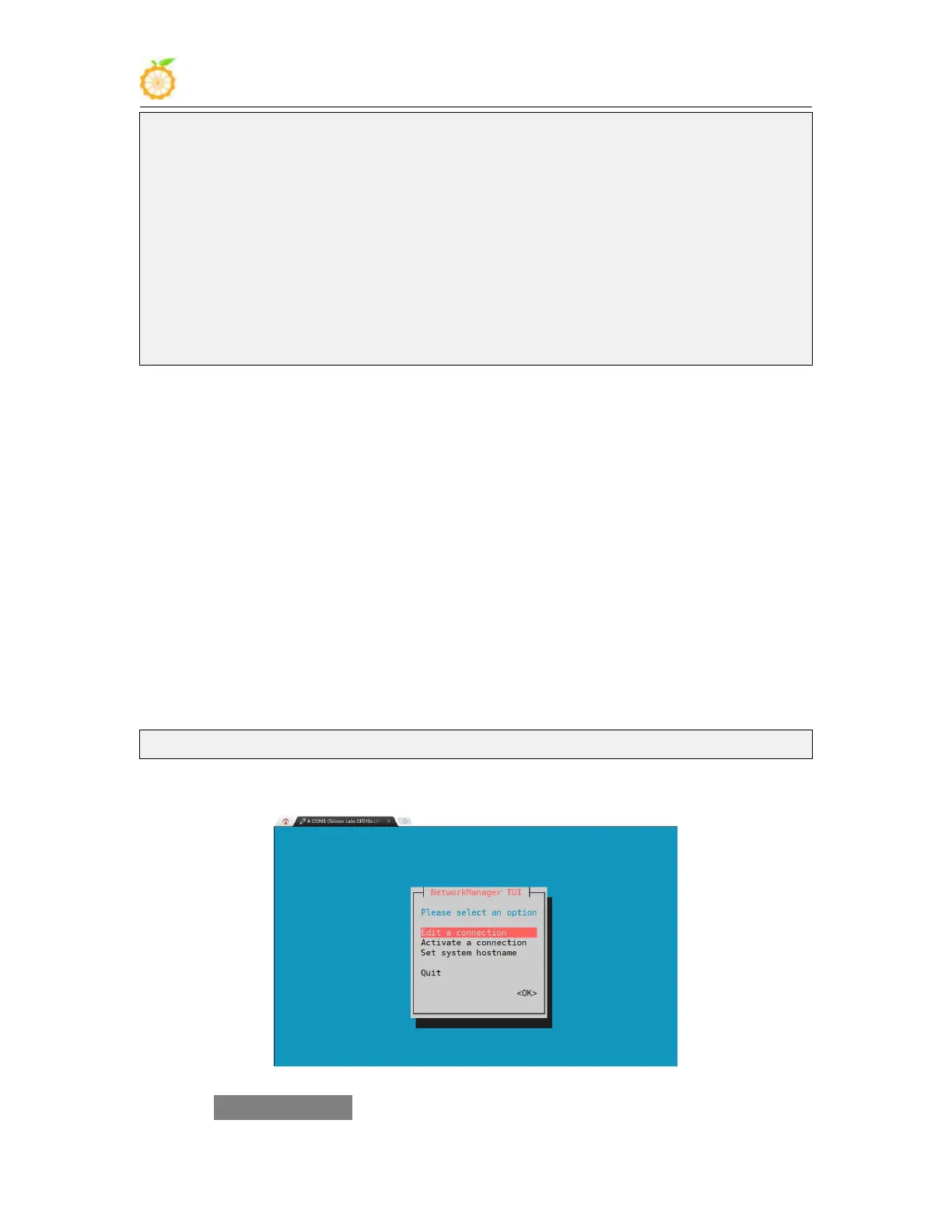
2) Then enter the nmtui command in the command line to open the wifi connection
interface
root@orangepi:~# nmtui
3) Enter the nmtui command to open the interface as shown below
4) Select Activate a connect and press Enter



 To Next Page