range Pi 用户手册 深圳市迅龙软件有限公司版权所有
www.orangepi.cn 49 www.xunlong.tv
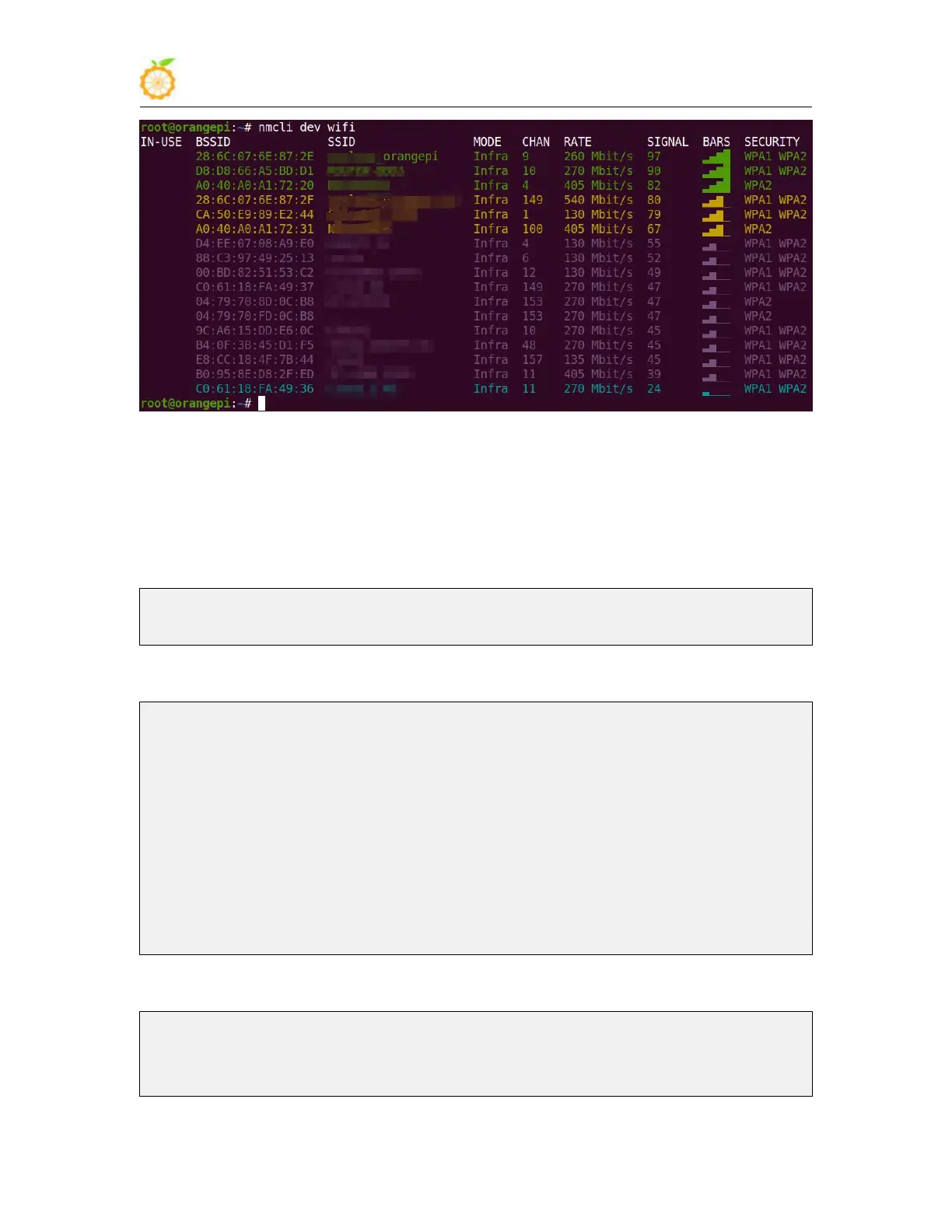
2) Then use the nmcli command to connect to the scanned WIFI hotspot, where:
a. wifi_name
:
Need to change to the name of the WIFI hotspot you want to
connect to
b. wifi_passwd
:
You need to change to the password of the WIFI hotspot you want
to connect to
root@orangepi:~# nmcli dev wifi connect wifi_name password wifi_passwd
Device 'wlan0' successfully activated with 'cf937f88-ca1e-4411-bb50-61f402eef293'.
3) The wifi IP address can be viewed through the ifconfig command
root@orangepi:~# ifconfig wlan0
wlan0: flags=4163<UP,BROADCAST,RUNNING,MULTICAST> mtu 1500
inet 192.168.1.49 netmask 255.255.255.0 broadcast 192.168.1.255
inet6 fe80::76bb:f67d:ef98:2f9a prefixlen 64 scopeid 0x20<link>
ether 12:81:3e:a8:58:d8 txqueuelen 1000 (Ethernet)
RX packets 185 bytes 109447 (109.4 KB)
RX errors 0 dropped 61 overruns 0 frame 0
TX packets 27 bytes 14783 (14.7 KB)
TX errors 0 dropped 0 overruns 0 carrier 0 collisions 0
4) Use the ping command to test the connectivity of the wifi network
root@orangepi:~# ping www.orangepi.org -I wlan0
PING www.orangepi.org (182.92.236.130) from 192.168.1.49 wlan0: 56(84) bytes of
data.



 To Next Page