range Pi 用户手册 深圳市迅龙软件有限公司版权所有
www.orangepi.cn 86 www.xunlong.tv
Out: 4: -> 4
Out: 5: -> 5
Out: 6: -> 6
Out: 7: -> 7
Out: 8: -> 8^C
3.25.
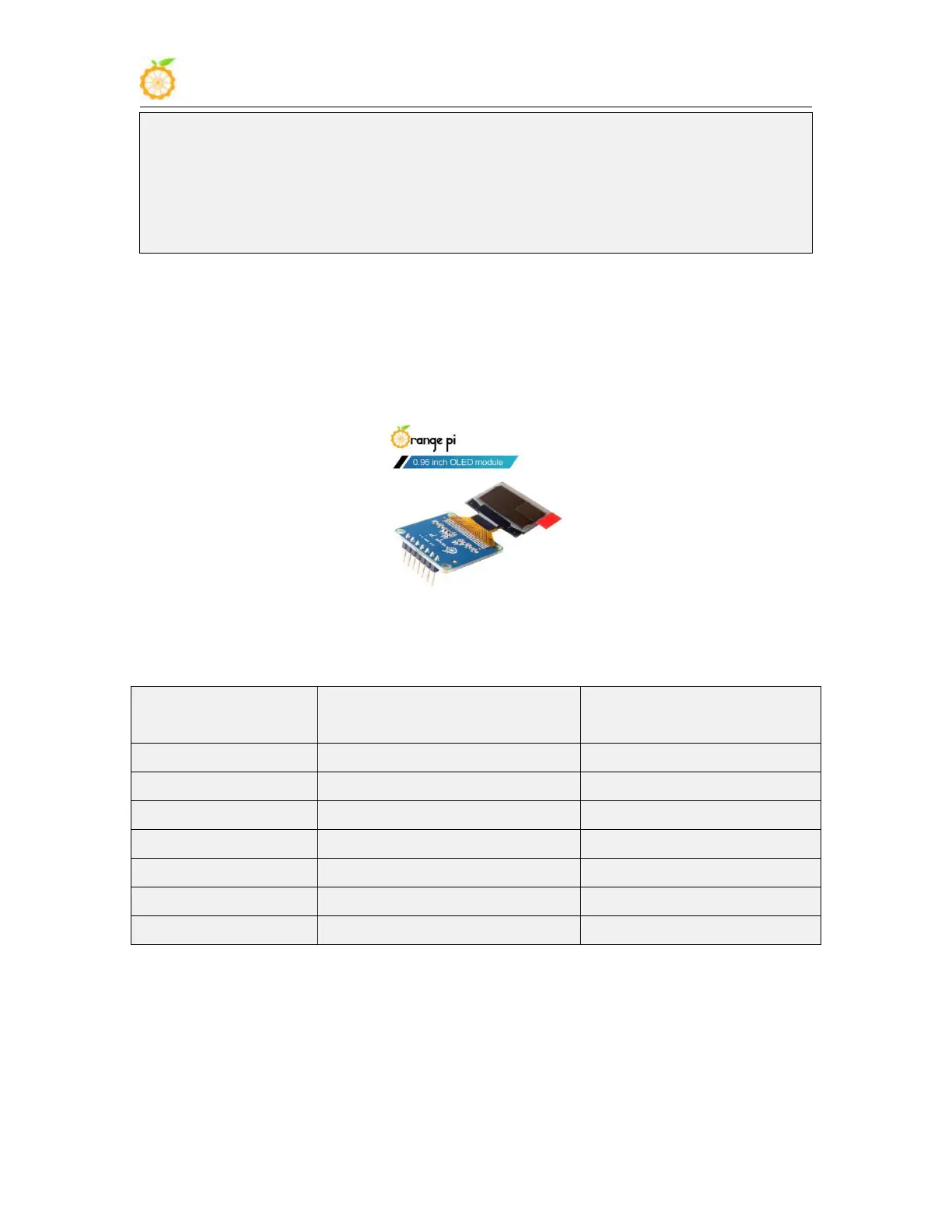
How to use 0.96 inch OLED module with I2C interface
1) The 0.96 inch OLED module of Orange Pi is shown in the figure below, and its 7-bit
i2c slave address is 0x3c
2) First connect the 0.96 inch OLED module to the 40pin interface of the Orange Pi
development board through the DuPont cable. The wiring method is as follows
Development board 40pin
interface corresponding pin



 To Next Page